# 📺 File classification (pdf/mp4/png/jpg) in Baserow using nested formulas tutorial
**URL:** https://community.baserow.io/t/file-classification-pdf-mp4-png-jpg-in-baserow-using-nested-formulas-tutorial/9824
**Category:** Made with Baserow
**Created:** [March 31, 2025, 10:51am UTC](https://community.baserow.io/t/file-classification-pdf-mp4-png-jpg-in-baserow-using-nested-formulas-tutorial/9824 "2025-03-31T10:51:58Z")
**Posts on this page:** 2
**Page:** 1
### Author:  [@360Creators](https://community.baserow.io/u/360Creators)
#### Post date: [March 31, 2025, 10:51am UTC](https://community.baserow.io/t/file-classification-pdf-mp4-png-jpg-in-baserow-using-nested-formulas-tutorial/9824/1 "2025-03-31T10:51:58Z")
In this tutorial I will explain how to do file classification. So to check if a file is a pdf, mp4, jpg, png or whatever else there is.
Timestamps:
0:00 intro
0:30 get all data on file attachment file
1:48 using search to check file type extension
2:24 using if formula to display file type
3:00 nesting 3 formula fields into 1 formula field
4:30 nesting if formulas into if formulas
6:09 hire ronald
[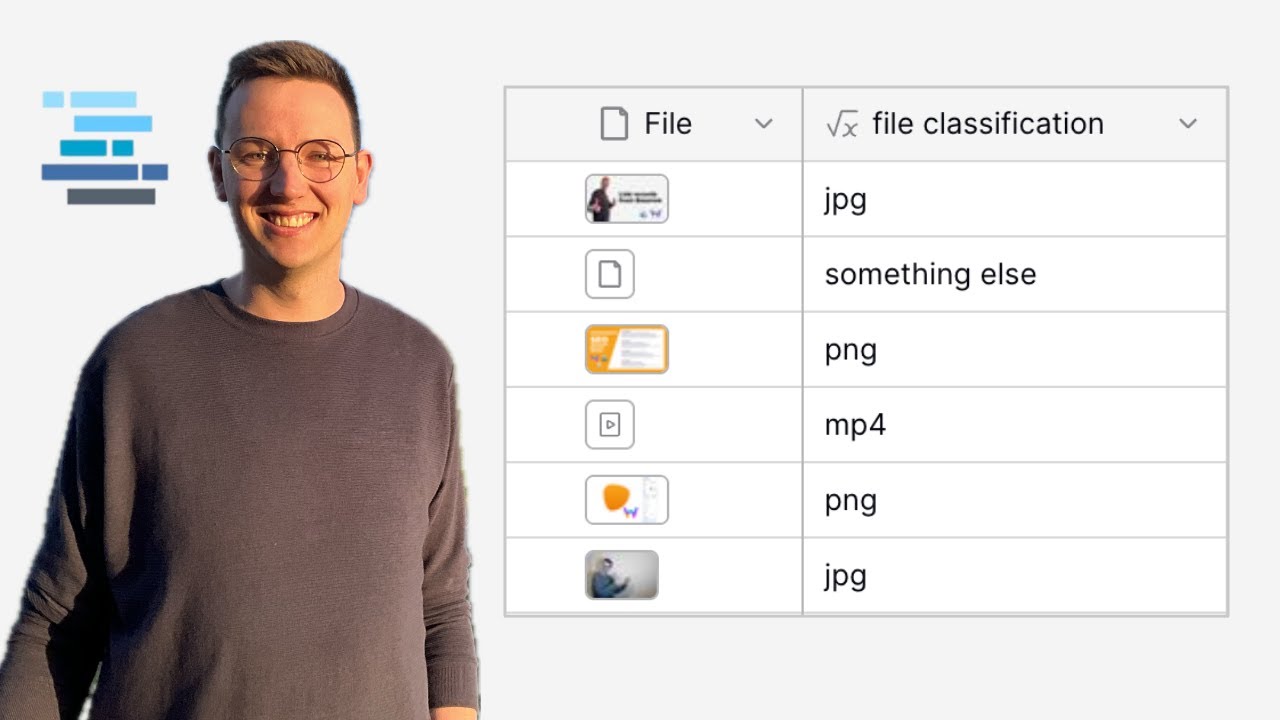 ](https://www.youtube.com/watch?v=WC5sqlzy-K4)
---
### Author:  [@olgatrykush](https://community.baserow.io/u/olgatrykush)
#### Post date: [March 31, 2025, 2:13pm UTC](https://community.baserow.io/t/file-classification-pdf-mp4-png-jpg-in-baserow-using-nested-formulas-tutorial/9824/2 "2025-03-31T14:13:36Z")
Another excellent tutorial, @360Creators! Thank you! 🚀