form in application: live calculation

:robot: Kuma (Baserow’s AI assistant): often the fastest way to get help. Try asking Kuma before posting here. Available to all SaaS users, and to self-hosted users with a connected AI model.

on

Are you using our SaaS platform (Baserow.io) or self-hosting Baserow?

SaaS

What do you need help with?

I have a table in my application, which I use as a form. in this form, I have a field that I would like to fill automatically based on another field in the form. very concretely, I would like the “Final total” field to update according to the “Acte” field. I have already tried a few formulas but I cannot get a “Total Final” which is in a column on a table in my database, based on an “acte” which is in the form above. I would like this calculation or this correspondence to be done directly, when filling out the form, even before the line is created in the database.

Is this possible and how to do it?

thank you for your help.

@frederikdc we would appreciate your help here :slightly_smiling_face:

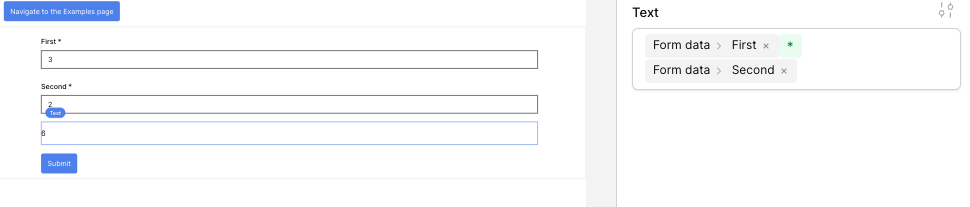
It depends on your formula. In a very simple case where you just want to add or multiple 2 numbers, you can use the export mode for a formula and multiple the two values. They will be updated every time a value changes.

thank you for your response.
the first field is a record selector which allows you to choose a value among others in my database.

The second field (which I am trying to configure) is also intended to display data present in my database, located on the same line as the value selected above with the record selector. And therefore depending on what is chosen above, this field must be updated to find the correct value. 

Was I understandable?

We don’t have the functionality yet to respond to the change in a record selector. There is an issue for that in our backlog: Add more events to element like click or change · Issue #2748 · baserow/baserow · GitHub

A workaround here could be using the Repeat element instead of Record selector. Add a link item inside the Repeat element. Clicking that Link element refreshes the data source to the selected element using a query string parameter.

However, the user experience will never be the same as using a dropdown list.