Are you using our SaaS platform (Baserow.io) or self-hosting Baserow?
SaaS
What are the exact steps to reproduce this issue?
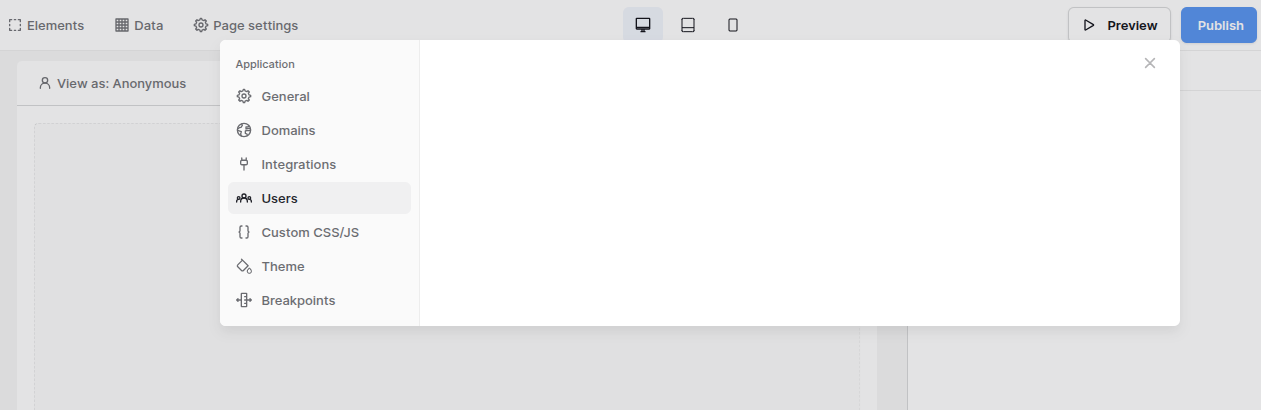
In Application Builder: click the three little dots next to the app’s name. Select Settings. Select Users. The page that usually has a button to allow you to add a new user source and shows you your existing user sources is instead completely blank. See screenshot attached.
Attach screenshots, videos, or logs that demonstrate the issue.
I’m not sure what steps would be required to recreate this issue. It happened after I tried to set up Google oAuth. If I create a new application in the same workspace, the new application is fine (it doesn’t have this issue). So the problem seems to be localised to my application rather than workspace or account.