Are you using our SaaS platform (Baserow.io) or self-hosting Baserow?
SaaS
What do you need help with?
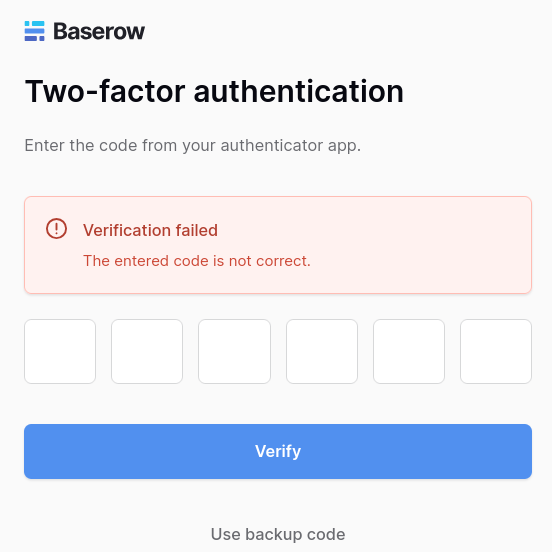
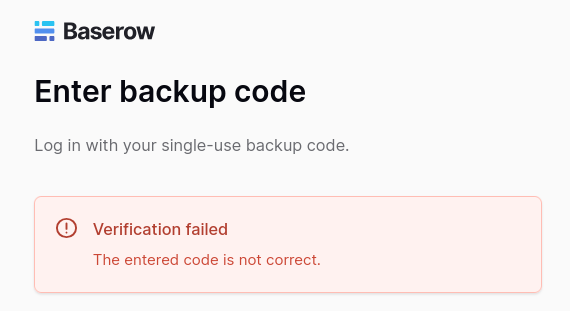
Loging in to my account when verification of 2fa and back up codes have both failed. Please see the screenshots for proof. Any ideas?
SaaS
Loging in to my account when verification of 2fa and back up codes have both failed. Please see the screenshots for proof. Any ideas?
Hello @reboot,
Please accept my apologies for the inconvenience. We’ll investigate this further for you. Can you please confirm for me:
Cheers,
Peter Evans
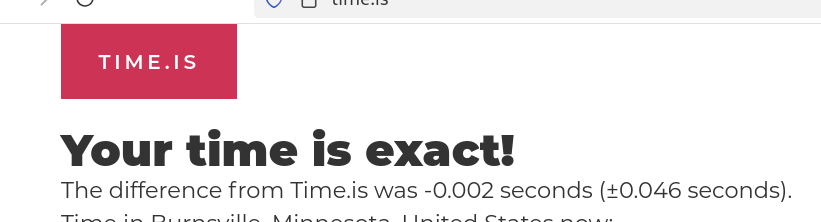
@reboot As @picklepete already suggested, 2FA requires to have the correct time set on your device. However what is weird is that you should be definitely be able to use the back up codes.
So for a back up code, make sure you enter exactly one of the provided codes without spaces or other characters. During setup, you should be given several codes, each on its own line, and you are supposed to just use one of them (e.g. copy paste just first line exactly).
Yep. I agree weird on the back up code which I copied and pasted.
Did you copy and paste only one of the lines (not the whole thing)?
Also, I am using Firefox myself, and don’t observe any issues there with our 2fa.
Yes. I copied and pasted only one line as directed.
Can you try it again, e.g. disable and enable 2fa again, and see how it goes? During the setup you can “pair” multiple devices/auth applications to see if they generate the same codes.