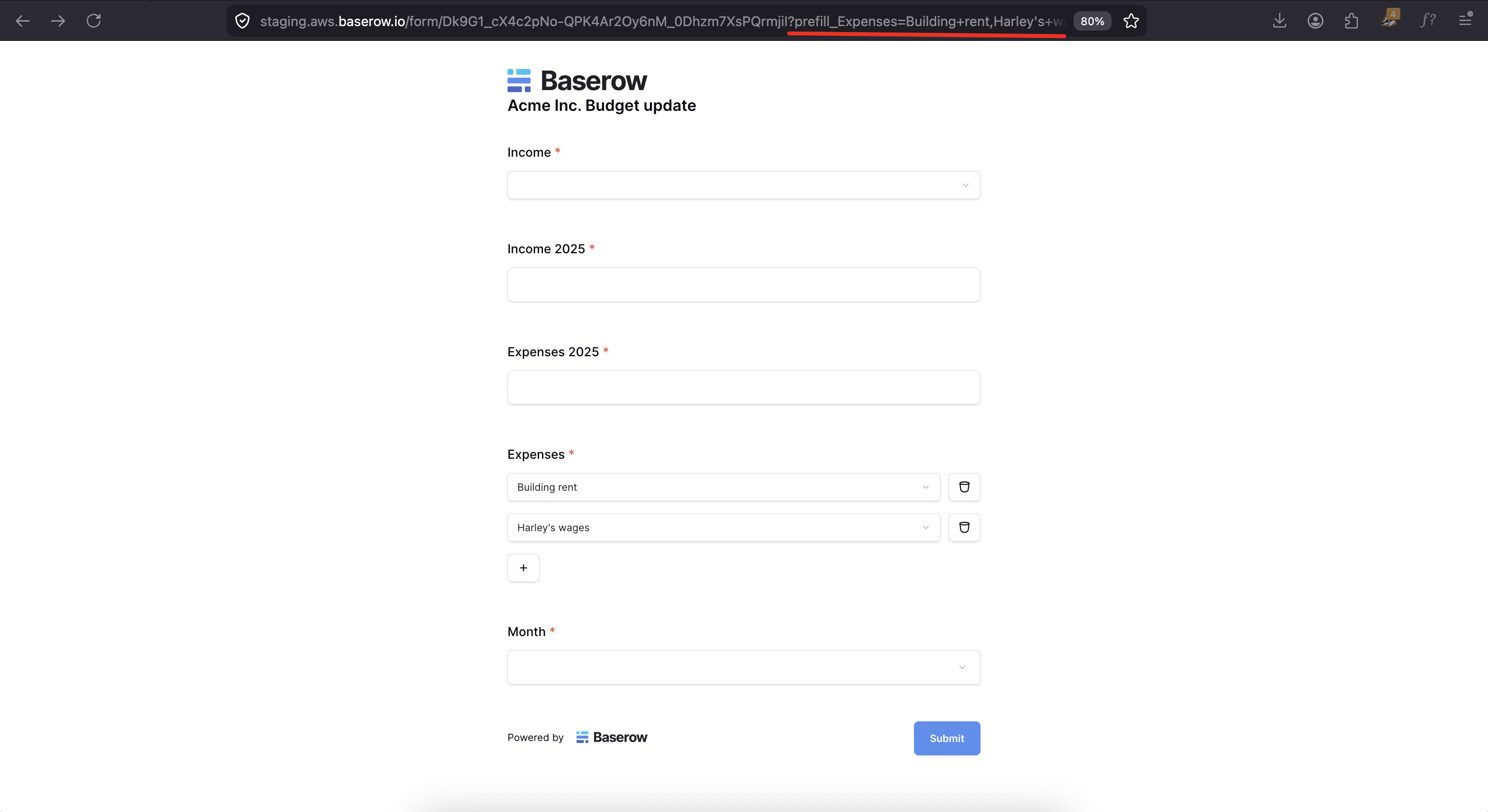
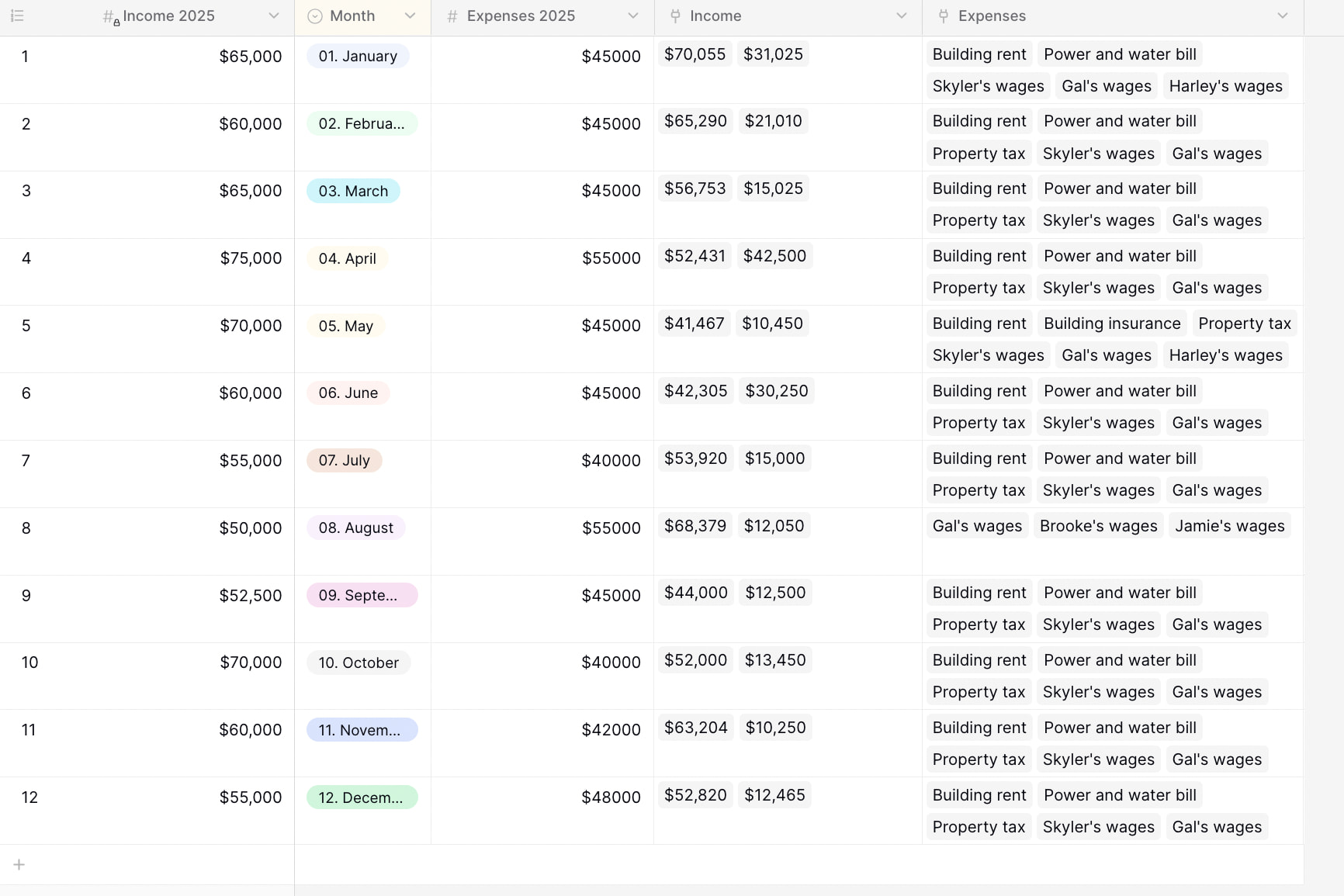
Sorry @olgatrykush, I didn’t give enough information
It doesn’t work with a link to a table field
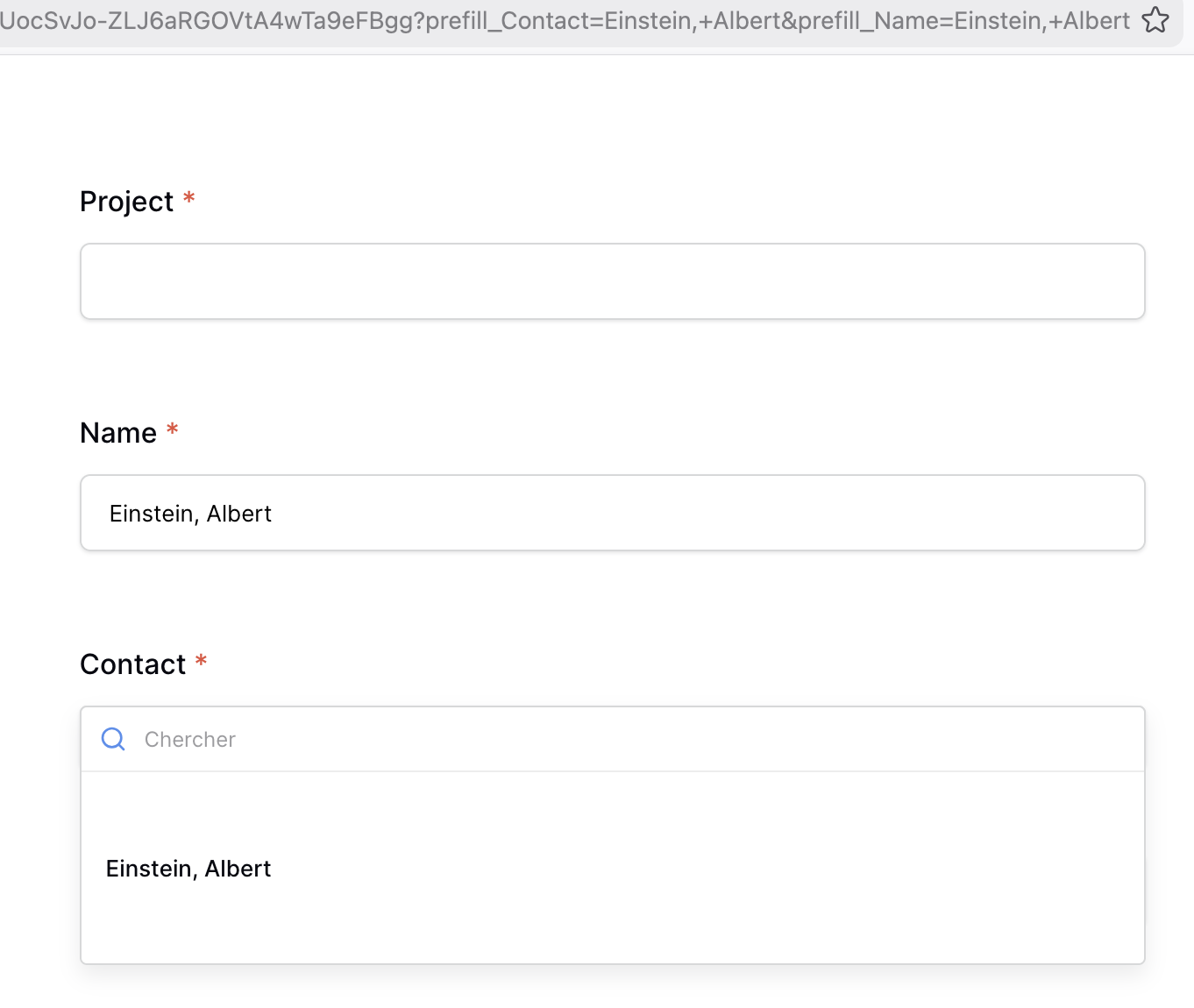
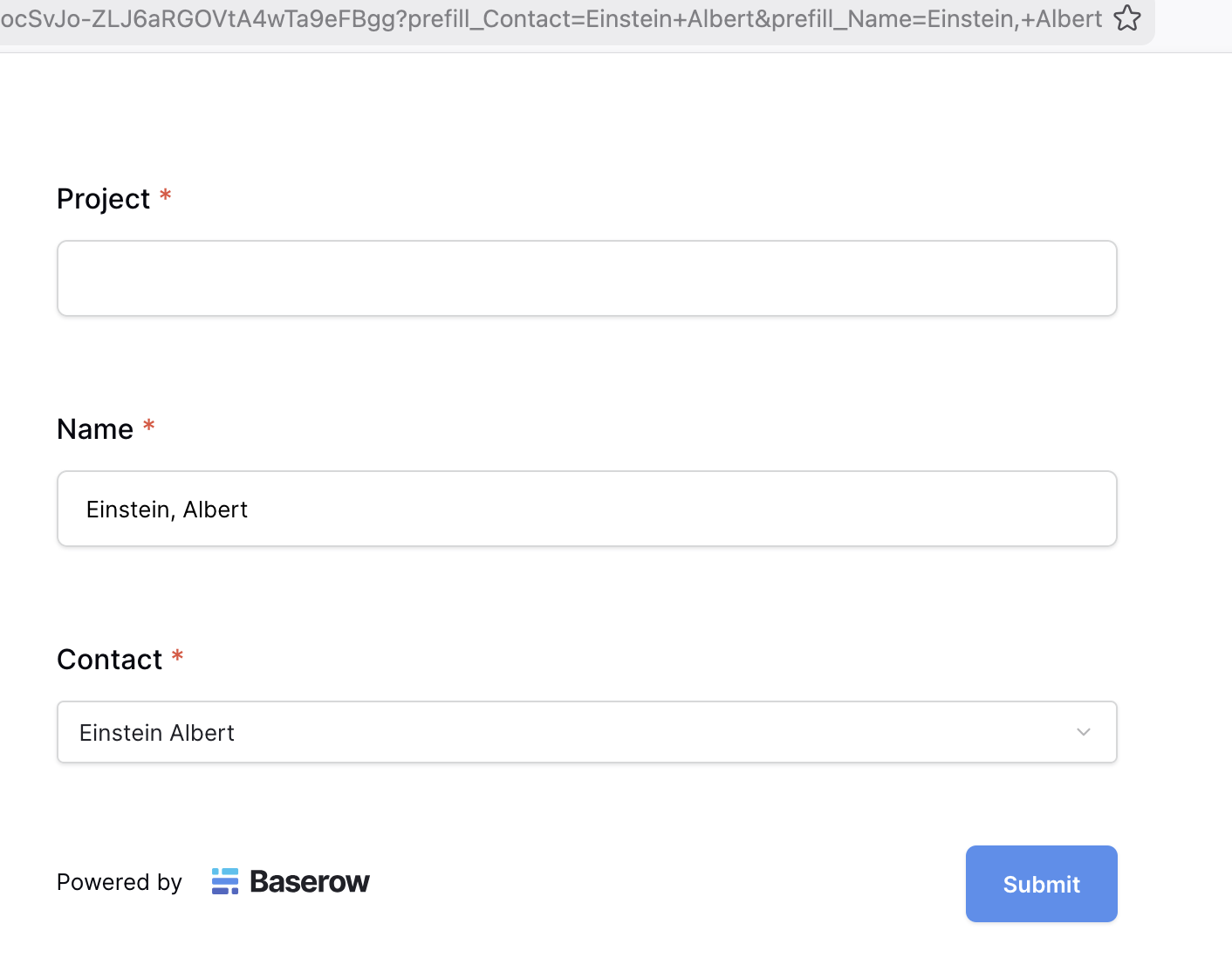
Here an example, with “Eintein, Albert” content inside the field Name in the table of the form, it’s work, but. with the same content inside the field Contact, first field of the linked table, it doesn’t work
Hey @olgatrykush
Yes, as I said, I finally read the documentation, and the examples I gave use this mechanism; I think the problem stems from using a comma as a separator.
Based on my experiments, I asked the AI Claude to write a report that was clearer than my explanations.
Prefill via URL: comma in linked row value breaks both single and multiple modes
When using the prefill_ URL parameter on a Link to table field, the comma (,) is used as a separator between multiple linked row values. This causes two distinct issues:
Issue 1 — Multiple mode: no escaping mechanism for commas within values
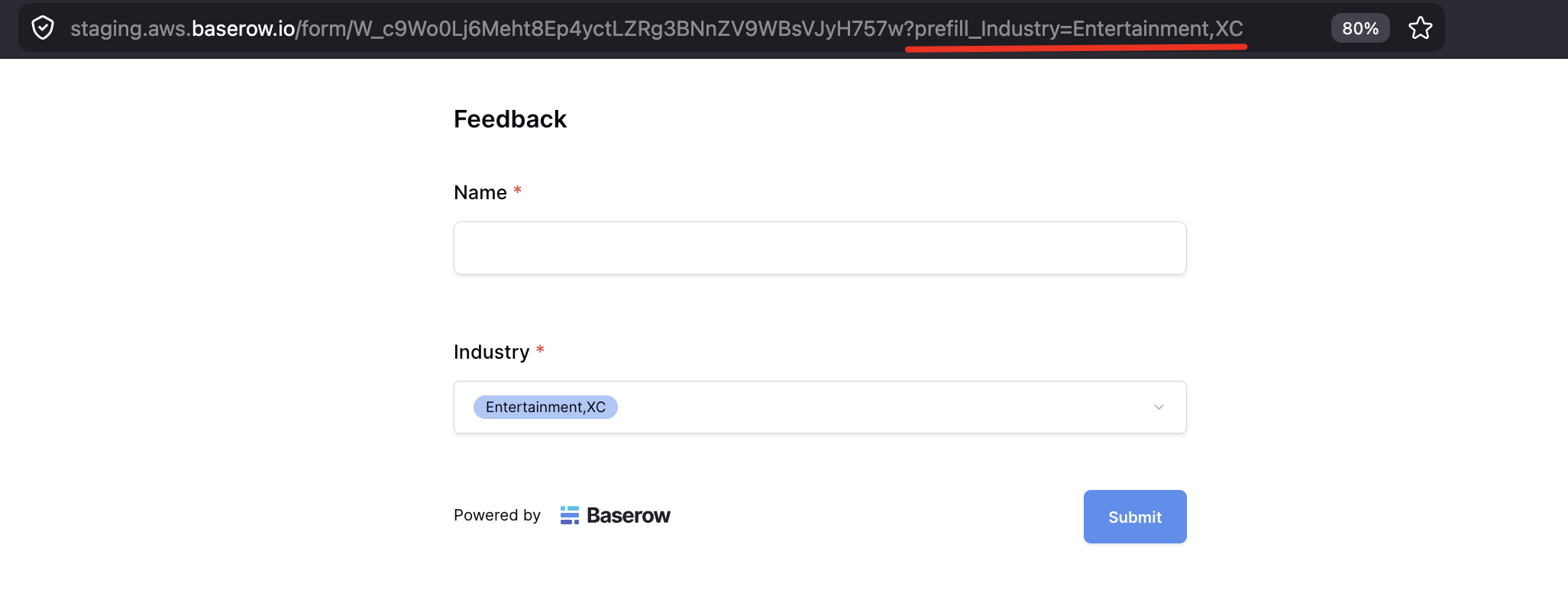
In multiple mode, the comma separator is documented and expected. However, if a linked row’s display value itself contains a comma (e.g. Einstein, Albert), there is no way to escape it. The parser splits on every comma unconditionally, so ?prefill_MyField=Einstein, Albert is interpreted as two separate values (Einstein and Albert) instead of one, and the prefill silently fails to match any row.
URL-encoding the comma as %2C does not help, as it gets decoded before the split is applied.
There is currently no documented or functional escaping mechanism for this case.
Issue 2 — Single mode: comma splitting should not apply at all
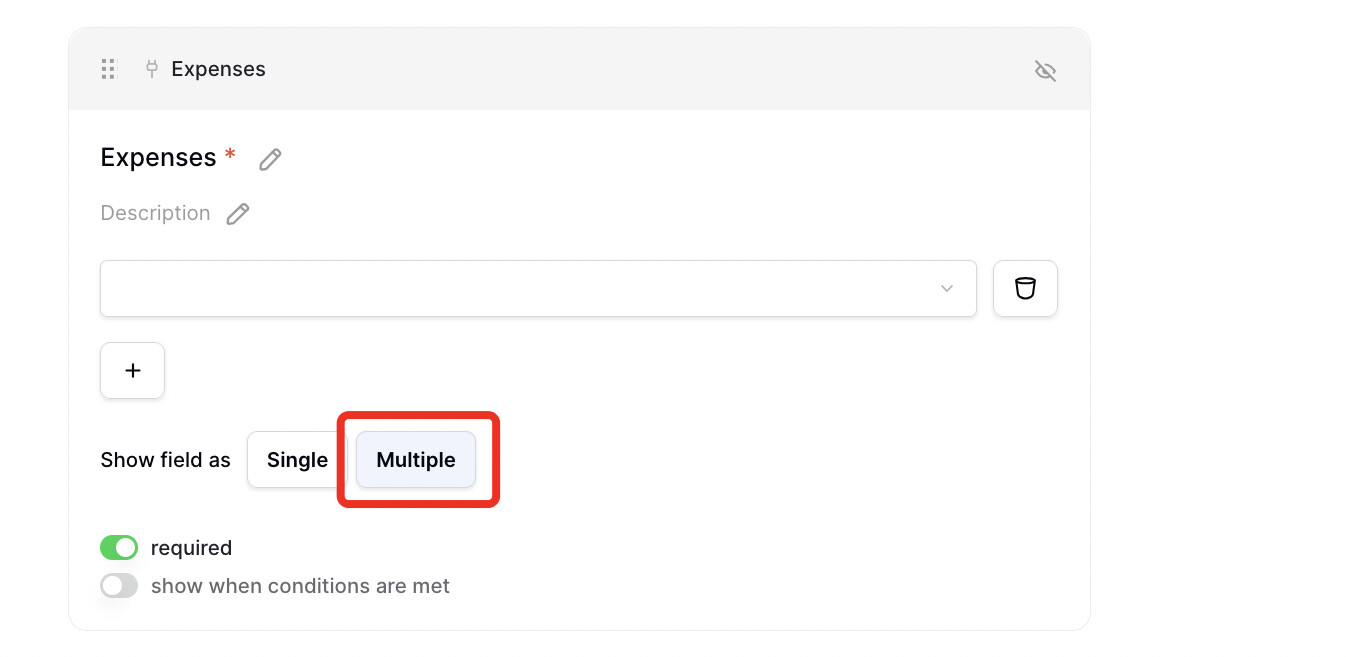
When the Link to table field is configured to allow only a single linked row, there is no semantic need for a comma separator — only one value is ever expected. Despite this, the same comma-splitting logic is applied, which means any linked row whose display value contains a comma will also fail to prefill in single mode.
This is particularly problematic because users have no workaround: they cannot rename rows in a linked table they don’t control, and there is no alternative syntax available.
Expected behavior
In single mode, comma splitting should be disabled entirely, since only one value is expected.
In multiple mode, an escaping mechanism should be introduced (e.g. %2C or \,) to allow values containing commas to be passed correctly.
Steps to reproduce
Create a table with a Link to table field pointing to a table that contains a row whose primary field value includes a comma (e.g. Smith, John).
Create a form view and generate a public share link.
Append ?prefill_YourField=Smith, John to the form URL.