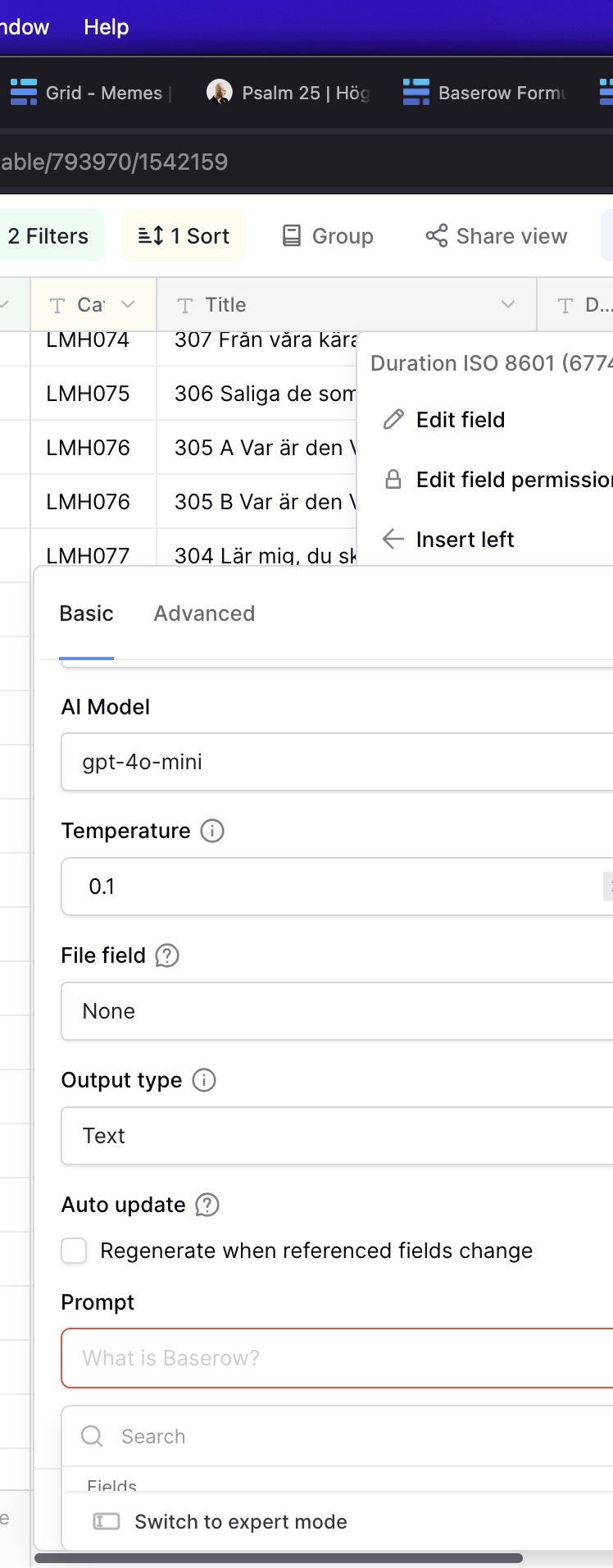
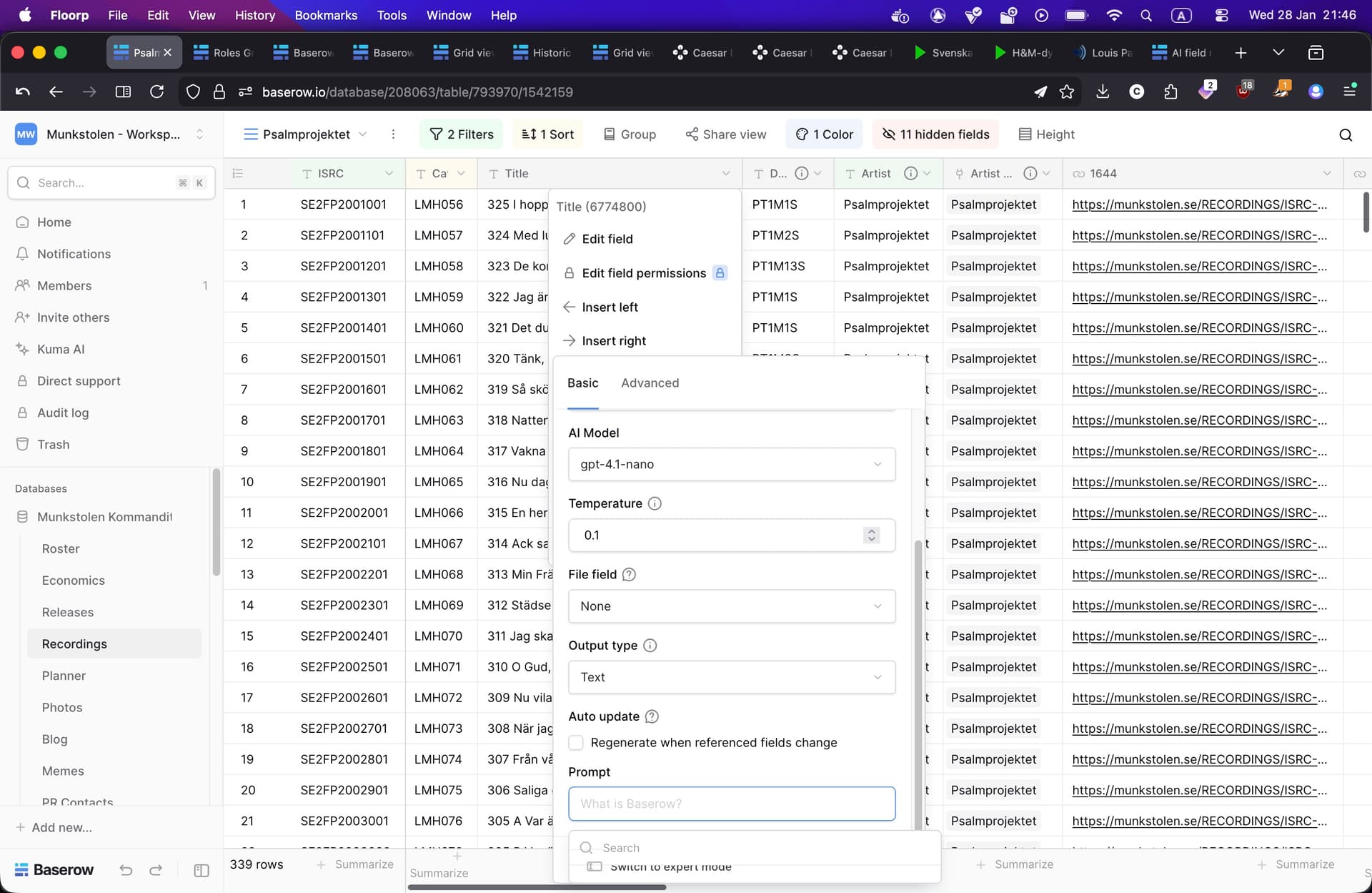
Below is what the AI field looks on a 14” laptop screen with 2560 × 1664 resolution.
It’s impossible to see the available options in the bottom and it’s not possible to scroll.
Is there any way to change this, maybe the “list” could go upwards instead of downwards? It goes upward on larger screens, but not small 14” ones.
Hi @Caesar I have trouble replicating such behavior - the prompt dialog correctly appears on the bottom or top depending on the space. What browser do you use? Can you attach a screenshot of the entire screen?