I’m building a blog-style layout in the App Builder by pulling content from a table. It actually looks pretty good, but I’m running into two issues and wanted to see if anyone has good solutions.
1. Is there a blogging tool I can embed with an iframe that won’t look terrible?
If anyone has a recommendation for a clean, minimal blogging platform that embeds nicely, I’d love to hear it. Using a table to inject content is great, but the layout one may need could change depending on the blog post. Therefore, a rigid set layout isn’t really ideal (like I have to use with the App Builder). There is also a lack of a comment feature when using a Baserow table for blog posts.
2. How do you hide a button (or button link) when the linked field is empty?
In my “Blog Posts” table, some entries include a video and some don’t.
If I use an iframe for the video, the empty iframe still shows a border when there’s no URL. So I switched to using a thumbnail + a button that links to YouTube — but the button still appears even when the link field is blank.
Is there a way to make a button component conditionally hide itself if the linked field has no value?
I’ll include screenshots of my setup for context. Any advice or best practices are appreciated!

Button still present when no link in “Video Link”. Normally, if the field is empty, the application builder does not display anything. Even the menu element doesn’t show up if the link is broken or blank.
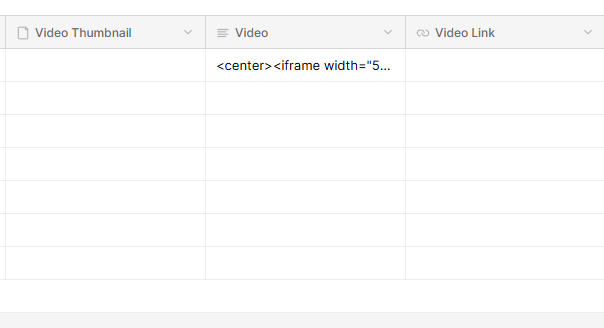
HTML code in the video field works (YAY!). However, a bordered box appears when no code is present (when the Video field is empty).