My app broke from Tuesday to today! Due to the new version 1.34 ??
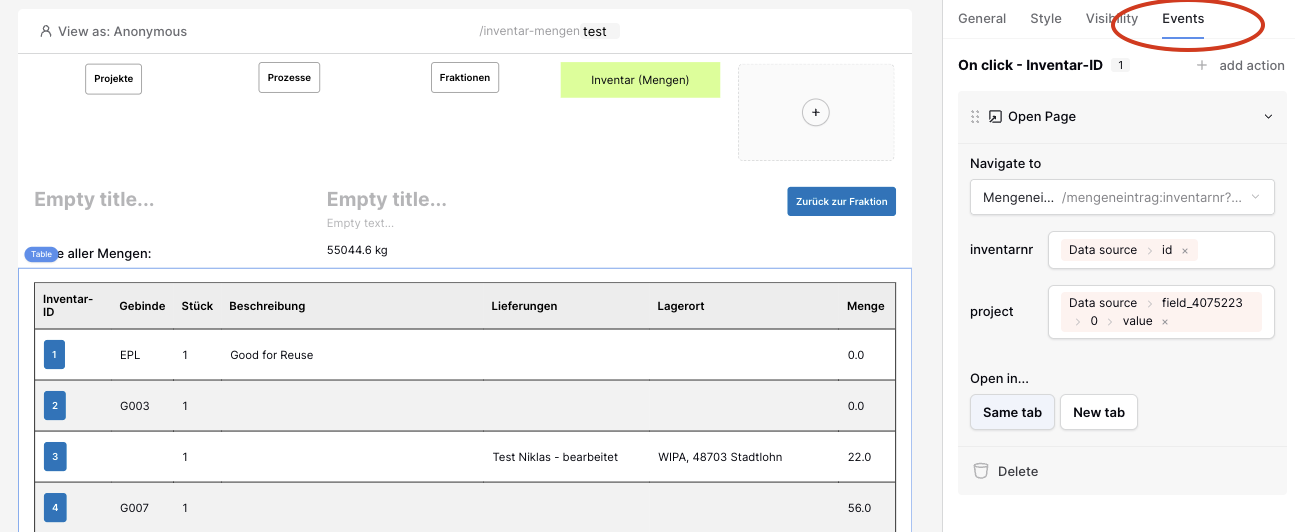
I have an app with a table that lists data. In the front of each row is a button. In the section “Events” this buttons triggers the action of “Open Page”.
To open the page I have to path the id of exactly the rows data. This worked since months.
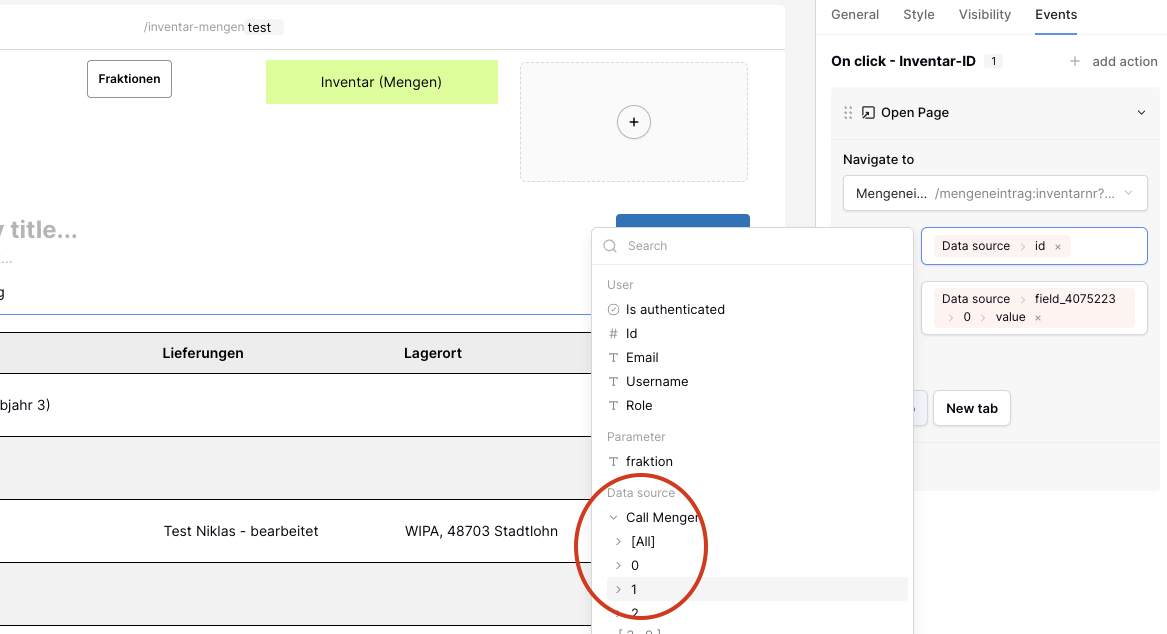
Now there is an error. It seems as if the “Event Section” has no more access to a “Data Source” that belongs only to this row.
I tried to fix that. But the only option that the Application Builders offers is access to the “Data Source” of the complete list. So I have to choose between “all” or data [1] or [2] or…
But this doesn’t work!
As a workaround I changed the Button at the front of the list to a “Link”. As I don’t have to set the related action in the “Events Section” but directly in the “General Section” of this column this works.
For me it seems like a bug.
and