Are you using our SaaS platform (Baserow.io) or self-hosting Baserow?
SaaS
What are the exact steps to reproduce this issue?
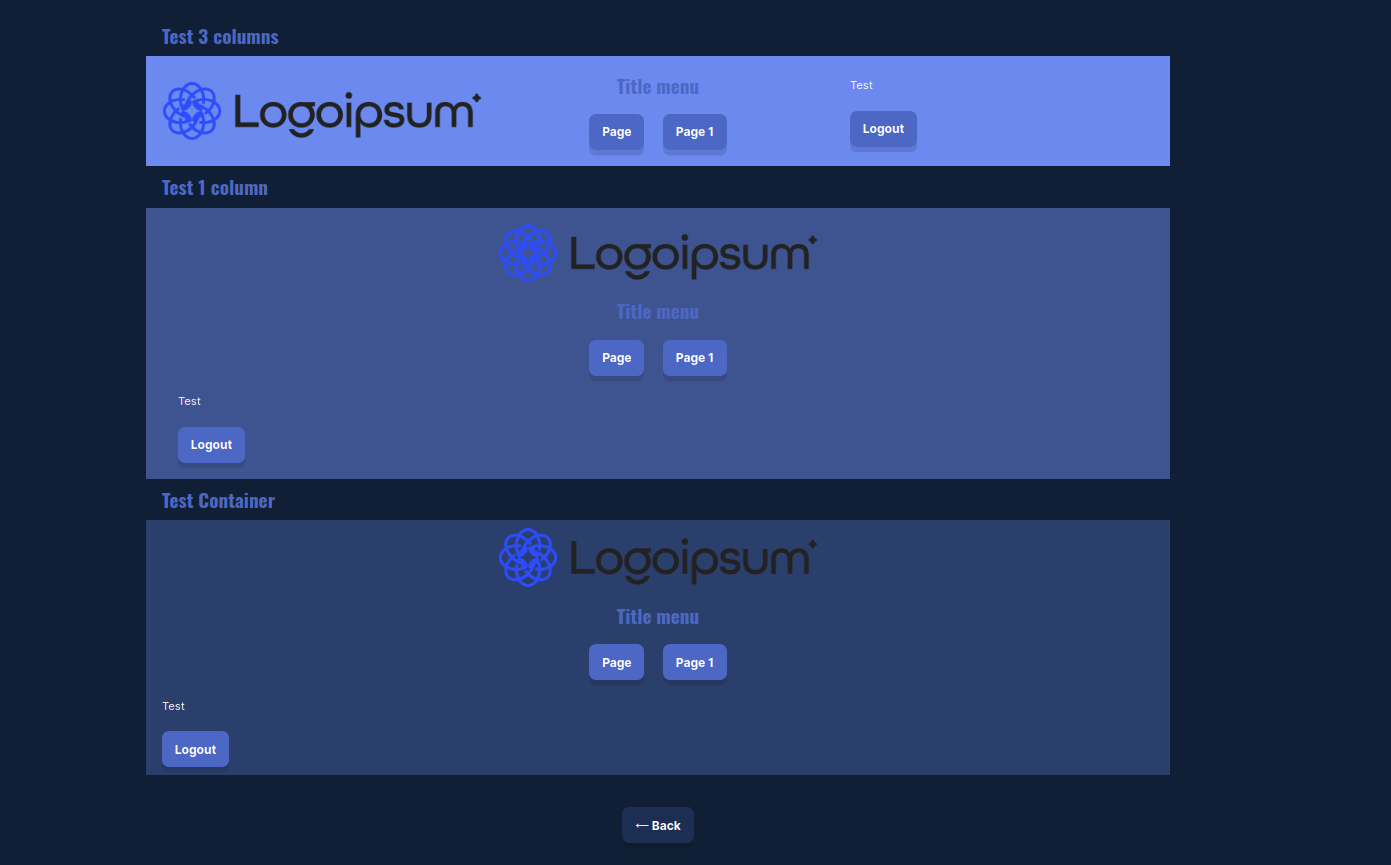
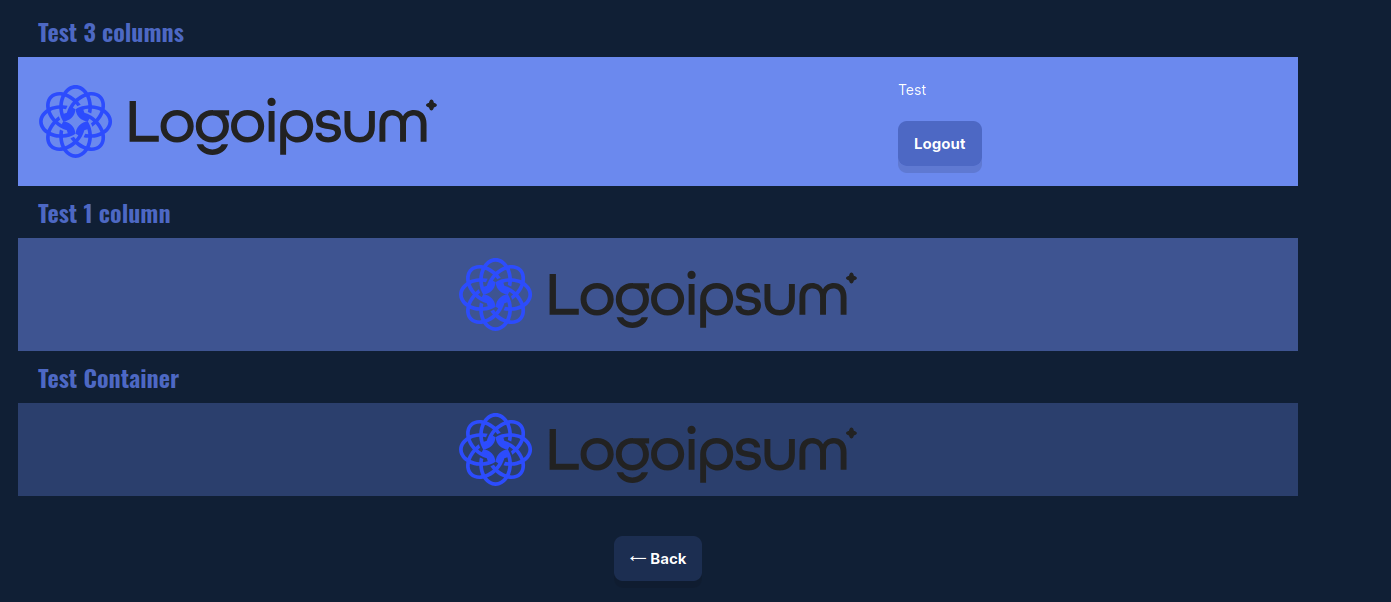
A non-visible element overrides the visibility of subsequent visible elements. This occurs with elements configured with Visibility Logged-out visitors / Logged-in visitors.
- Add a container.
- Inside it, add a Heading.
- Add a text element with the Visibility configured as: Logged-out visitors
- Add a text element with the Visibility configured as: Logged-in visitors
- Publish the application.
- Enter credentials on the login page.
- Go to the page with the configured containers.
The result: Only the Heading is displayed. The elements after the element with Visibility configured as: Logged-out visitors are not displayed.
Important:
- This occurs with published applications and not in Preview mode.
- It occurs within elements, columns, containers.
- When configuring page Visibility, it takes about 10 minutes for the content to appear and not all the content finishes appearing (the “Back” button is missing).