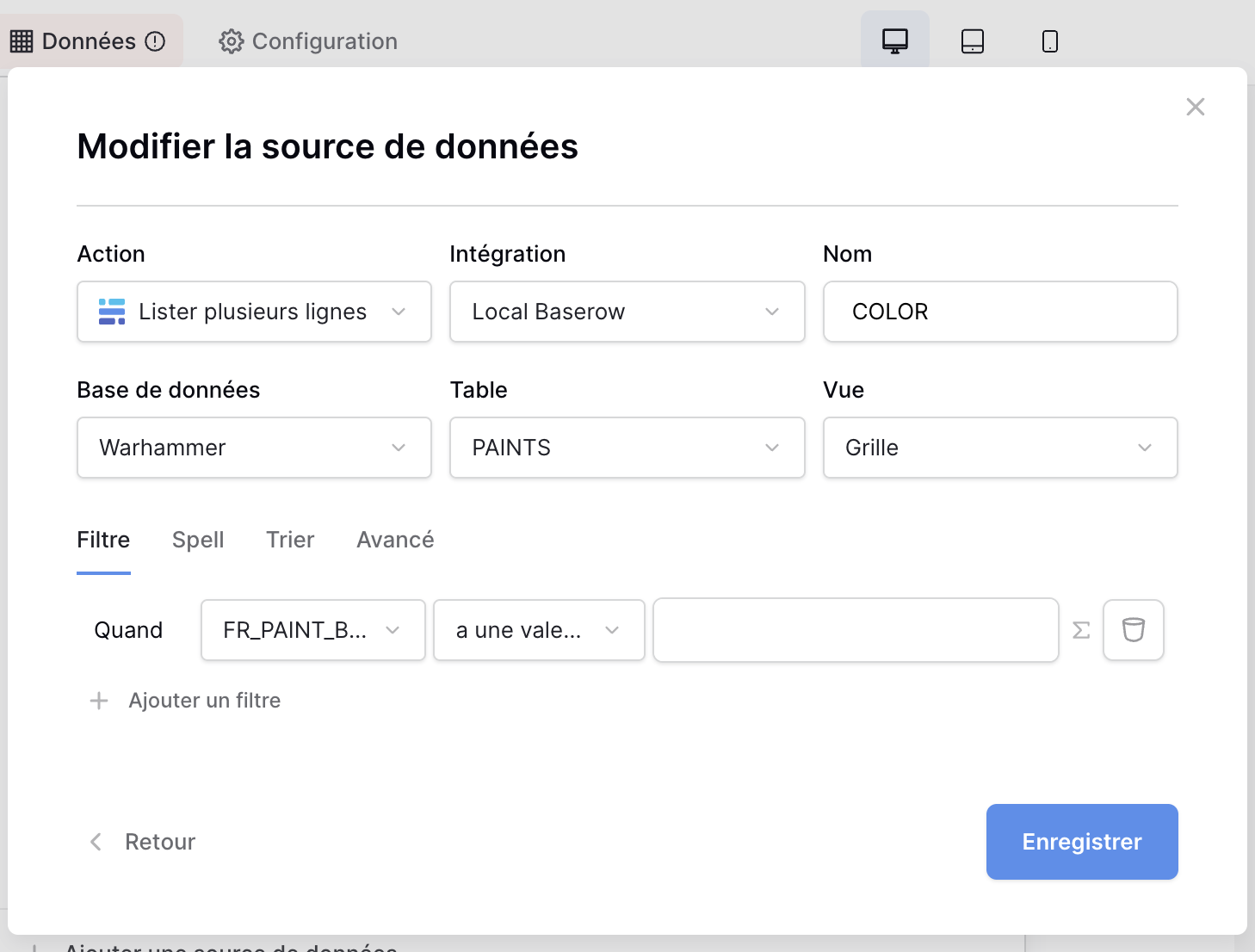
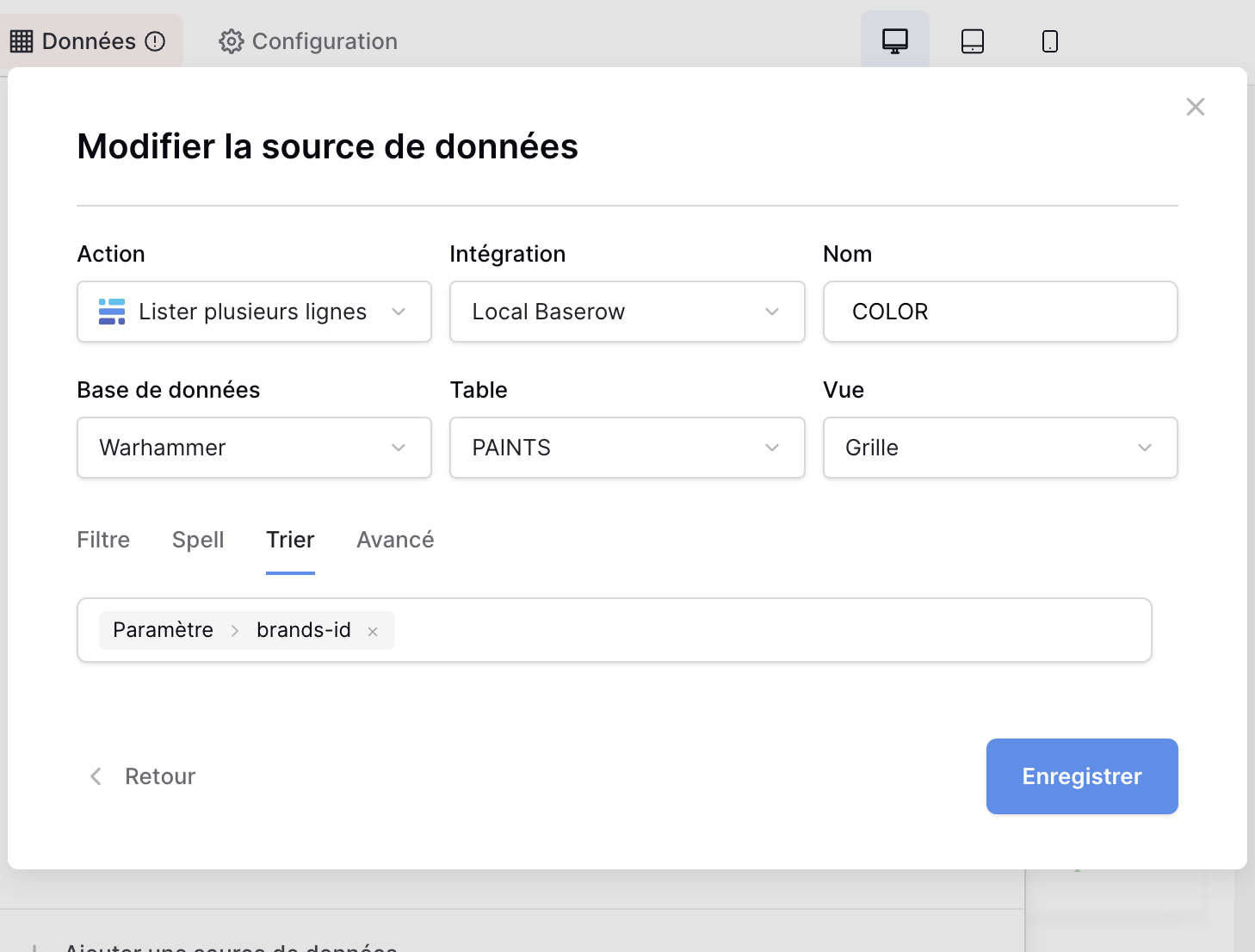
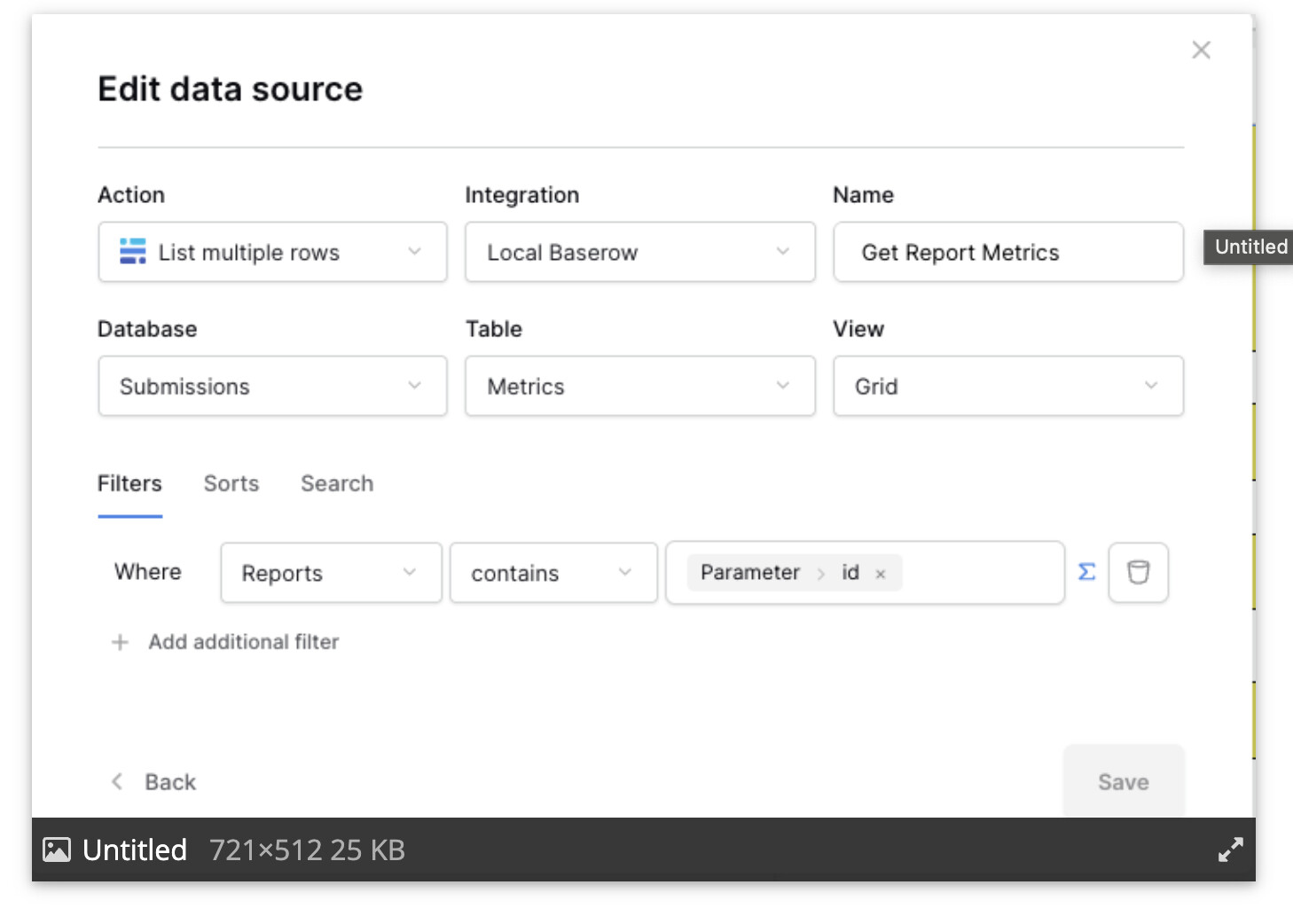
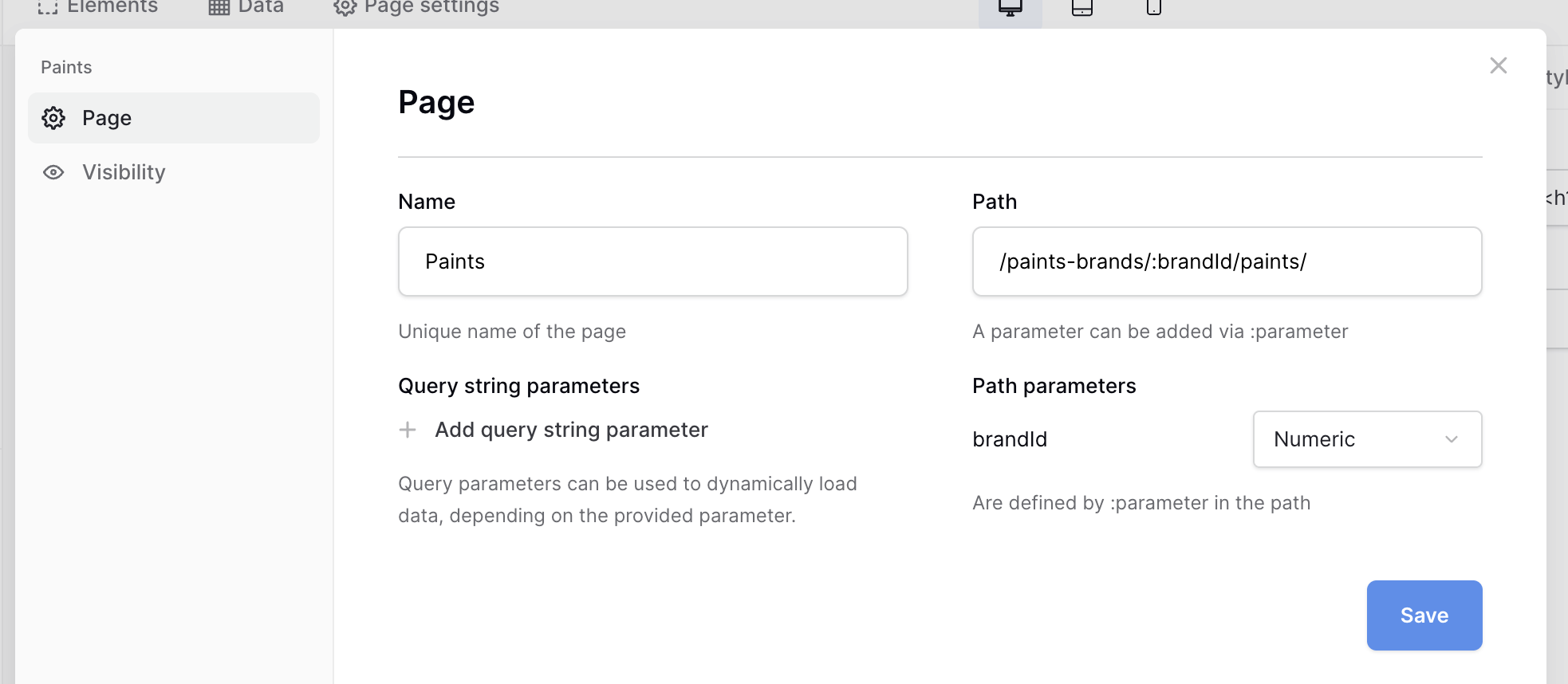
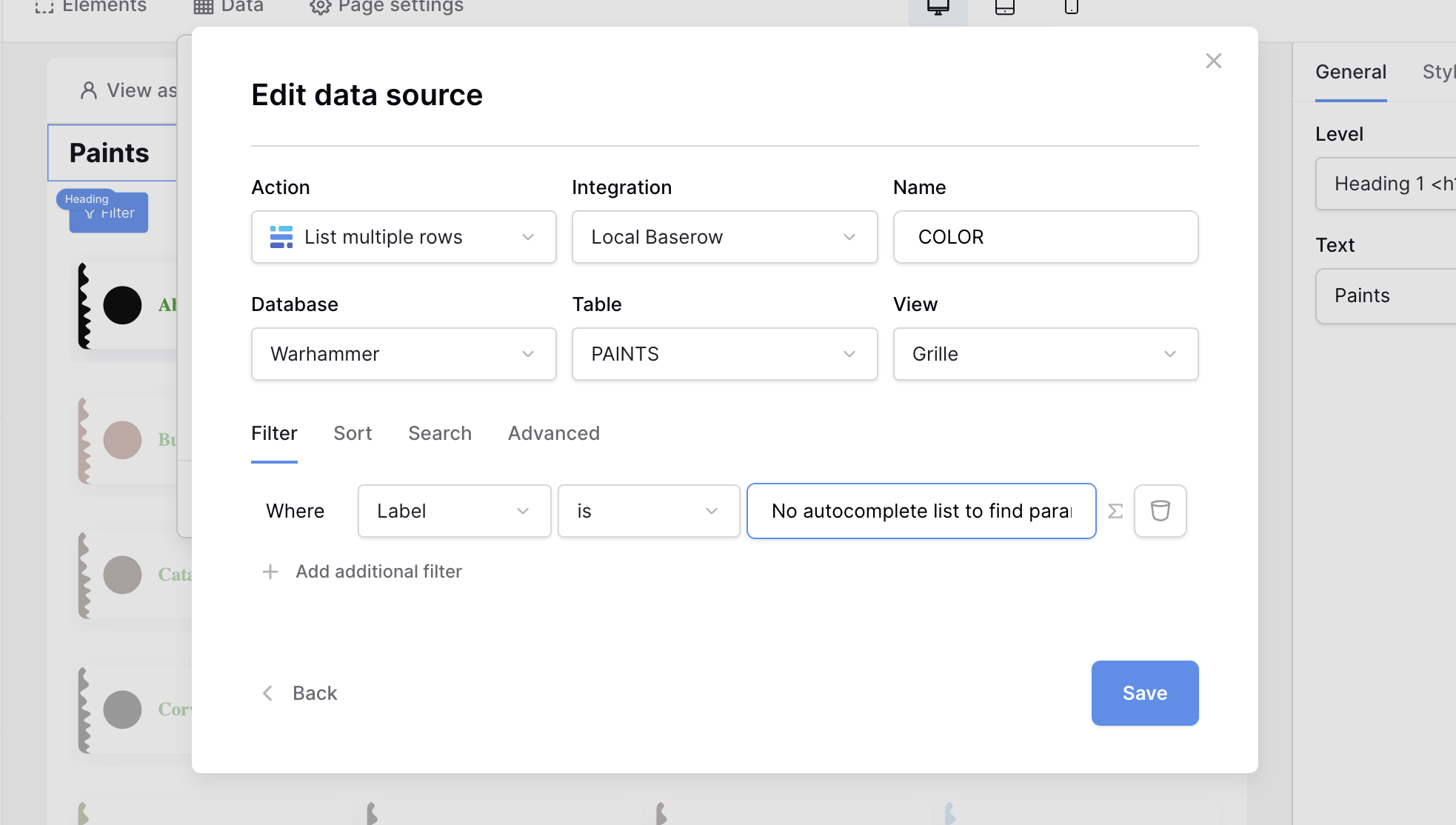
I’m using the App Builder (cloud version) and can’t configure a “List multiple rows” datasource to apply a filter (WHERE) based on a page URL parameter.
In the “Where” section, my URL parameter doesn’t appear as an option.
When I go to the datasource configuration and try to add a condition in the “Where” section, the autocomplete list doesn’t show any parameters at all — not even the one defined on my page.
It seems like the datasource filter builder doesn’t recognize page-level parameters,
even though they are available in the “Search” section or in other parts of the App Builder.
Could it be that dynamic parameters are not yet supported in the “Where” filter for “List multiple rows”?
Or maybe there’s a different syntax or binding method I should use manually?
Thanks again for any clarification!
PS: I’m currently using the Advanced Trial version, and if everything works as expected, I’m considering switching to a paid plan.