you should probably see some error in the logs, can you look for it and post it here?
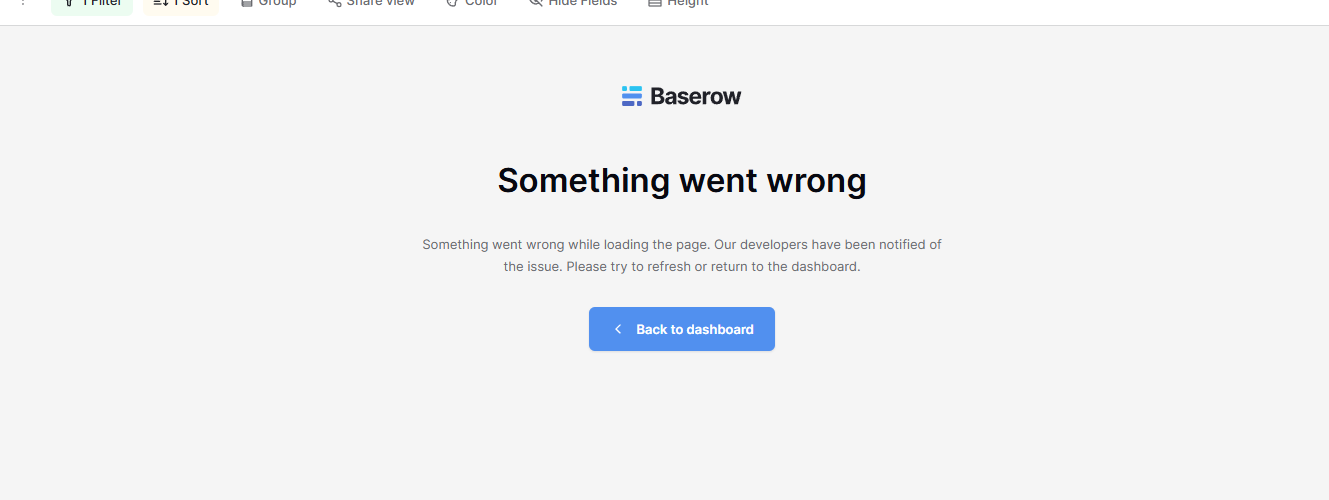
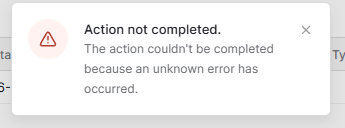
Also, your steps to reproduce are probably missing some steps How did you create the table and view, and what did you do with the instance before seeing this error?
The table and view was created months before I had this issue. That was why I didn’t add it as a step. I forgot to state is my steps that I updated Baserow to 2.1.0
How do I tell which version of PostgreSQL I am running? I am using the Docker install version that comes with it already installed. And how Do I share the SQL statement?
Good morning @Kimmy, my apologies for the delay in getting back to you.
No problem with skipping the SQL query, it was just an extra insight if you had the ability to execute it.
Looking at your error log, it definitely looks like the timezone issue is coming from your database. Did you by chance install the image differently at all? Or maybe make any changes to PostgreSQL?
I’m imagining you haven’t, but it’s worth checking! I’m a little stumped, to be honest. It’s a strange one. I may have to loop in some other developers…
Hello! I didn’t install the image differently or made chances to PostgreSQL. The only change I made was going from 2.0.6 to 2.1.0 a few days ago. I can’t think of anything else
Hi @Kimmy , my apologies for the delay in getting back to you.
The issue was merged and released in v2.1.3, we were able to successfully use US/Eastern in that fix.
Judging by the latest error message, you’re facing a different problem. Specifically this:
 [REDIS][2026-02-28 02:42:32] <jemalloc>: Unsupported system page size
 [REDIS][2026-02-28 02:42:32] <jemalloc>: Unsupported system page size
Would you mind sharing what OS/architecture you’re deploying Baserow in? It looks like you have an unusual/non-standard memory page size. You can retrieve it with getconf PAGESIZE (if you’re on Linux).
@picklepete I tried exporting my data in Baserow and importing it to another platform, but I am getting an error “Could not connect to the API server”.
I tried exporting my data in Baserow and importing it to another platform, but I am getting an error “Could not connect to the API server”.
hi @kimmy this sounds like a different problem. What is the other platform you’re importing into? Can you share a minimal Baserow export that I can test with?
@Kimmy You mentioned you exported your Baserow data, if you’re able to do so, you can share that with me at tsering@baserow.io.
If you can’t due to personal data, you can try creating a new workspace, minimally configure your Baserow instance such that you’re able to reproduce the problem, then export that workspace and share it with me.
Also, if you’re able to share logs, that’ll be useful as well.
 How did you create the table and view, and what did you do with the instance before seeing this error?