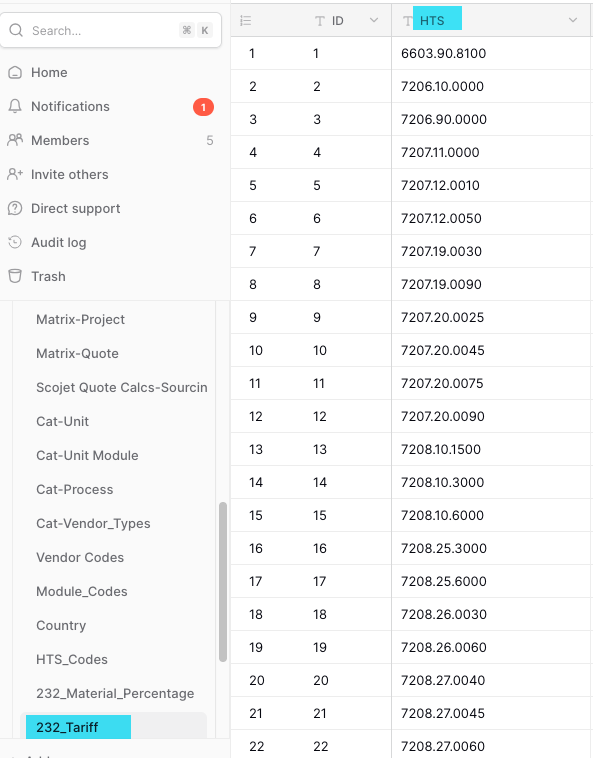
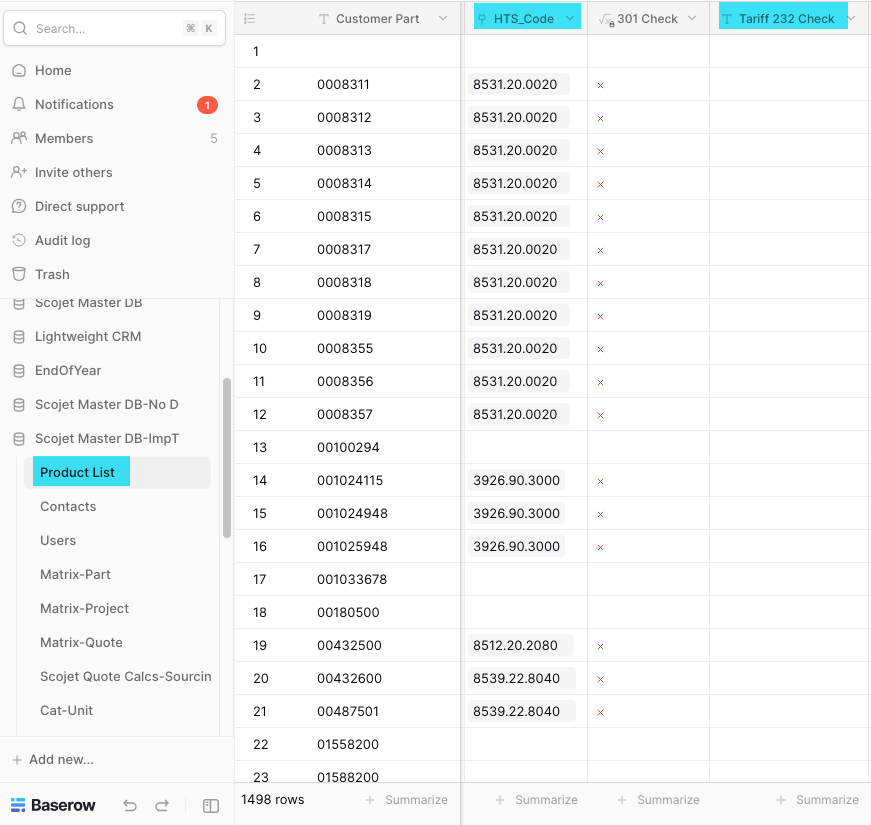
I have a table called 232_tariff and a column called HTS, in another table called Product List I have a column called HTS_Code and another column called 232 Check I would like a formula that looks at the value in HTS_Code and if it finds it in the table 232_tariff under the HTS column it returns true to the 232 Check column
. I have created a link between the tables.
This cannot be done with a singe formula, because that would require a field in the Product List table that holds all the HTS codes for every record.
I would recommend to create an automation for this. The automation starts with a Receive an HTTP Request node. The url generated by that node can be used a the webhook url. Trigger the webhook every time the Link to table field HTS_Code is updated.
The automation will search for a record in the 232_Tariff table that has the same HTS_Code. If a record is found, you update the formula field in the Product Lists table to true.
Hi Frederik,
Just to clarify, I just want to check HTS field to see if it is anywhere in that column, if it is there then I want it to return a true statement so I know it was found in the table.
In Grist I did it with a simple formula:
tariffLookup = T232_Tariff.lookupOne(HTS=$HTS_Code.HTS_Code.strip()).HTS
len(tariffLookup) > 0
In another field in my Baserow I just needed it to check for one specific HTS Code and I did it with this formula: if(field(‘HTS_Code’)=‘9507.10.0080’,true,false)
That is why I was hoping there is something similar to Grist with a Lookup option.
Thanks for your help and response.
Gary