I built and publish a simple app with one table.
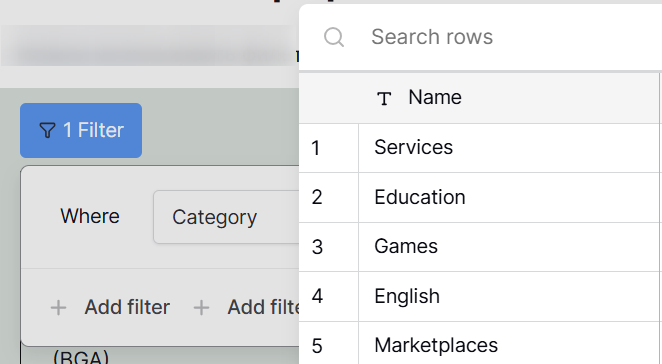
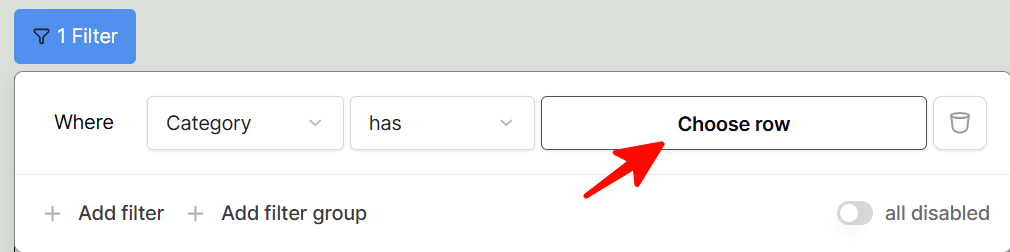
In preview mode, I can add filter and choose row correctly with a new popup. But if I would try the same in a published app, the popup will disappear quickly and not allowed me to pick data.
preview
this button
Hi @st.brown, welcome to the community!
Could you share the settings for this table in the app builder?
Hi, @cwinhall, thank you for your reply.
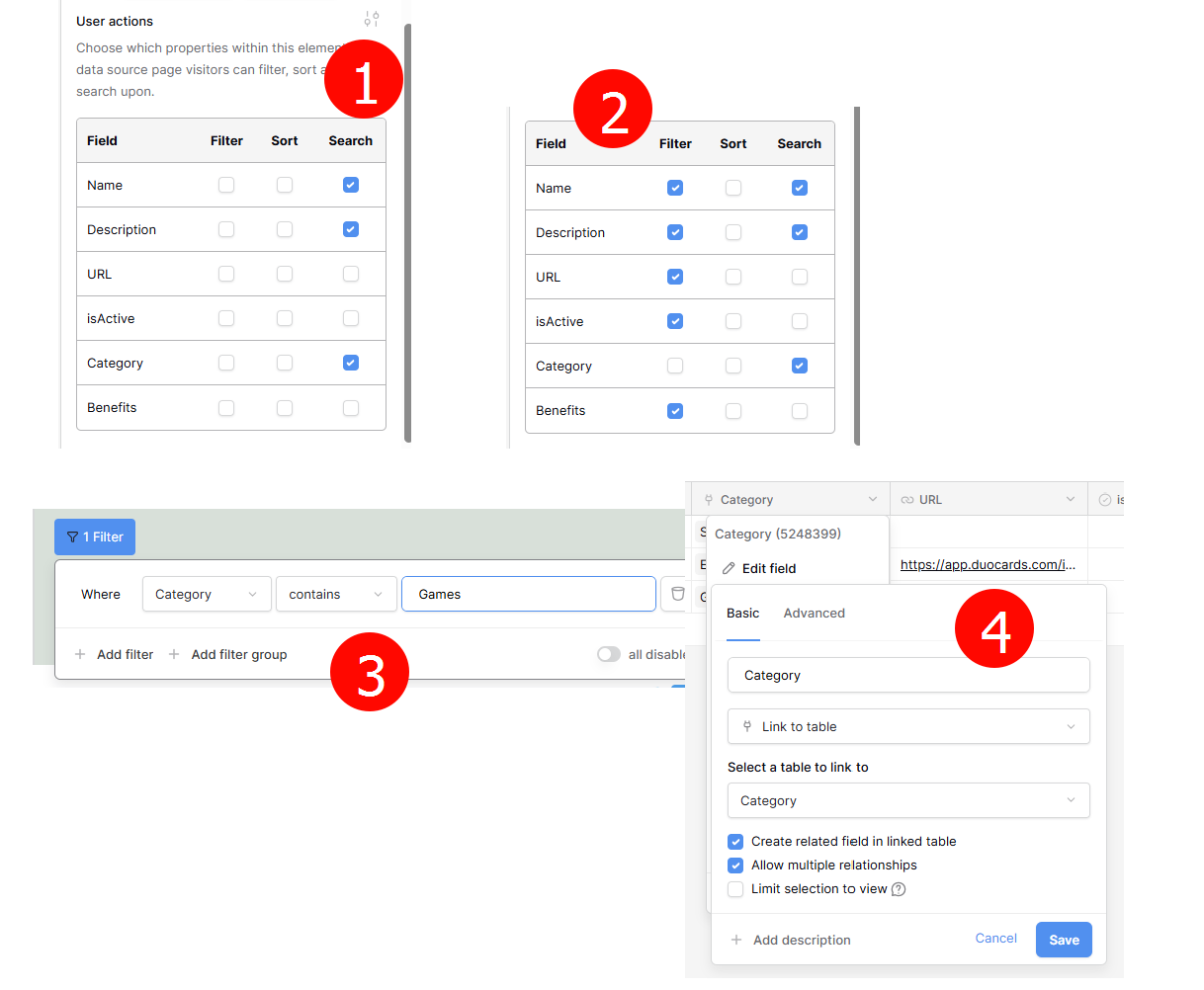
Do you mean this settings? (1 and 2)
(1) Only search items were marked here. Now I tried to add filters, but they can be selected for all except for Category (2)
(3) I also can use “Contains” condition
(4) Category is a column linked to another table
I hope the situation is clear now 
I’m not able to reproduce this on my end, it appears to work fine for me.
Could you try a different browser or trying it in an incognito/private window of the same browser so we can see if the issue persists?
Thanks for the link, that is clear now. I can see that the choose row option is resulting in a 401 error (permission denied). This is likely because that data is not being loade din to the app. I will check in with the team about this and create a bug issue for it on our GitLab.
Do you have any special field level permissions for that link to table to the Categories table?
Do you have any specific permissions set on the Categories table?
I don’t find any special permission set for field or table. Where is these settings located? I’m a newbie at baserow. Sorry for the long answer
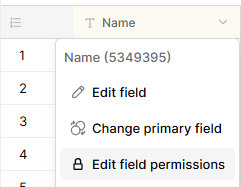
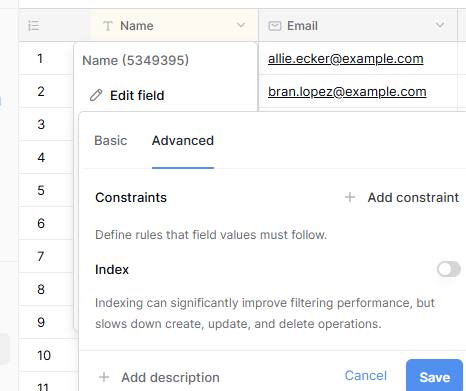
It’s located on the database side of baserow, not in the app builder. For field permissions there is a Edit field permissions option
as well as within the Advanced tab for the field settings
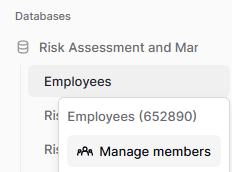
Or it could be a table permissions issue, in which case you find it in the “manage members” setting for a table
Are you the admin of the database?
Yes, I’m admin.
I’ve added a new table () - same problem
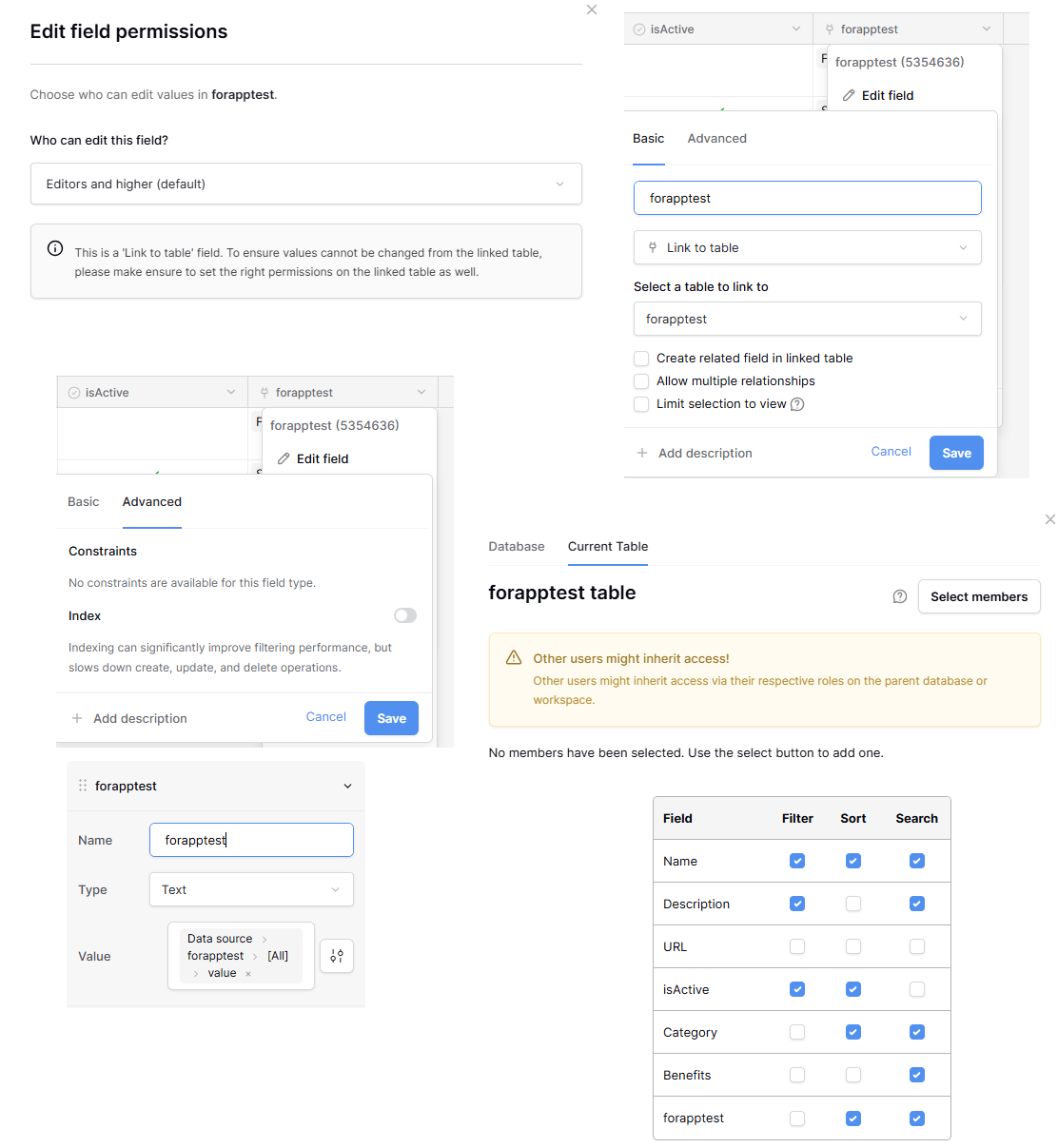
there are screenshots of different options.
all settings are default. But I can’t choose filter linked fields to filter in app (Category & forapptest - bottom right picture)
Hi @st.brown, please accept my apologies for the inconvenience - I can confirm you found a bug!
One of the limitations of the filter, sort and search functionality you’re using is that some fields are unavailable for filtering and sorting. Here is a conversation about it in the community.
The “link to table” field is, sadly, one of them. What should have happened is that the “Filter” checkbox next to forapptest is disabled, but yours isn’t appearing that way due to a bug.
We are working on a fix for this now, and hopefully it’ll appear on baserow.io soon.
Cheers,
Peter Evans
Thanks, Peter, for such detailed explanation. This bug a minor for me, searching or using contains filter is enough for the first time.
I’ve subscribed also for this conversation to being notified about future updates. Have a good day.