Hello,
I apologize in advance for my ignorance. I am not any kind of computer or data professional. What I am trying to an incredibly simple UI for filtering. The database is about native plants in the northeast US and which endangered pollinators they support. The users are mostly retired people with very little computer proficiency and cannot use the native filtering tools.
I have been learning from the Car Dealership template but I am missing something. I have looked through the documentation but the only examples I can find are about using forms to input data.
I have a form. I have a submit button to open the page. The URL that opens the page will have the correct values as checked on the form. But the actual data displayed below doesn’t change. I think probably I haven’t actually tied the parameters to specific columns on the database?
Here is a video that shows what my database looks like, what the settings look like for each application element, and the results I get on preview.
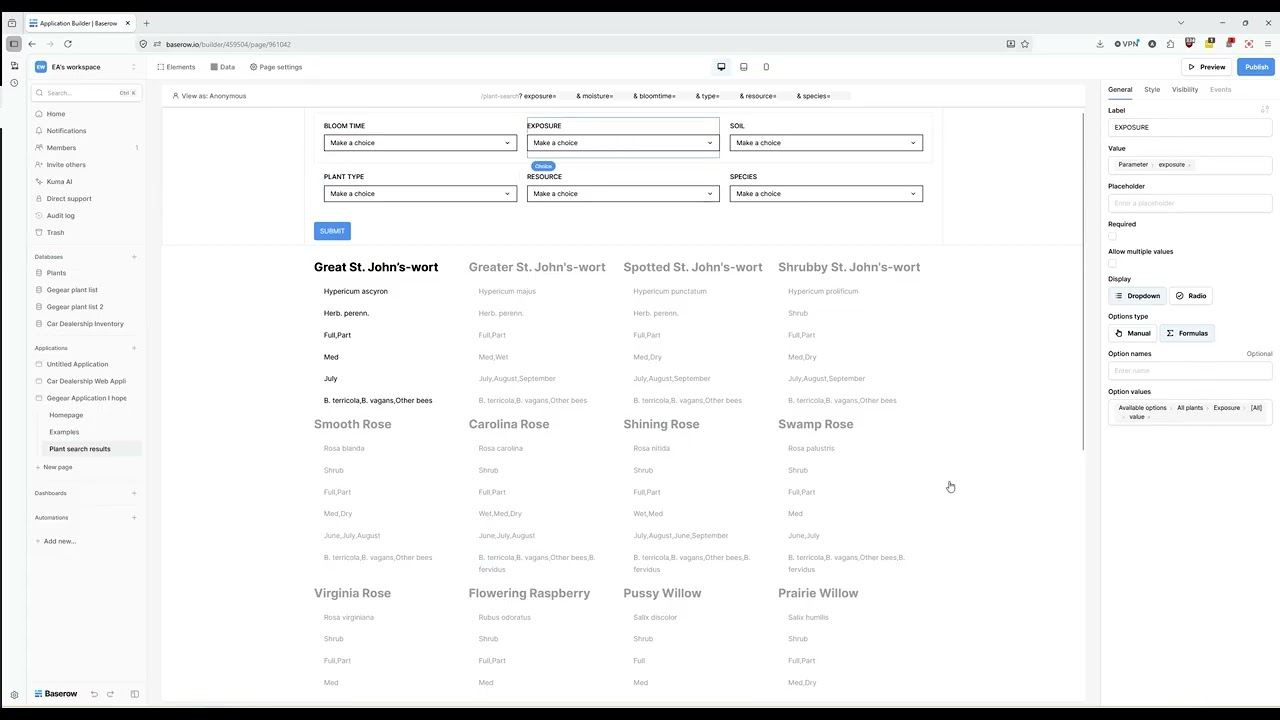
Please take a look if you have a moment and help me figure out what I’m missing. I really appreciate it.
