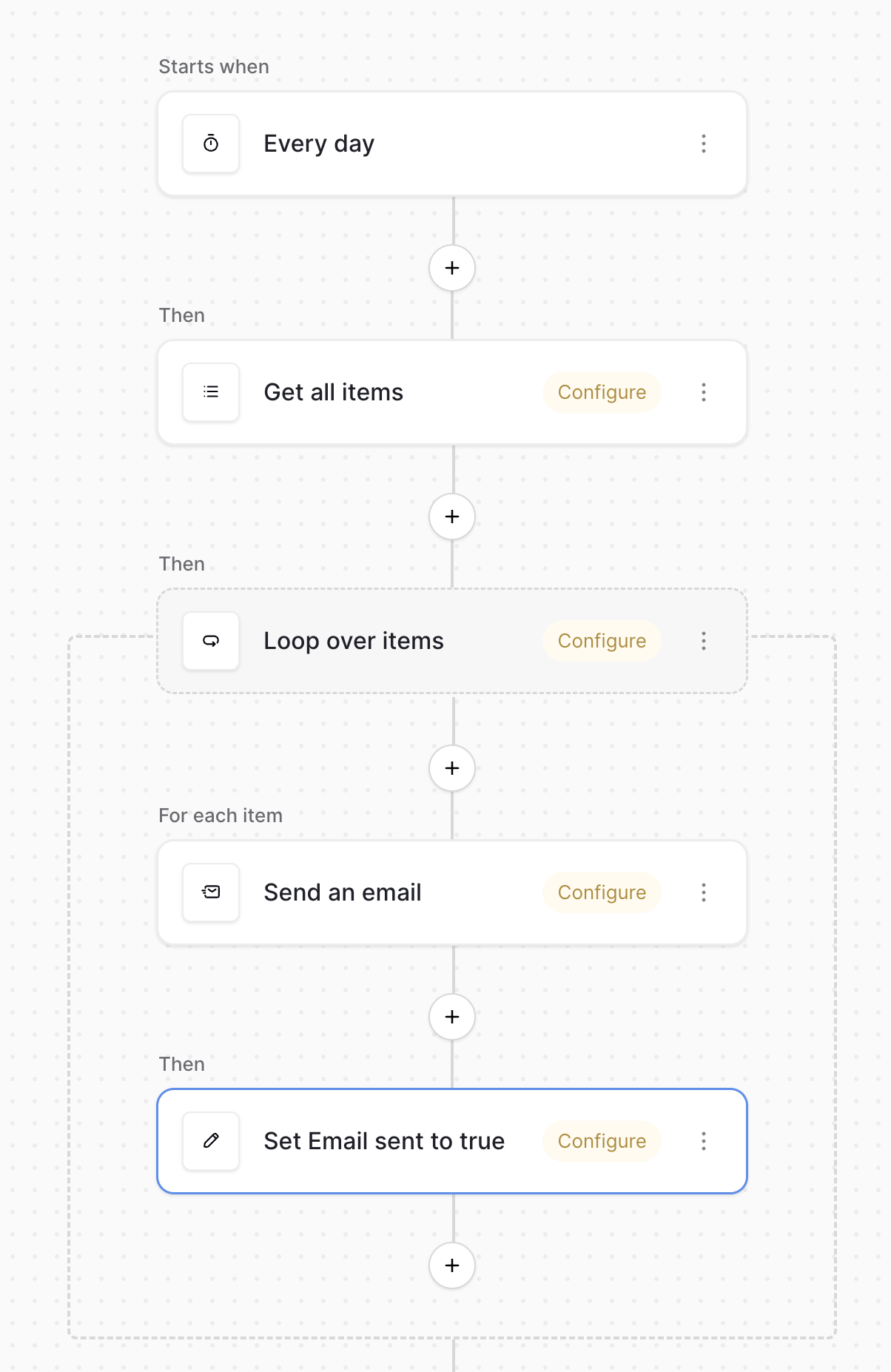
Hi everyone! I’m building a directory site and I’m trying to set up a “self-cleaning” link system. I need an automation that sends a one-time courtesy email to someone when their listing expires, but I’m running into an issue. I am relatively new to automations, so please keep that in mind.
The Setup:
-
Active (Formula): Returns a boolean based on a date.
-
Notify (Checkbox): An opt-in from the person to receive a reminder.
-
Email Sent (Checkbox): My attempt at a “circuit breaker.”
The Goal: I want to send an email exactly once when Active becomes false AND Notify is true. Once that email is sent, the automation should never fire again for that row (unless I manually reset it later for a renewal).
The Problem: I’m using the “Row Updated” trigger, but since I can’t trigger based on a specific field changing to a specific value, I’m worried about the automation firing repeatedly or not firing at all because it’s waiting for a manual update rather than a formula change.
I’ve thought about using a “Row enters view” trigger by creating a filtered view (where Active = false and Email Sent = false), but that option does not seem to exist in Baserow Automations.
Has anyone successfully built a “Send-Once-and-Stop” flow for formula-based changes? Would love to know the best practice for this without using external tools like Make!
Also, how do I send the email? There are integration settings like ports and stuff. Is entering my Gmail password into this integration secure?
PS: I tried using ChatGPT for help, but you can already guess how that went.  It was trying to make me use options that weren’t there….
It also had me create a formula field Needs Expiry Notice with the following formula:
and(and(field(‘Active Formula’) = false, field(‘Expiry Email Sent’) = false), field(‘Notify if Expire’) = true)