Brand new to Baserow, created a form and successfully added a new row via “Share Form” feature and URL. My question is, how can an external user add more than one row? I’d prefer a button on the form like “Add Another” or whatever. Refreshing the page works, but for usability I would prefer a button on the form rather than have to explain refreshing the various web browsers. Google searches for this topic turned up nothing, AI responses did not work, did not match current user interface. Thanks!
Hello @js987, here are two options you can try:
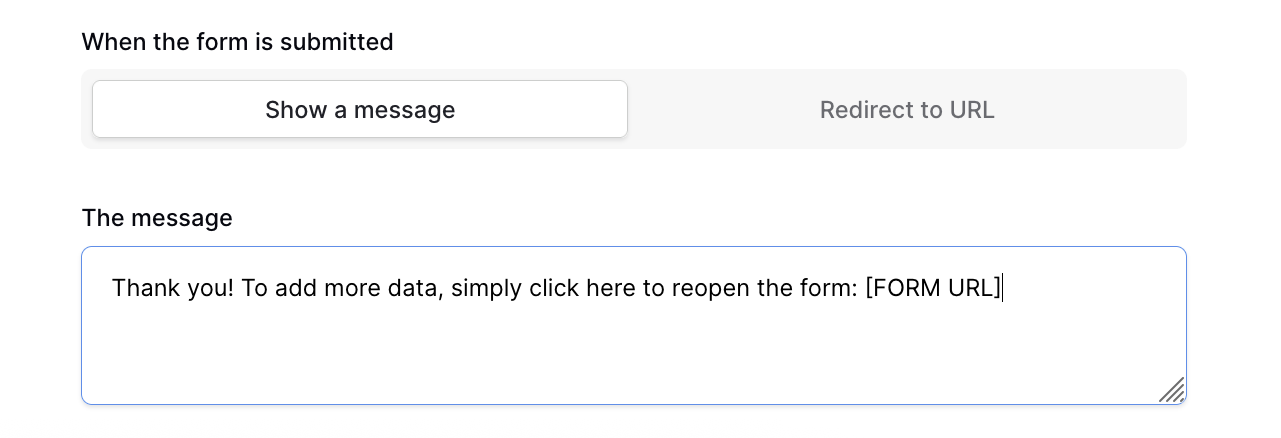
- Use “Show a message” to display text along with the form URL
- Use “Redirect to URL” with the form URL so that after submission, the same form reopens
Will it work for you?