Are you using our SaaS platform (Baserow.io) or self-hosting Baserow?
SaaS
What do you need help with?
Good day. I am creating an app to manage a charter transport service for school children. They or their parents can book themselves for a specific weekend (going home and back to school in 1 record.)
I have already imported my existing customers (parents) and children into Baserow tables. I want them to register on the app and either: a) update their details if existing customer (with email address), or b) add a new record for a new customer. In both cases they will update or add their children’s details too via a subform.
I want to know a few things before I start:
What should the onboarding process look like? E.g. a link to a registration form that will add or update a row in the Parents and Children tables?
in that case, how do I check if the customer’s email already exist or not? The result will of course determine if a row is added or updated.
Or should I simply add a Register and a Login button to the home page, as is done on accessing this forum?
Thanks
Hello @Herman_26, you can create a simple page with a form element that pulls in data from your Baserow tables. From there, you can add buttons to update existing rows or create new ones (or both).
Hi @olgatrykush , thank you for your response. I have watched the videos and started creating a portal (if I’m correct in thinking a portal is a page where the user lands when opening the app. In my previous app it is a completely separate element where one registers customers that can use the app.)
However, I’m still stuck on the “register new user” process. The video about authenticating users mentions (at 03:38) that volunteers have registered for events but does not show how they registered. So I need to add users (i.e., they add themselves) and after that they can login.
Is there a way to add a “Register” button to the login form, or should I add “Login” and “Register” buttons to the portal? “Register” would then open the Registration page with 2 forms for parents and children (form/subform)
Hello @Herman_26, glad to hear you’re making progress with your application!
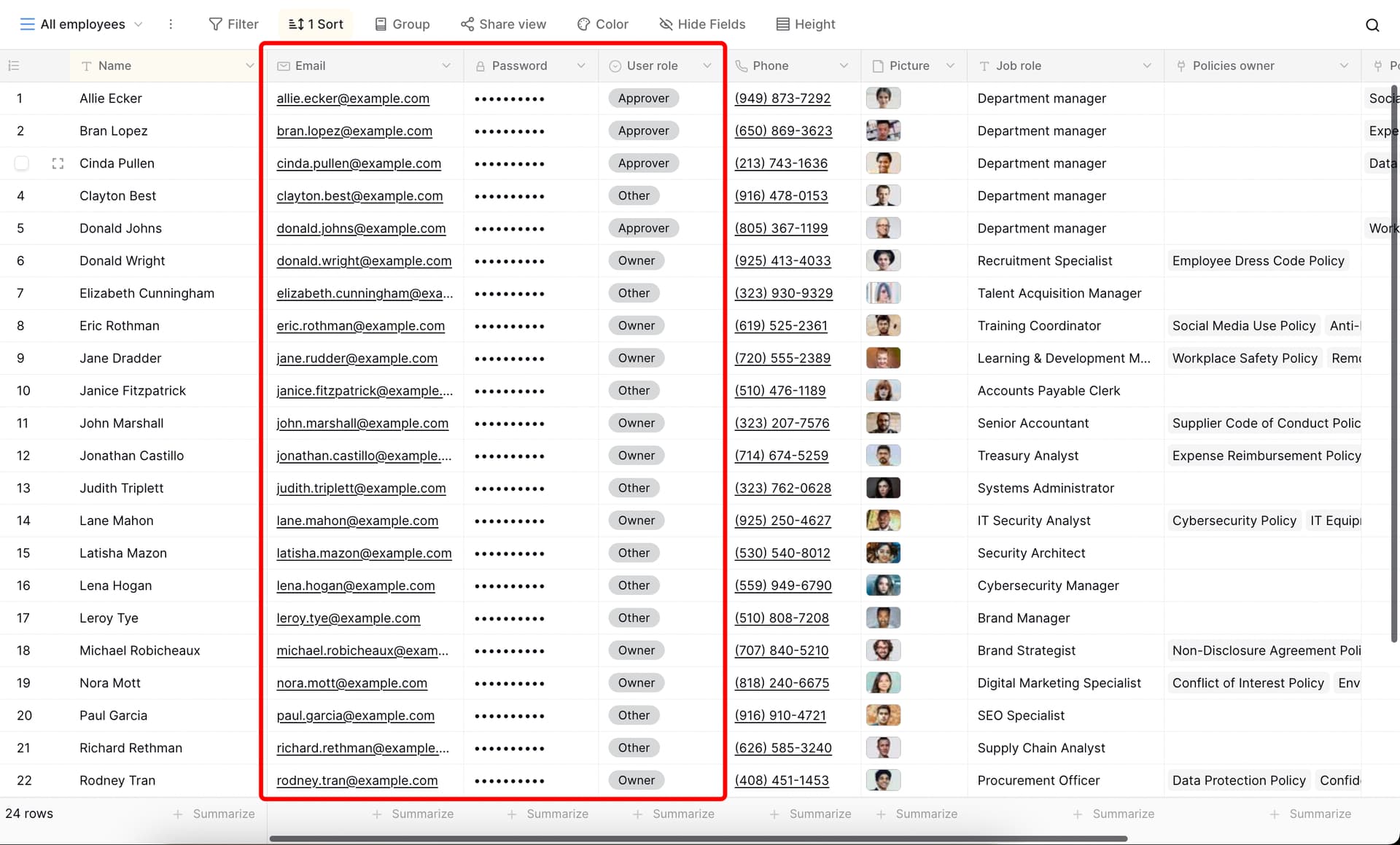
You should create a separate table or field in your database for the users who should have access to the application. For authentication, include an Email field and a Password field so each user can log in using their email and password. Additionally, you can add a Role field for each user and use their role to control the visibility of elements within your application.
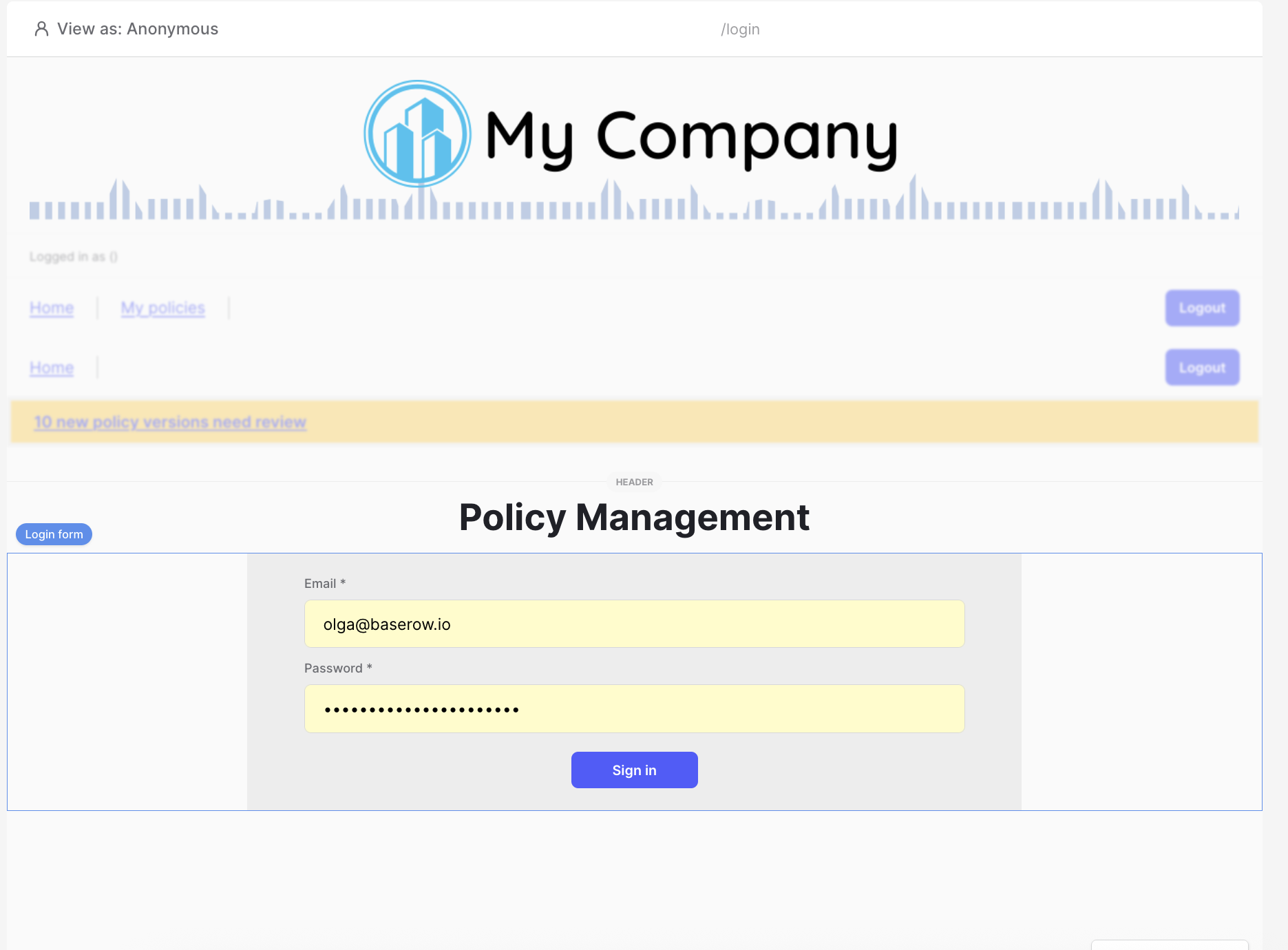
You can use this template as an example: Policy Management.
In the database section, there is an Employees table with the Email, Password, and Role fields:
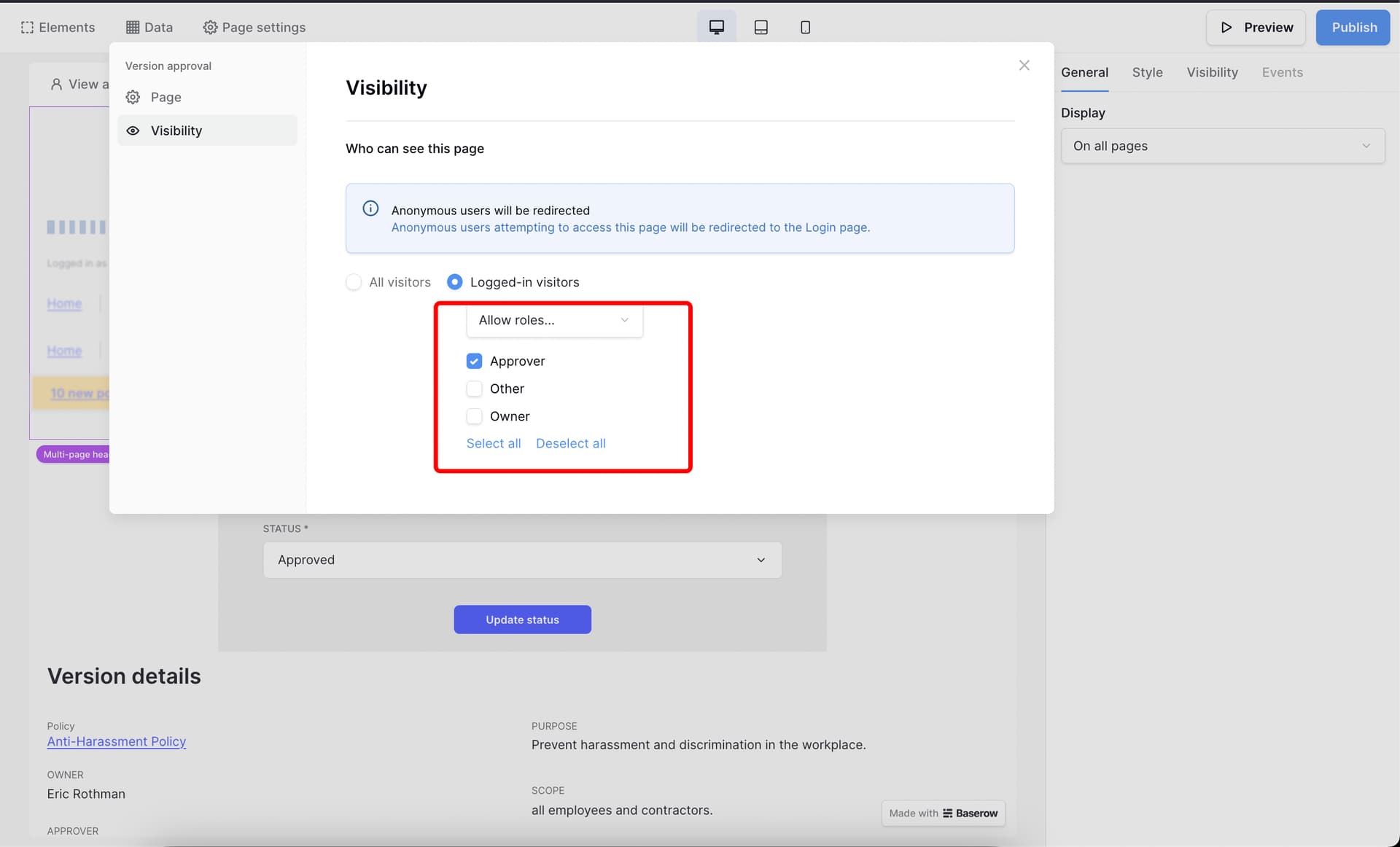
Then, for specific pages, you can configure visibility settings so that a page is only visible to a particular role (with roles also coming from the connected database):
Hello @olgatrykush . I have studied the Policy Management tables and my tables are “compliant”. Let me explain further:
There are only 2 places in my app where I need parent/child relationships: Between actual parents (my customers) and their children (passengers on the buses), and between schools and their hostels.
I have migrated from another app because of the cost of customer access to the app. All those tables have been imported into a Baserow database and the links between the aforementioned tables set up. I then manually linked each parent/child and school/hostel record. I also created a Users table with name, email and role fields for validation. Normally the parents would be the users and book their children for upcoming weekends, but I want to allow children to book themselves too so they would then also added to the Users table
Now I have some new parents on a waitlist and I want them to add themselves and their children to the respective tables. I want to create a form each for parent and child with a workflow on the parent form that writes the form data to the Parents table and the name, email etc. to the table Users table. The workflow will then open the Add Child form and write that data to the Children table. All the fields are Data Input fields.
So here’s my questions before I start: (I have only 8 days left in my trial)
To link Parents and Children there must be a parameter (Parent record ID?) passed to the Add Child form. In the Page Settings for the Parents form I see Page parameters where I could maybe add the ID. Is that the case? Some videos use a Table field within the form (to create an automatic link?) but I could not add a record when I tried that.
For fields where the user does not need to enter something but it should have a value, if I enter the required value (instead of a field) in that field in the form setup will that value be written to the table?
Since both forms will have a Submit button, it is probably not necessary to show the Child form on the Parent form too? The workflow will open the Child form and pass the Parent form ID?
Must I create a field for the Parent ID parameter in the Children table to link them (and vice versa)? Those I manually linked shows both parents and the Parents table shows all their children, but for new entries??? Or does Baserow handle those relationships internally when a linked record is created as above?
I will have many questions when I start on the Booking form…
Thanks for your help so far. It has been really a struggle to find valid and correct answers for this use case, but I will get there!