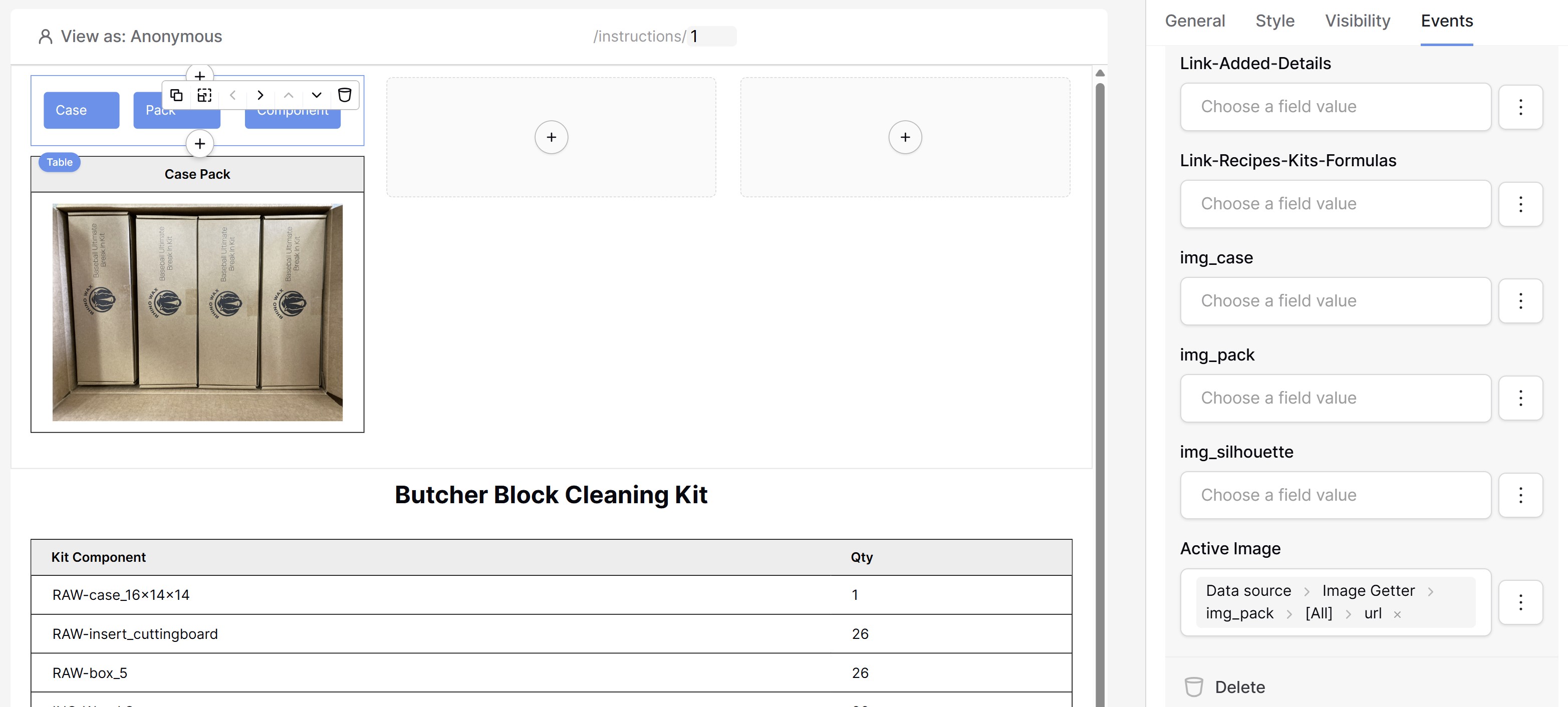
In my table I created 3 fields for 3 types of images. I then created a placeholder field for the “active” image I want to show in the APP.
In the APP I then created 3 buttons and the idea is when you click the button, it replaces the image on the page with one of the 3 fields from the table. My approach is that when they click the button, it updates a field in the table/row in the DB and refreshes the page.
The problem is when I tell use the event field (as shown in the image below) I get the error:
Invalid form
The “Update a row” action failed: One or more fields contain invalid values.
Value error for field “Active Image”: The user file name is invalid.
Question: What do I need to put in the “Active Image” field to get it to replace the image from one of my other fields? (img_case, img_pack, img_silhouette)
I’m basically looking for the ability to swap images on an app based on some value in a cell passed from a button event or something similar. If there is a better way than my initial thought I am all ears!
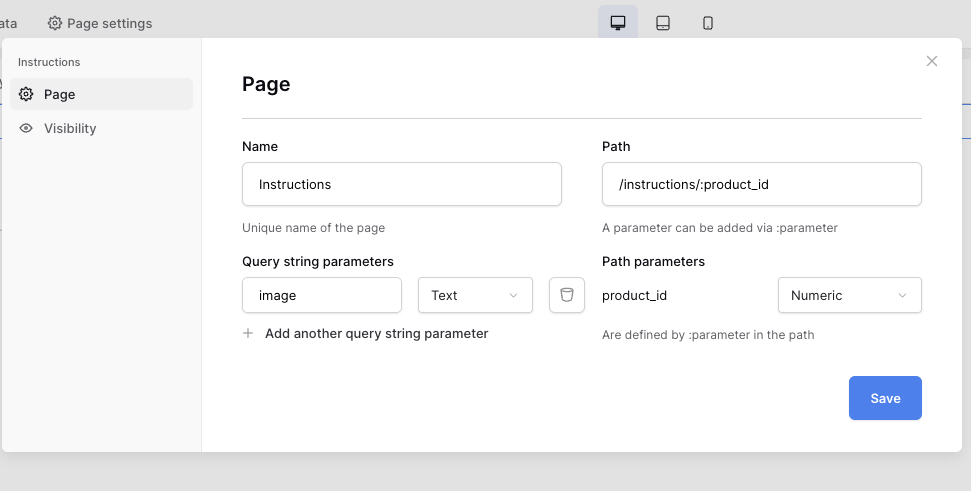
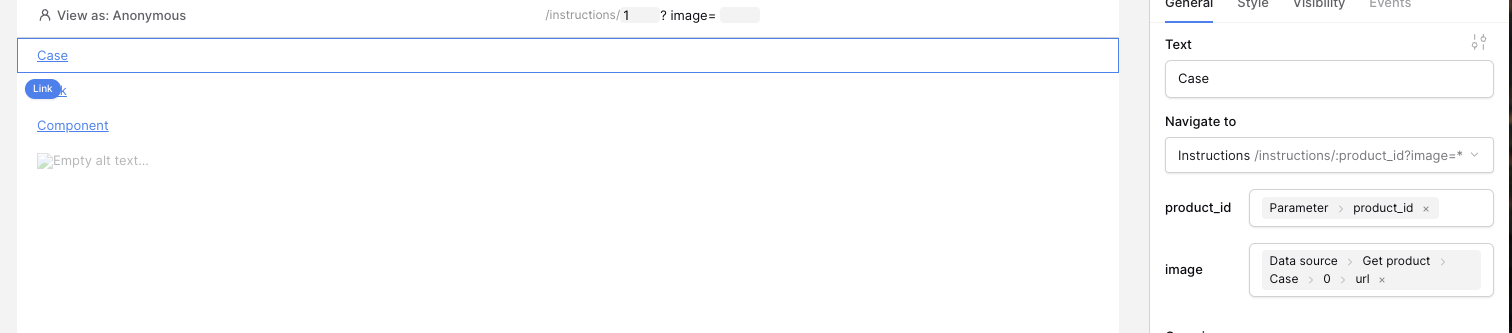
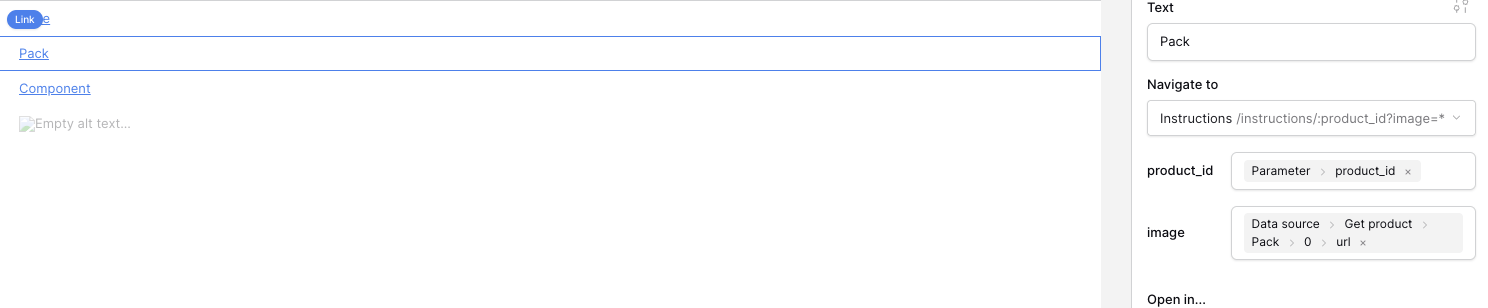
My first thought is to pass a querystring with id of the image. Clicking a button (or in this case a link) reloads the same page with a new id for the image.
Yes, if you pass the image url when opening the page. For example: if you have an overview page with a table element that contains all the instructions (or in my case products)
In the example below: the Case image will be shown by default