Description:
In the Application Builder, the search function for linked fields is not working correctly when the row ID is above ~100.
Expected Behavior:
When searching linked fields, all rows related to a given username should be returned, regardless of the row ID number.
For example:
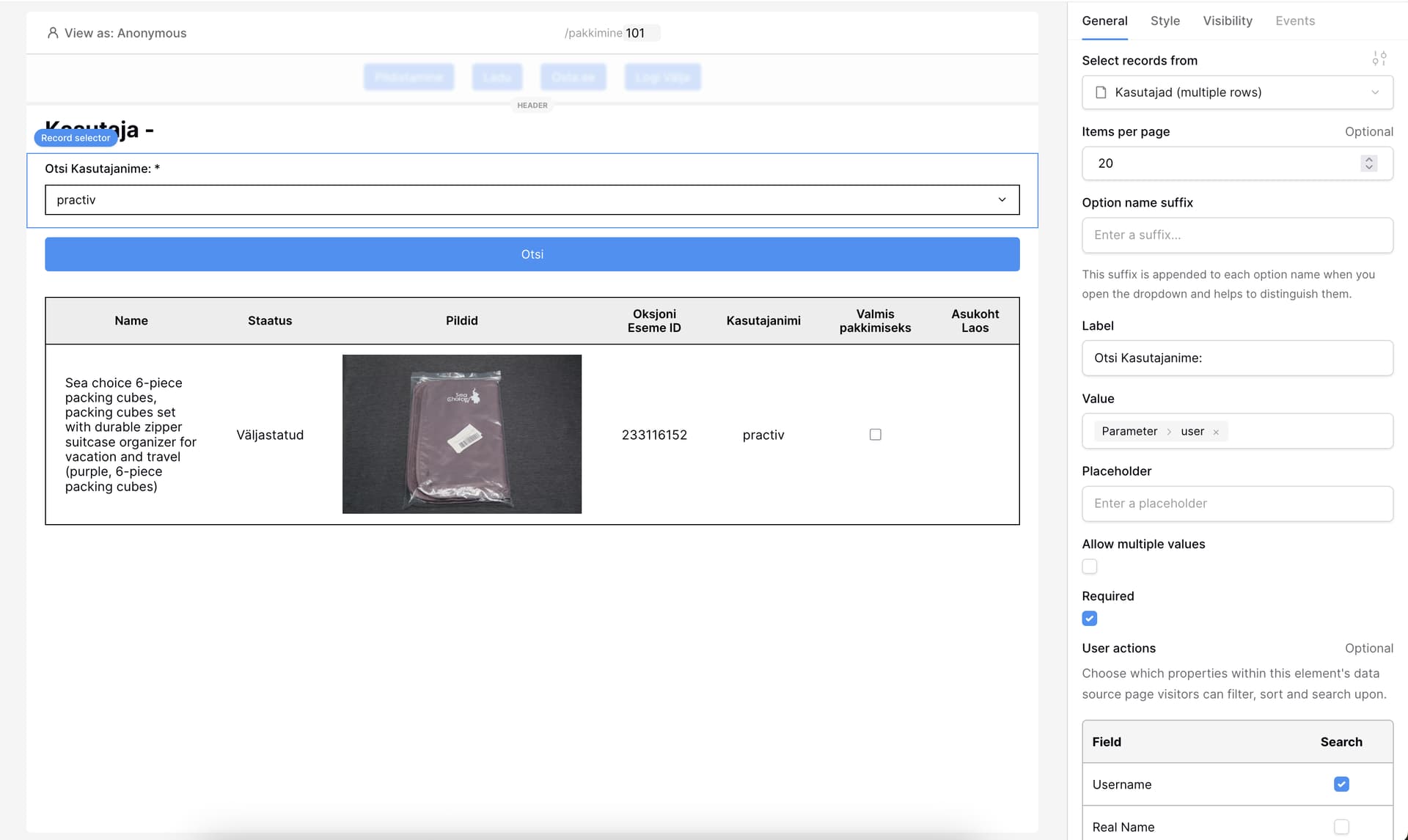
Searching for purchases made by user “practiv” (row ID 101) should display all purchases linked to that user.
Actual Behavior:
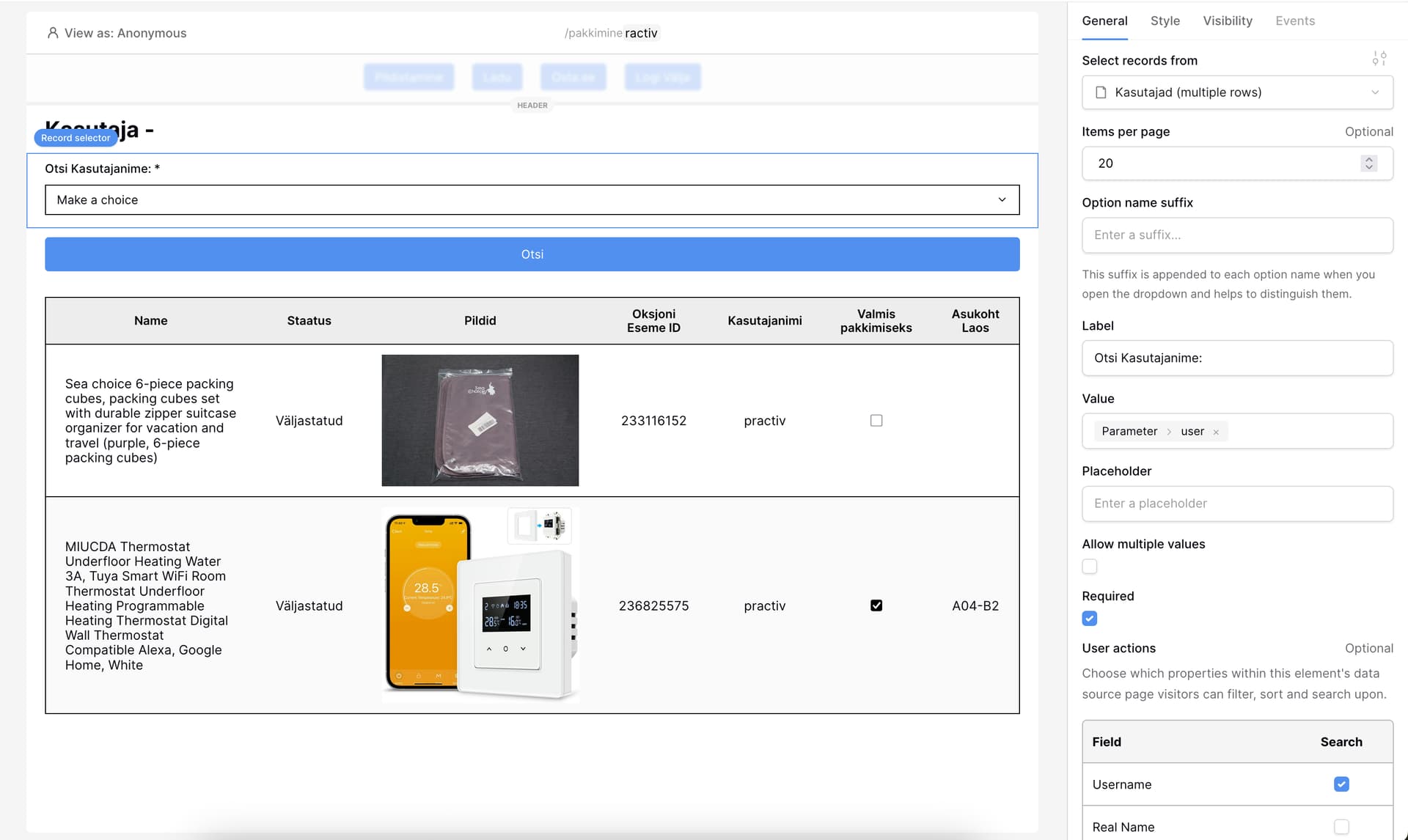
Only some purchases are shown.
There is a discrepancy between search results when:
Using a dynamic link variable with row ID 101.
Searching by the full username "practiv".
Notes / Suggested Fix:
The issue may be related to how the search field resolves values vs. IDs.
At minimum, it would help debugging if the search field displayed the actual username instead of the value/ID.
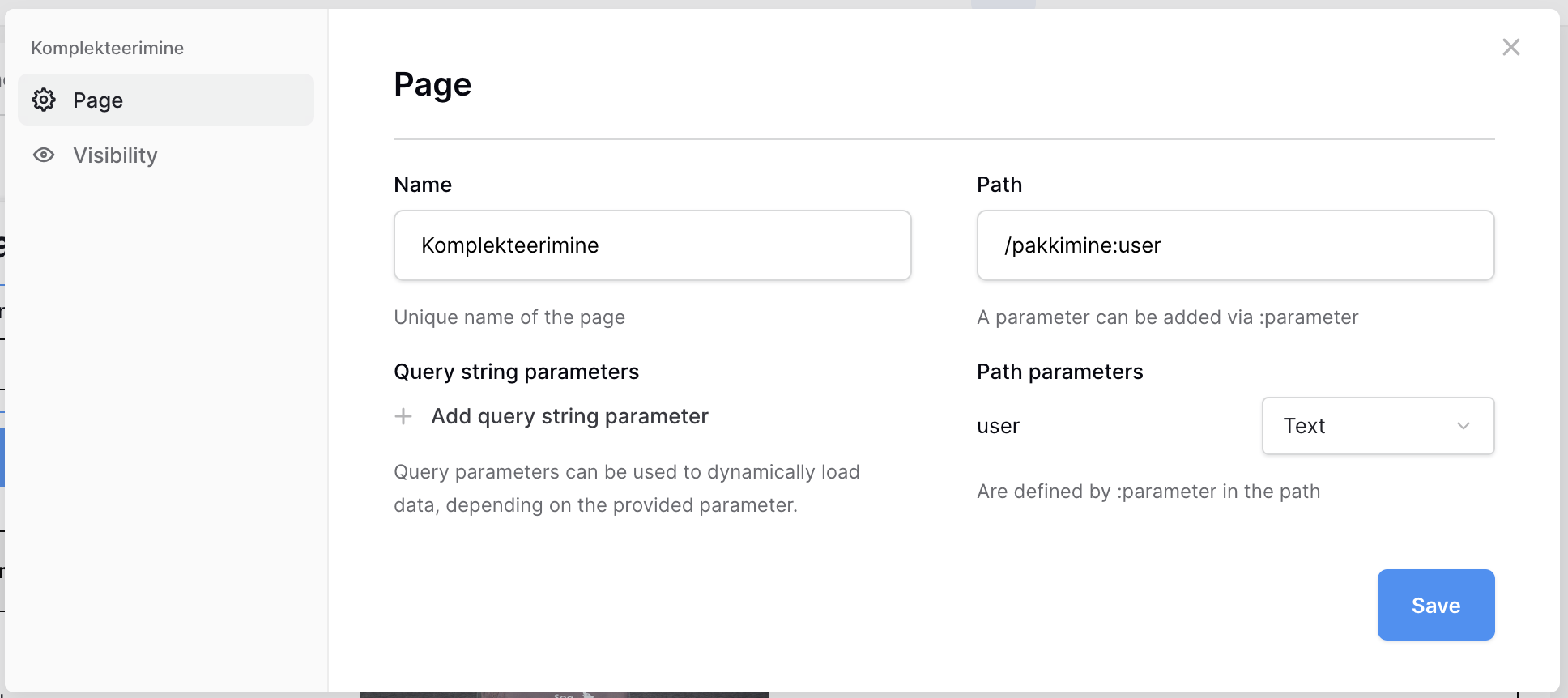
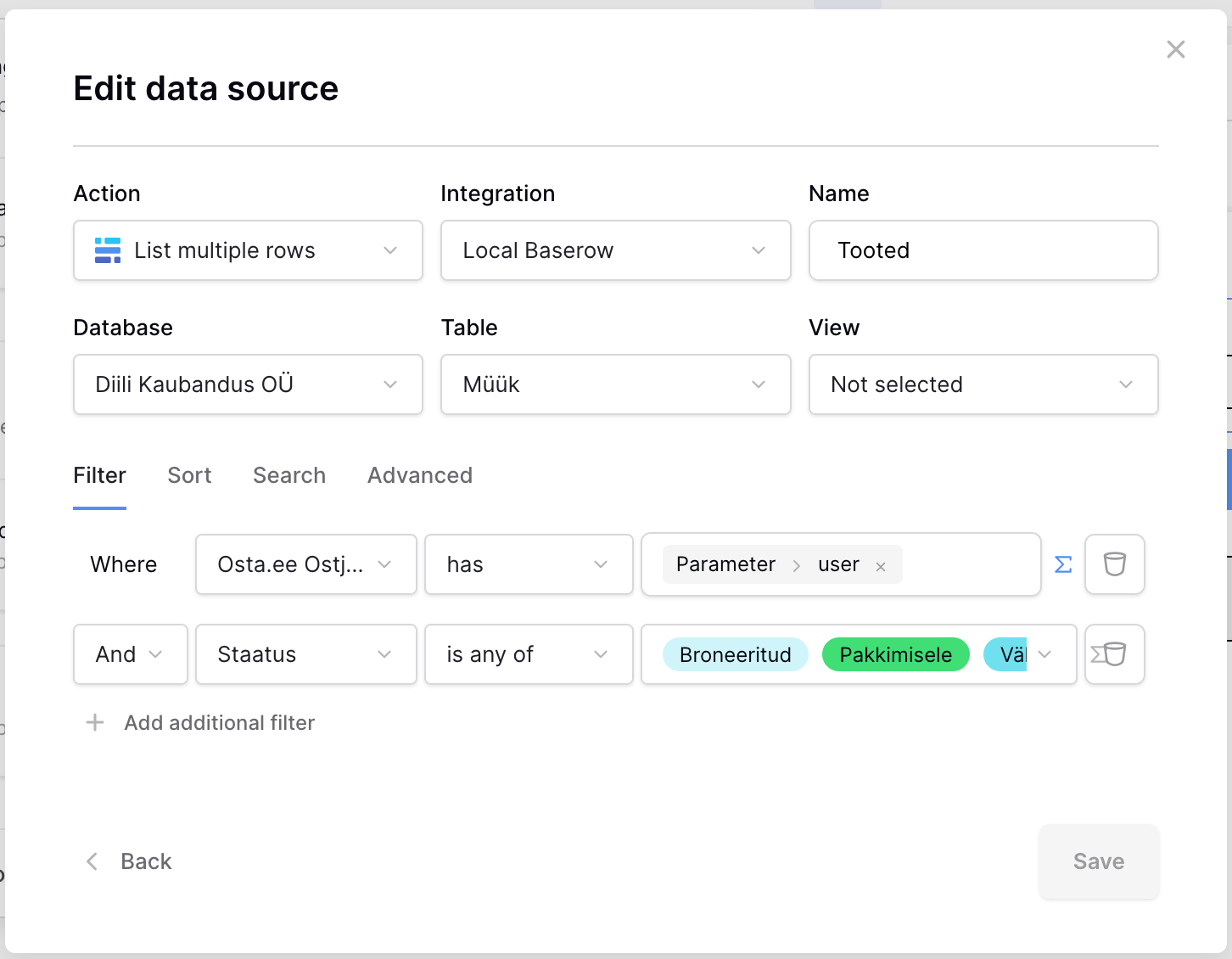
Hi @ihoststuff - In your Data Source settings, could you try changing the filter type to contains instead of has - this might fix the problem you’re describing.
The has filter type will try to match on the ID of the row, whereas contains will try to match on the column’s content.
In your example, using has + a string that doesn’t match will cause all results to be returned (paginated of course). This could explain why it seems like your filter is partially working; it’s just returning unfiltered but paginated results.
I understand the difference between has and contains, but the issue is that the “Otsi Kasutajanime” record selector only returns the row ID of the user. Because of that, switching the Data Source filter type to contains won’t work — since it’s trying to search on the ID, not the actual username.
If the selector could also return (or expose) the real username instead of just the ID, then both has and contains would work properly.