I’m using Baserow’s MCP connector with Claude Desktop and while the core functionality works well, the permissions system has several issues that make it difficult to use safely and effectively.
Issues
1. Table identification is impractical
The permissions interface shows a list of table public IDs without their names. With more than a few tables, manually mapping IDs to table names becomes tedious and error-prone.
Suggested improvement: Only show actionable items in the parameters, and apply permission granularity at the database/table level within the MCP configuration itself.
2. No separation between read and write operations
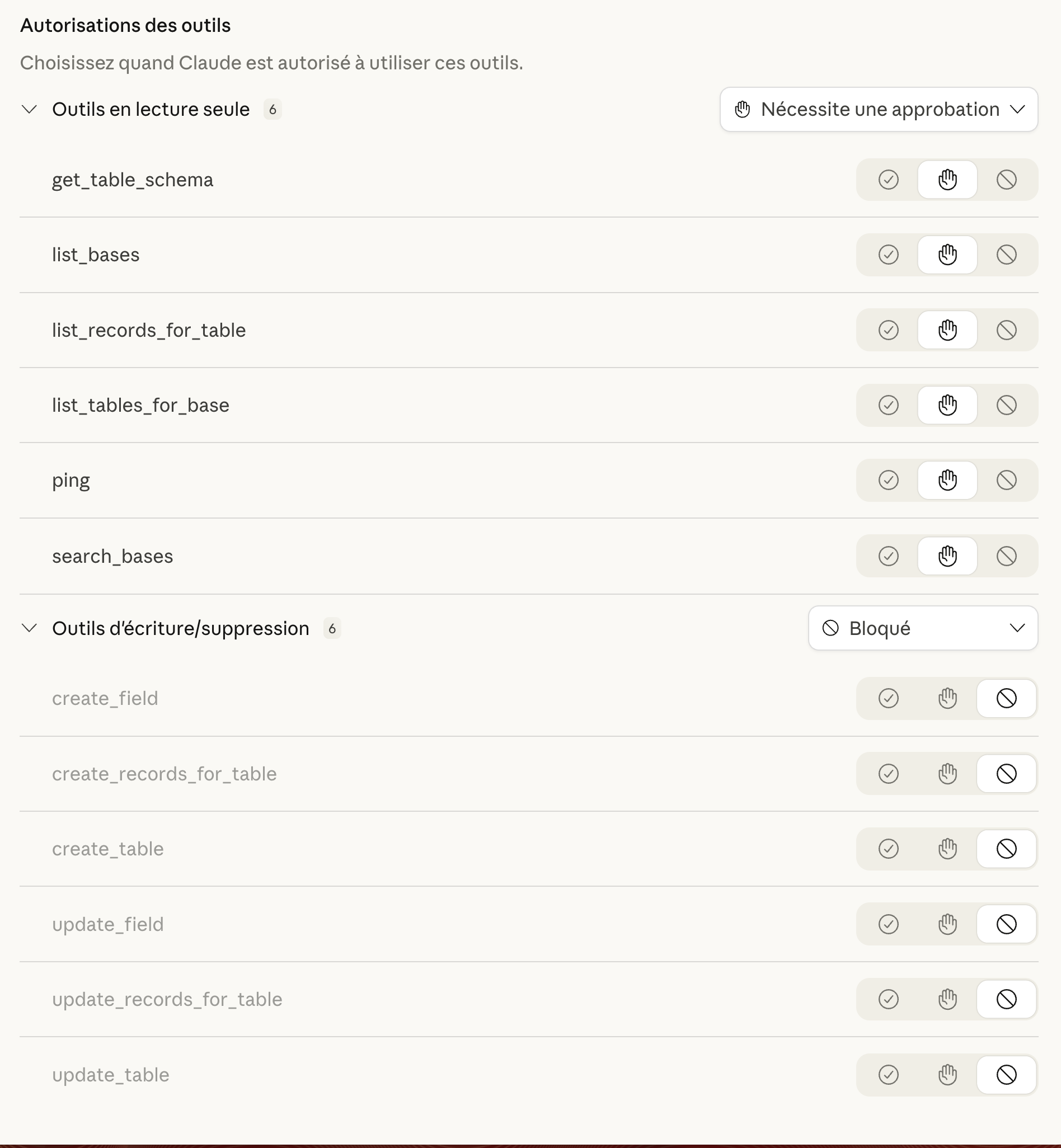
All actions (read, write, modify, delete) are grouped together in the permissions interface. This increases the risk of accidentally granting destructive permissions.
Suggested improvement: Separate read-only actions from write/modify/delete actions, similar to how other MCP connectors handle this. This would provide a clearer security model and reduce the risk of unintended permissions.
3. Missing scope-based permissions
Currently, there’s no way to limit MCP access to specific databases or workspaces.
Suggested improvement: Allow creating multiple MCP connection points, each scoped to different databases. This would enable better isolation and security for different use cases.
4. Unclear scope of structural permissions
Question: The MCP connector currently exposes list, create, update, and delete operations for rows. Does it also have permissions to:
Create, delete, or modify fields?
Create, delete, or rename tables?
Modify database structure?
If these operations are possible, they should be clearly documented and separately controllable in the permissions system.
Environment
MCP Connector version: baserow
Claude Desktop version: Claude 1.1.2685 (f39a62) 2026-02-10T19:42:56.000Z
Hey @bastien, we’ve already made a few improvements to the MCP server. After the next release, it should be more efficient — we’ve optimized it to handle more tasks with fewer resources.
As for permissions, we’re aware there’s still a lot to improve. We’re planning to implement a system similar to what we currently have in the API settings, where you can define permissions per table:
Hi,
Is there an update on this topic in order to enrich the interaction between Baserow and Claude please?
It would be great and a significant time-saver to have the same capabilities as Airtable has hor instance ( Using the Airtable MCP server ), instead of performing operations manually.
Thanks in advance !
I can’t say for sure. As of now, we have improved key management in progress, which will allow users to manage API keys, models, and model capabilities from the interface at both the instance and workspace level.
Once MCP Server permissions are in progress, we should have a better idea of the release timeline.
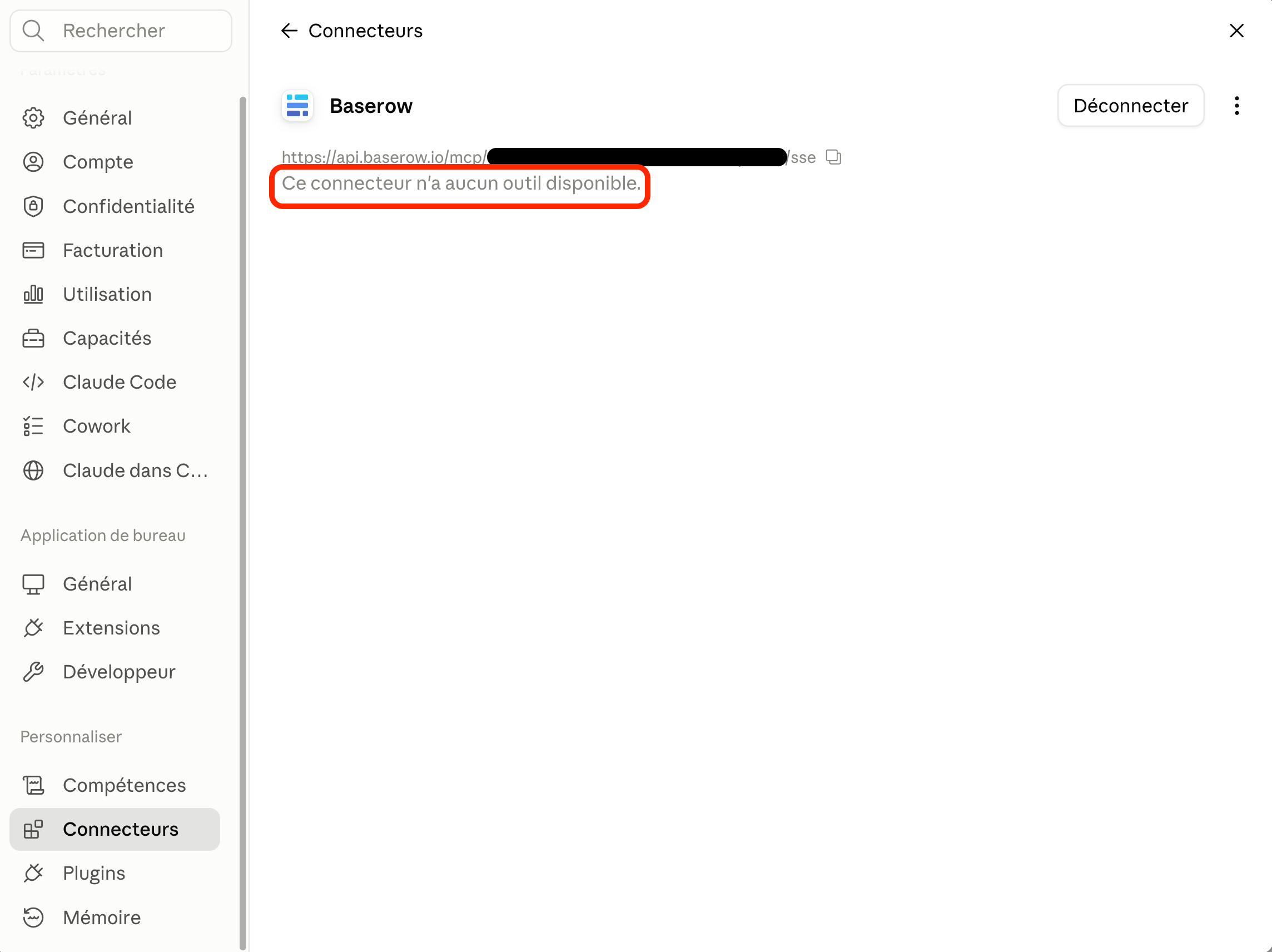
Adding the MCP endpoint (https://api.baserow.io/mcp/``<key>/sse) as a custom
connector in Claude Desktop succeeds, but the connector then shows “This connector has no tools available.”
I tested the endpoint directly with curl:
1st GET /sse → 200, stream opens, event: endpoint received (session created)
2nd → 403 Forbidden
3rd + 4th → connection established, then 0 bytes until timeout
So the server answered correctly exactly once, then stopped delivering the SSE
stream. I was never able to POST initialize / tools/list on a live session.
That would explain the empty tool list: the client opens the connection, never
receives (or immediately loses) the endpoint event, the handshake never
completes, and no tools get listed.
Caveat: I can’t fully rule out rate-limiting triggered by my own repeated
connection attempts.
Is anyone else seeing this? Happy to re-test if useful.
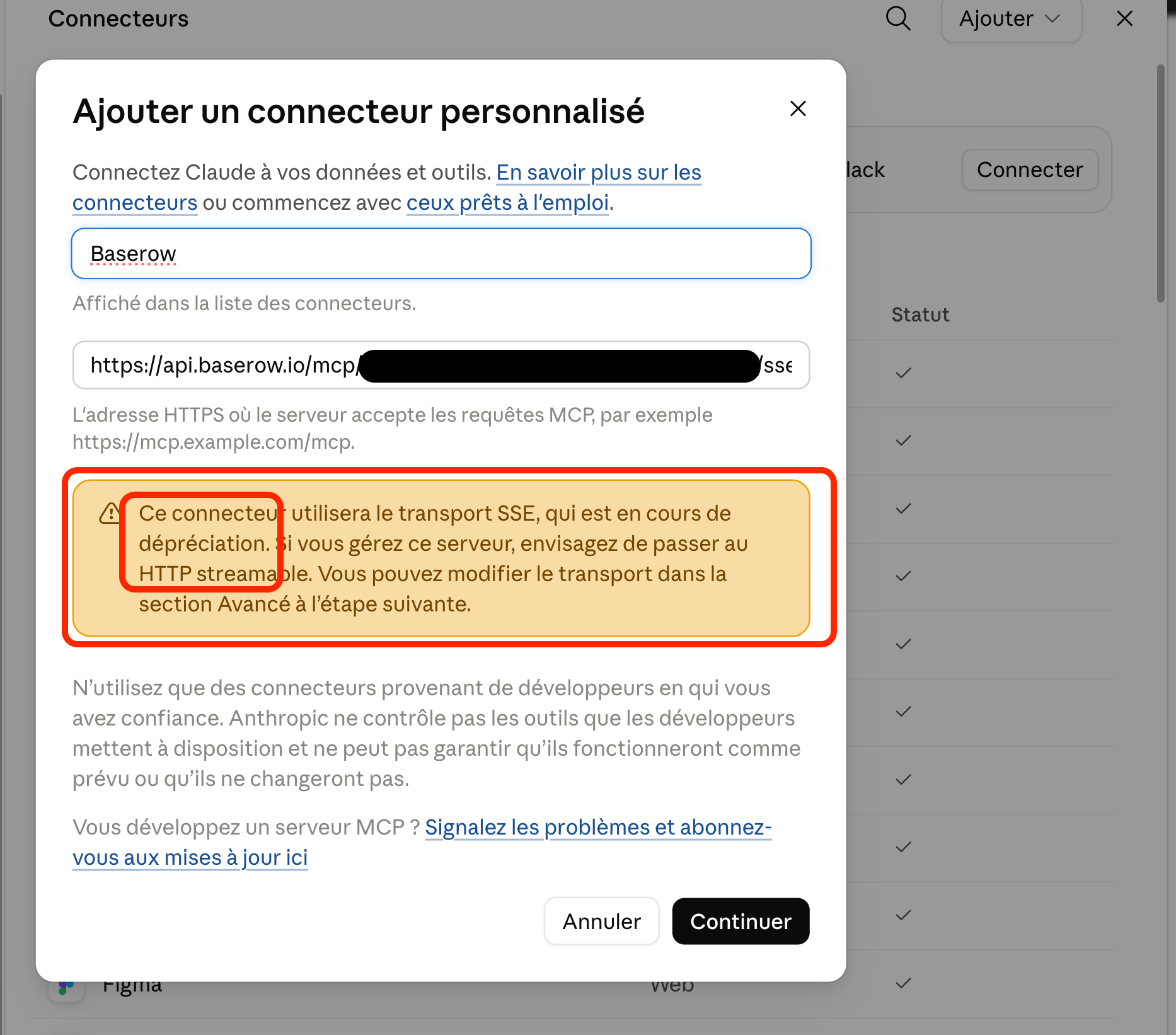
Side note: Claude Desktop also flags the /sse URL as using the deprecated
SSE transport and suggests streamable HTTP — separate/minor, but worth flagging.
The failures cluster at the end: the last 4 attempts failed in a row. That
pattern looks like server-side connection/worker pool exhaustion — SSE
connections not being released, so eventually nothing is left to emit the endpoint event.
This fully explains the client symptom: Claude opens the stream, never receives
the endpoint event, the handshake never starts, so zero tools are listed.
Reproduced on two different endpoint keys, one created minutes ago.
Protocol negotiation is not the issue (2024-11-05 and 2025-03-26 both work
whenever the session does open).
Caveat: my repeated test connections may contribute to the exhaustion — but
failures also occur on early attempts, so it isn’t purely self-inflicted.