Are you using our SaaS platform (Baserow.io) or self-hosting Baserow?
SaaS
What do you need help with?
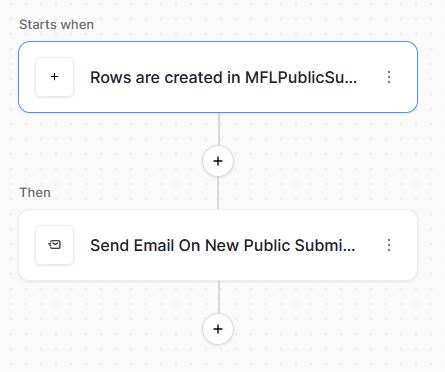
Using the new automation feature to send an email when a new record is added to a Baserow table (see attached screenshot of this automation). I have followed all of the documentation that I can find, which seems straight-forward. The trigger for when a new record is added to a Baserow database table seems to work fine when tested, however, the following one action to send an email fails with the message “The username or password is incorrect”. In the configuration of this action, I am using what I believe is the correct Gmail SMTP server, the correct SMTP port (587) with the checkbox for “Transport Layer Security” (TLS) checked, and the correct Gmail username (Gmail email address) and correct Google account password. In doing multiple Google and Baserow Community Forum searches, I have not been able to resolve this issue. Some Google search results indicated that two-factor authentication needed to be turned on for this to work, so I tried that, and no difference. Thank you!