New Baserow release - Grouping issue / request for redesign

Hello,

I’ve just received the news that a new Baserow release is published. Great!
You have a lot of cool features that I want to see in my application :slight_smile:

Yet, I’m really having problems with the new grouping design.
Is there a way to disable the new grouping?

Because:

  1. It bloats the view, since for every category in a grouped column an additional category-row is added. Cool yeah, but disturbing in very big tables…

  2. It is super contra-intuitive, that now, when everything is grouped, new entries cannot be generated at the end of a table, but only when one group is toggled (an therefore need be part of a grouip) → New entries can only be generated from inside the group.
    Seriously? Did no one else see this during the test phase? :sweat_smile:

Hey @kuechleo, thank you for your feedback :raising_hands:

It shows which field(s) the rows are grouped by and provides space for group summaries.

Let me check about this one.

1 Like

Here I have a comparison via screenshots of the old versus the new grouping system.

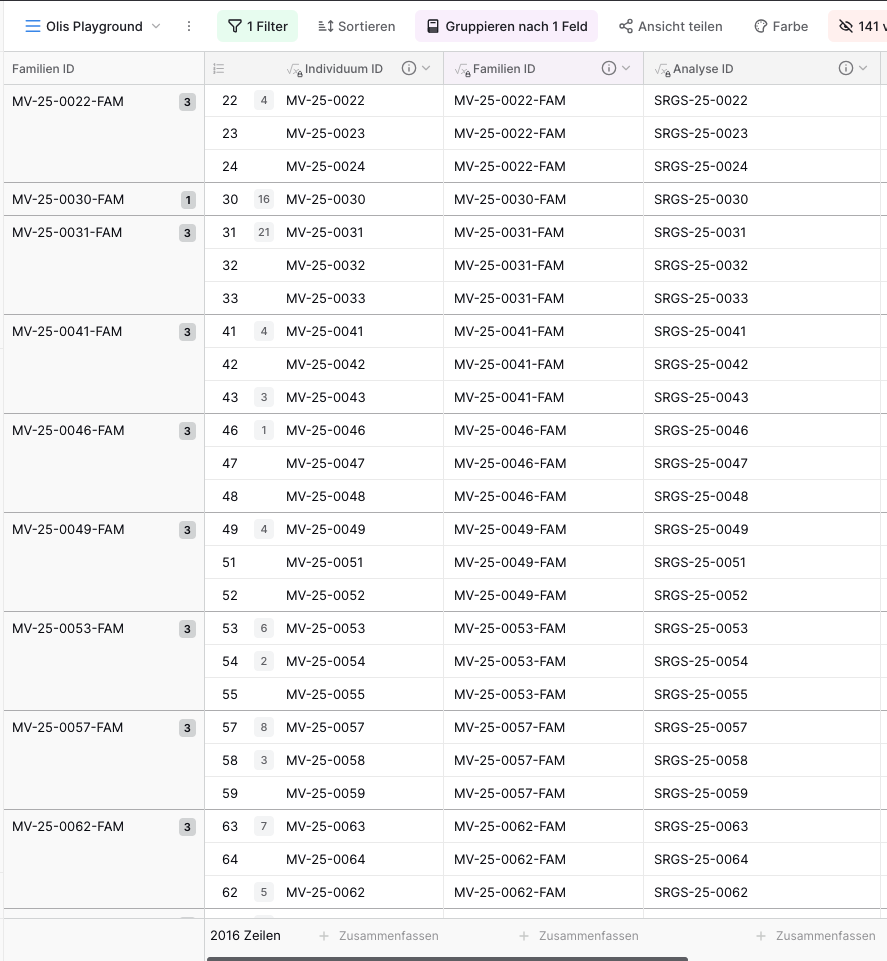
Old system:
Fits 25 lines on my screen and they are nicely grouped (identified by first fixed column)

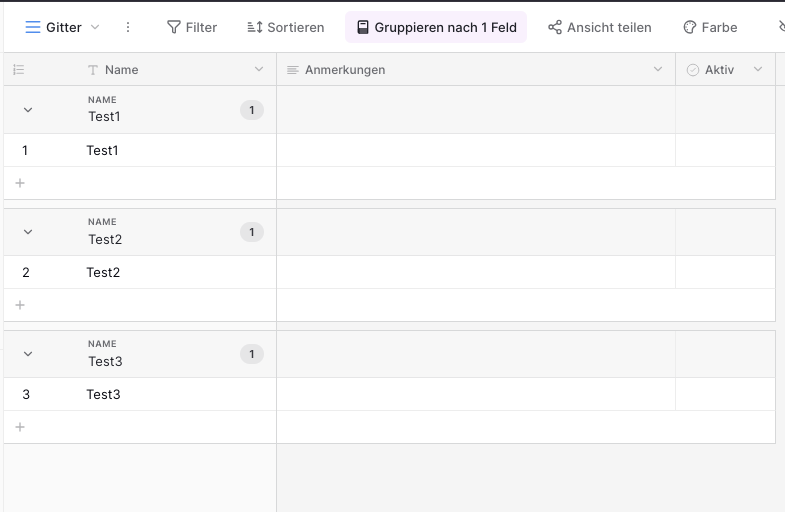
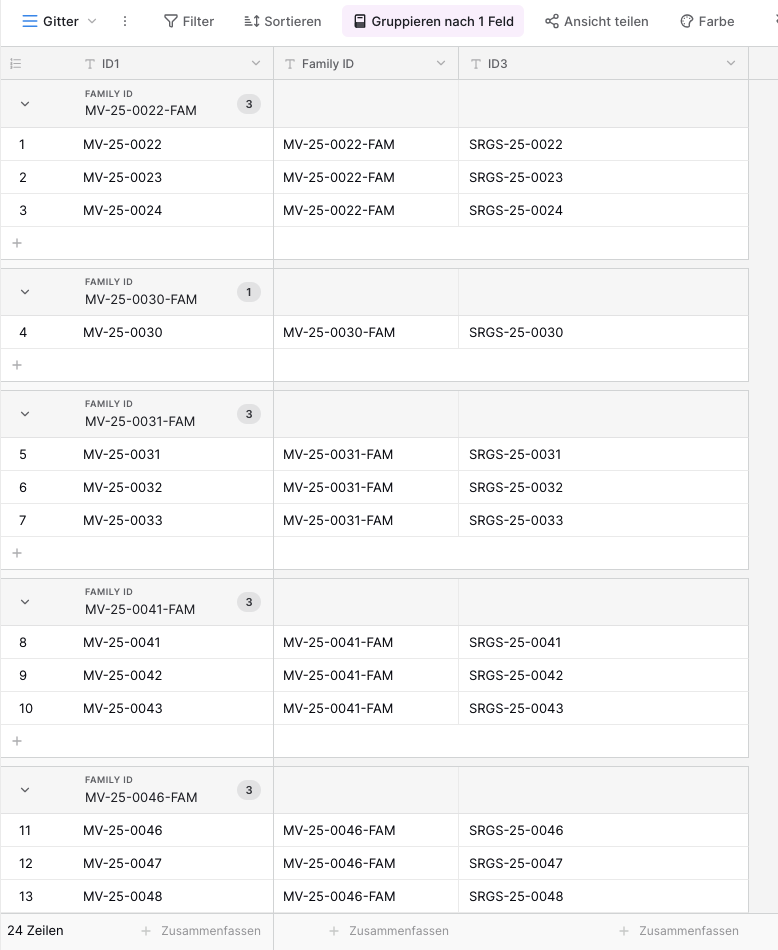
New system:

  • It fits only 13 lines on my screen.
  • It is confusing, that groups are separated by space, because it creates the impression of having distinct tables.
  • In this view there’s no option to add a new entry outside of these groups.
  • It becomes very cumbersome if you have a lot of rows (and groups).
    → We have over 2k rows and group them always in groups of 3.


→ This new system might have advantages for some users - Fine and great :smiley:
However, we do not need these group summaries and it’s really not pleasant for us.

1 Like

Hey @kuechleo, I understand your points. However, ever since we released Group by, many users have been asking for group summaries. That’s why we updated the design, using a bit of extra space to make room for group aggregations.

I’m sorry to hear that the new design isn’t working well for you.

I’ve checked this request, and we do plan to add the ability to create a new row when all groups are collapsed. We already have an issue for it, but it hasn’t been prioritized yet.

1 Like

Hi @olgatrykush , any updates regarding the creation of new lines, that do not belong to any of the already entered rows?

Hey @kuechleo, not yet, unfortunately. I’ll let you know as soon as there are any updates. :slightly_smiling_face:

1 Like

Do you know why there are issues with grouping by Linked To Table or Lookup Fields that are Formulas? I had mine setup as “Applications” and created a record of tasks that are assigned to them, but now I cannot find a good way to group so I can see tasks by each Application.

Hey @bridgepointclinical, could you share a screenshot of the field configuration you’re trying to use for the Group by option?

Here you go - I have tried to set Linked To and Look Up (Application) Neither appear to be a grouping option

Hello @bridgepointclinical, I’m sorry for the delay. I must have missed the message. Lookup fields are not supported by Group by. Here is the list of all compatible field types: Baserow group rows by chosen fields

Link to table should work, though. Did you try using a Link to table field?