I checked this question with the development team and due to this issue: Use the field ordering of the first view in the row select modal (#1062) · Issues · Bram Wiepjes / baserow · GitLab, your fields are ordered by the order of the first view of that table. So if your table has a couple of views, it takes the first one and uses the order of that one. And if you are re-ordering the fields in any other view it won’t change anything.
Thanks for looking into this! And yes that makes sense but I actually only have one view 
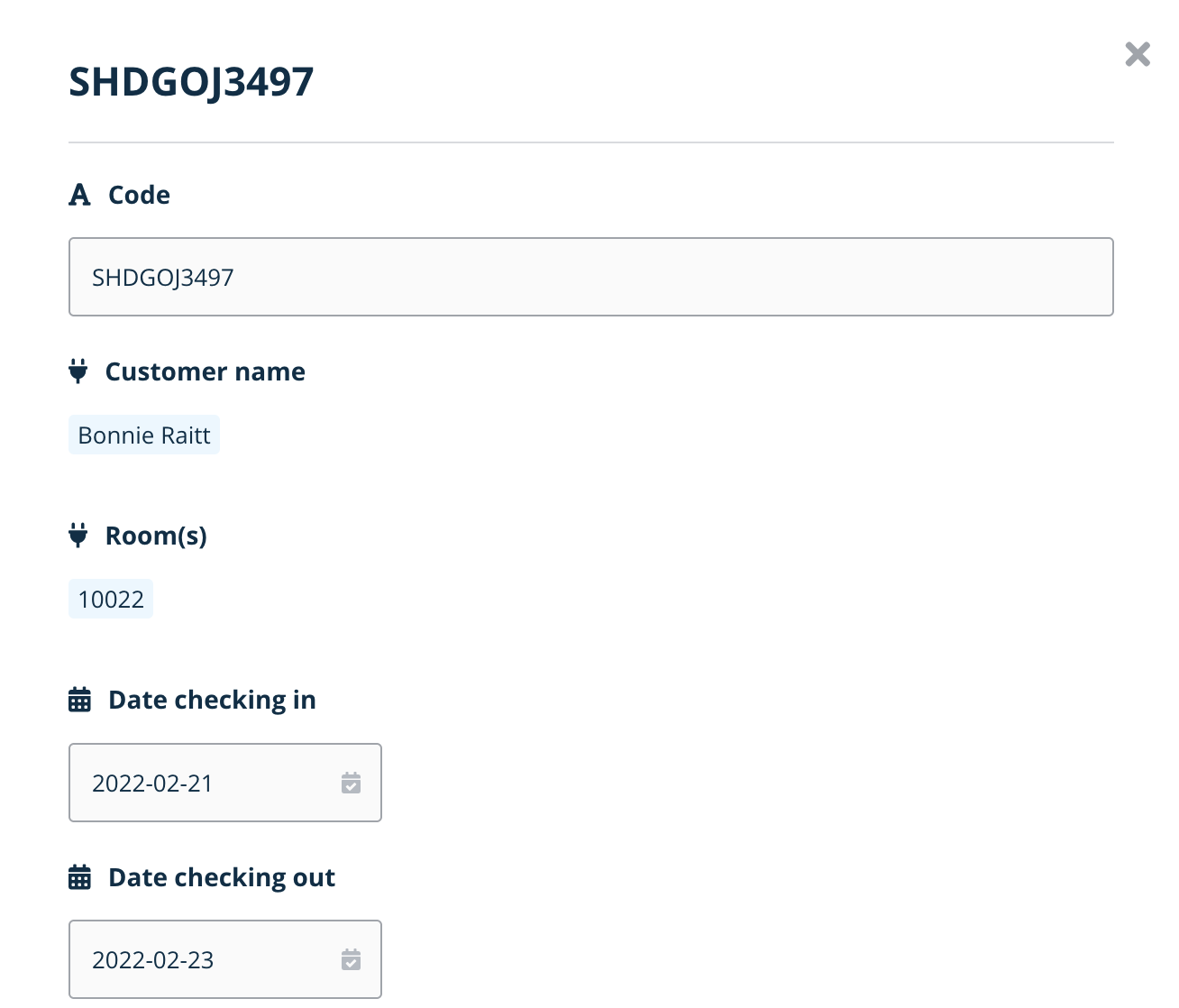
Hey @laumes, in which model are the fields not ordered? Is it this one that’s opened directly when you click on an existing link to table relationship like the image below?
Or this one, when selecting a new relationship like the image below?
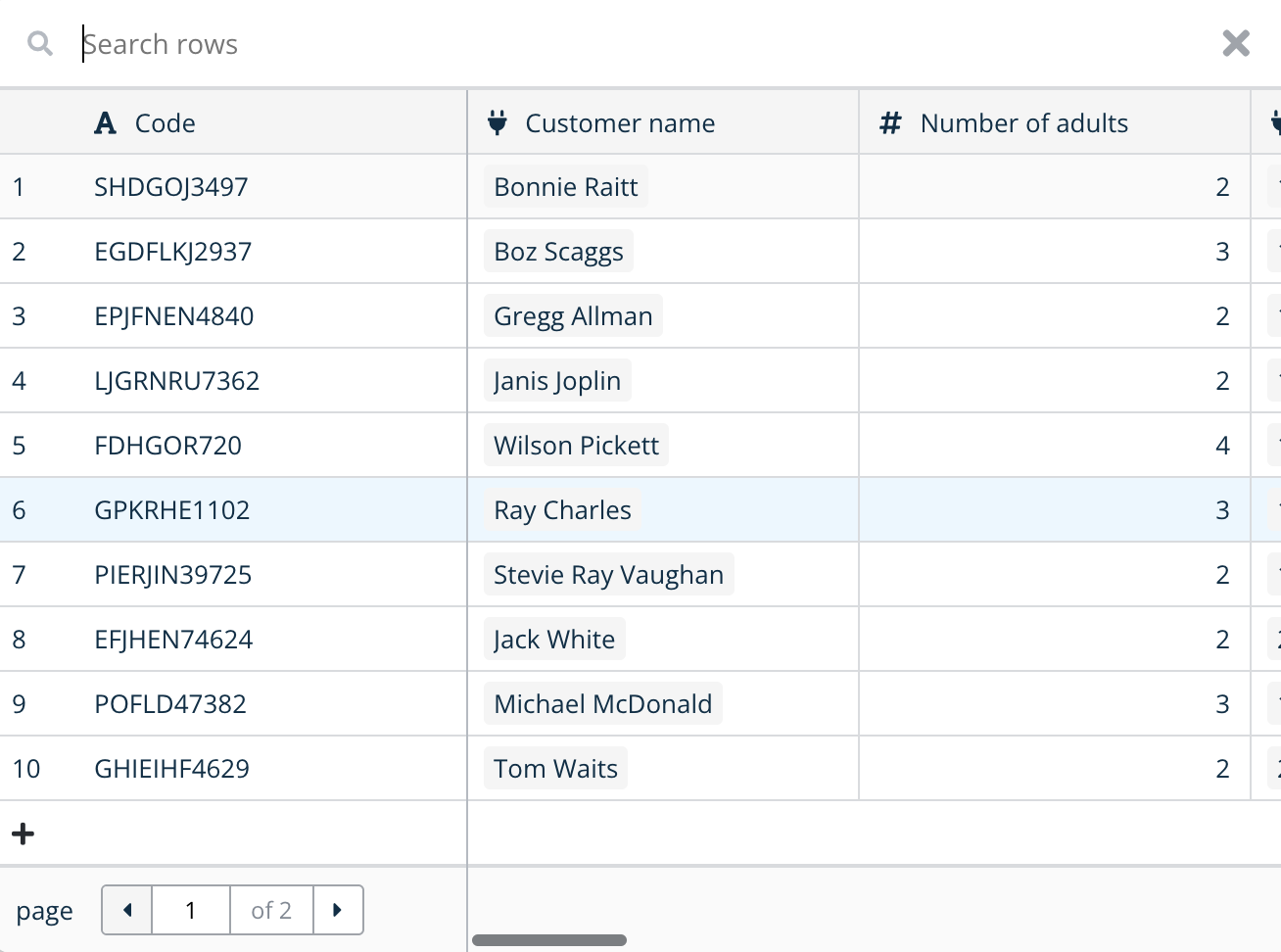
The reason I’m asking is because we’ve implemented the ordering only when selecting a new relationship and not looking at an existing one.
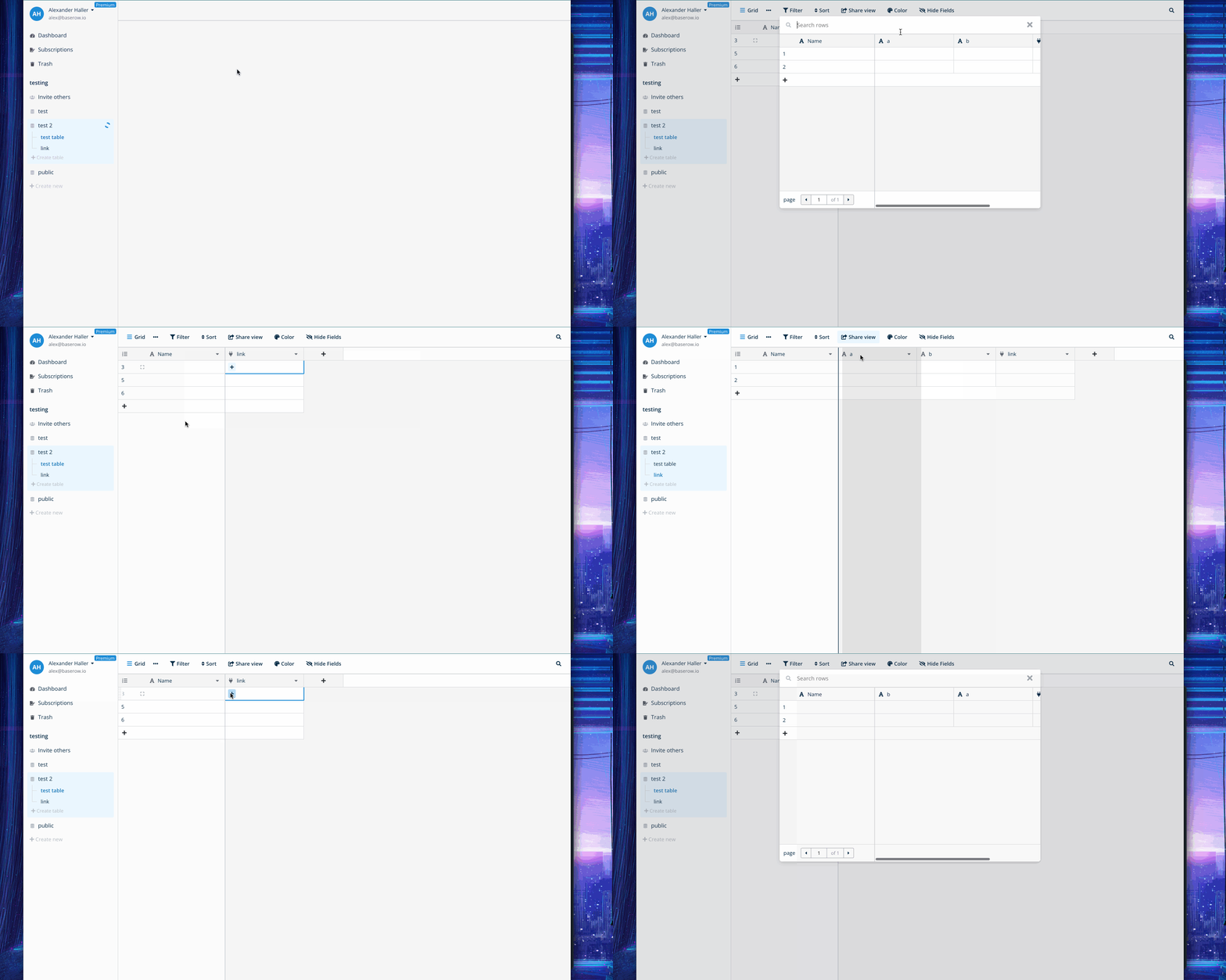
Here is also a demo of this working in the scenario described.
Maybe there is something else going on?
1 Like
Aha I see what you mean, thanks to both for explaining it! I indeed thought that I would see the “right” (so my rearranged) order when I opened the modal of an existing link (first image), I do see the right order when selecting a relationship. But for me it would make more sense that you see the correct order when you open the details of the linked row, that way I could see all the information in the logical order that I have restructured it, instead of having to go back to the original table to see the correct overview there.
That makes sense.
To me that sounds reasonable as a feature request, what do you think @bram ?
Yeah I think it makes sense to implement that for the row edit modal as well.
1 Like
When you double-click on an item in a cell of a linked table column, the modal window should show the fields of that linked table in the current column order of that table, not the column creation order. Unfortunately it still shows the creation order in linked modal windows.
I have created an issue on Gitlab. I am new to the forum so I hope this is how it works?
Hey @Mary-Lou, thanks for the feedback and for creating the issue on GitLab. We’ll check it out 
3 years later…  Any updates, @bram?
Hey @Mary-Lou, you can see the feedback on GitLab 
Hi @olgatrykush
The last feedback on GitHub dates back 1.5 years. Is there still no update on an ETA?
Our database, which contains many Link to table fields, has grown significantly over the years. When a Link to table field is added, it is, of course, appended as a new column at the very end.
As the structure has evolved, it has become necessary to reorder the fields. However, in the linked field modal, the fields still appear in the order in which they were created, which makes completing long modals quite difficult.
I attempted to duplicate the database, but the field order remained unchanged.
It seems impossible to produce a “clean” version of a database that has grown organically over time.
We understand the need, which is why your issue was accepted. Since we manage a large backlog, we prioritize requests and don’t have an ETA yet. We’ll work on this feature once it reaches its turn in the queue. 
The row select modal shows the field orderig for the first view.
Why can’t you use this field ordering in the linked row modal (or whatever it is called) as well?
Hey @Mary-Lou, I noticed you also left this comment on GitLab. Once we get to this issue, the developer assigned to it will decide on the best implementation approach and review your suggestion about using the first view.