@olgatrykush thanks for the reply. Im unable to view the audit log as im on the premium plan (but it says u need the advanced plan to view it). I do have a collaborator working on this table, and I have checked with him, he didn’t do anything, and he doesn’t even know how to edit the dropdowns so I doubt he is the reason.
1. I did not perform any conversion of that column even since I created it
2. There were no duplication / renaming / re-importing of the table
3. There are no APIs or other automations. The only script I had is ‘if( not(isblank(field(‘UKMLA condition’))), ‘UKMLA’, if( not(isblank(field(‘GG Internal condition’))), ‘Internal’, ‘Uncategorised’ ))’
Is it possible that there is a upper limit of how many drop down fields I can add? And I have exceeded that limit, such that it is automatically deleting made ones to make space for new ones? As I did create a large amount of dropdowns.
Are you saying that “dropdown fields” have disappeared, or that “select options” in those fields disappeared? And, did the select options disappeared as the field configuration, or you simply lost the value in the cell (and the drop-down options actually still exist and can be selected)?
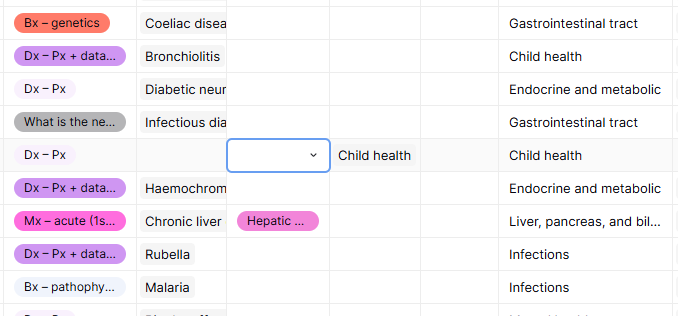
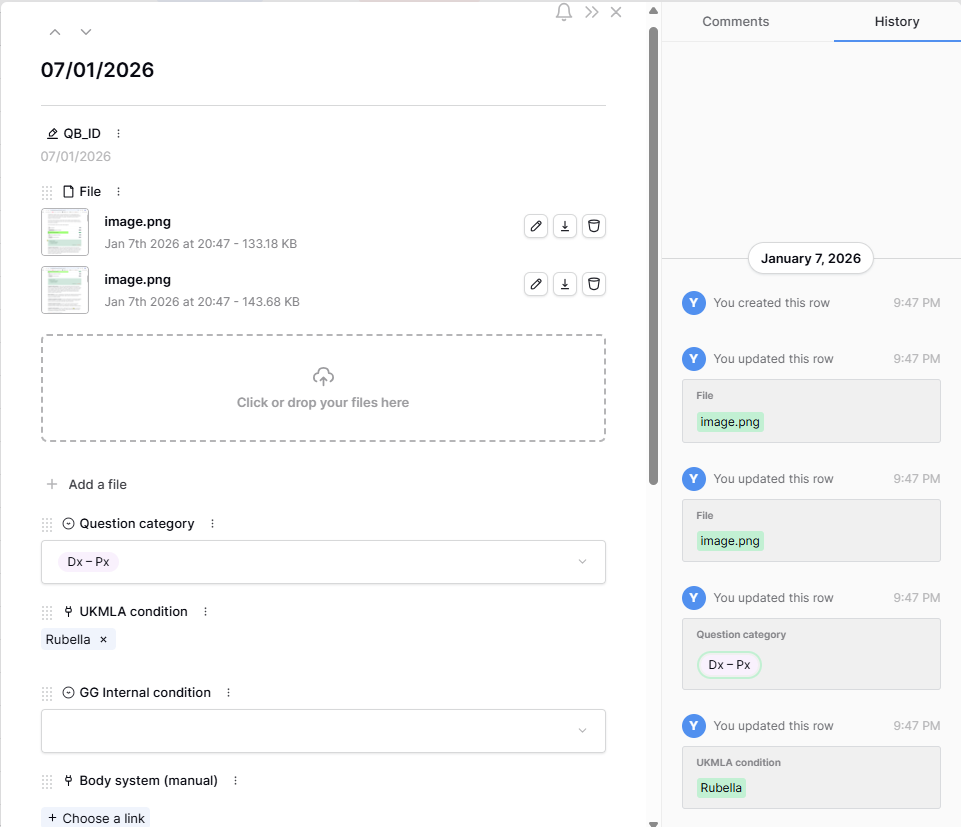
So i created this on the 7th Jan, and I think i noticed the disappearance on roughly the 6th of Feb when I was trying to re-use the same drop down field, i noticed it is no longer there.
Hi, sorry if I wasn’t clear. I’m not referring to a single row value changing.
What I mean is that the select option itself (e.g. “congenital infection”) was previously created in the dropdown field and used across multiple rows, but later completely disappeared from:
1. the dropdown option list in the field configuration, and
2. all cells where it had previously been selected
When I said I was trying to “re-use the same dropdown field”, I meant selecting that same existing option again in new rows, but then I noticed the option was no longer available at all.
Just to confirm, you are talking about some deleted single/multiple select options that were previously created and used in the field, not that all your options disappeared? Because I thought like you lost ALL options.
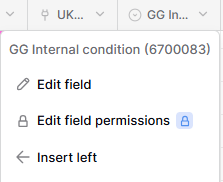
Can you also give me the field ID where you observed this?
Do you have any collaborators or open the application in multiple windows?
To confirm, only some specific select options disappeared (e.g., “congenital infection”), not all options in the field. The remaining dropdown options are still present.
There are two collaborators in the workspace (including myself). I have checked with the other collaborator, and they confirmed they did not delete any options. They also observed that the dropdown option was missing.
As an example, row 1139 was originally tagged as “congenital infection”, but this value disappeared when the select option was removed. I have since re-created a “congenital infection” dropdown option, but the original value had already been lost from the cell.
The missing options had previously been created and used across multiple rows, and they disappeared from both the dropdown configuration and the existing cell values.
So, you are two collaborators and work on the same table, doing some form of data entry. Is it a fair assumption that you frequently create *new* select options when entering data?