Are you using our SaaS platform (Baserow.io) or self-hosting Baserow?
Self-hosted
If you are self-hosting, what version of Baserow are you running?
baserow/baserow:1.35.0
If you are self-hosting, which installation method do you use to run Baserow?
docker, using docker compose, image: baserow/baserow:1.35.0
What are the exact steps to reproduce this issue?
I want to have an instance of baserow which is accessible only on LAN, using the IP address of the server. This is fine for normal baserow usage, but if I want to publish an app, I need to tie it to a domain, which I don’t want to do.
I tried to work around this by putting baserow behind nginx and then setting the Host header manually on a path like 192.168.7.7:8087/subdomain to subdomain.baserow.local (this domain is never used to actually access any part of baserow), which should make baserow think this request is targeted for the app, which I published on the subdomain.baserow.local domain.
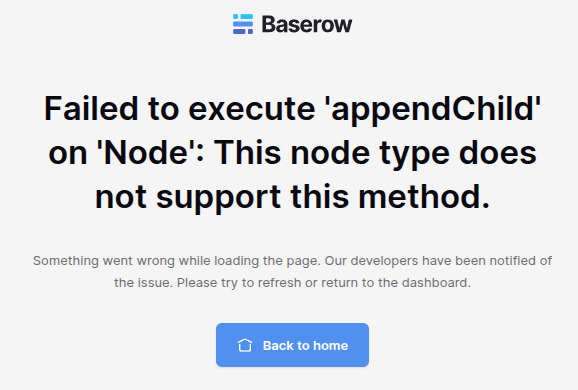
This almost works. When I navigate to the path, I see the application, with correct data loaded, but just for a split second. After that it displays an error such as: Failed to execute 'appendChild' on 'Node': This node type does not support this method. or Page not found (see screenshots).
Docker compose and nginx config will be in a comment, it wont fit in this post.
Attach screenshots, videos, or logs that demonstrate the issue.
Could you modify your hosts file instead? For example, locally on my laptop, I have:
picklepete@baserow ~ % cat /etc/hosts
##
# Host Database
#
# localhost is used to configure the loopback interface
# when the system is booting.  Do not change this entry.
##
127.0.0.1	localhost
127.0.0.1	application.builder
When I publish my application, I set the domain to application.builder.
here is the setup which almost works. When I navigate to the /app path, the applications shows up for a second, before the client JS detects something it does not like (I guess) and displays an error.
Does this make the app accessible from other computers on the same network? Correct me if I’m wrong, but /etc/hosts only affects the machine it is on. So If I want the app to be accessible by other computers on the same LAN, I would need to modify every machine’s hosts file, which is not tenable.
I also considered using mDNS (Avahi), but I would need subdomain support (to be able to publish multiple apps), which is not consistent across OSs (I think windows does not handle mDNS subdomains at all).
I could, of course, setup a proper dns server (dnsmasq, …), but I would like to avoid that if at all possible.