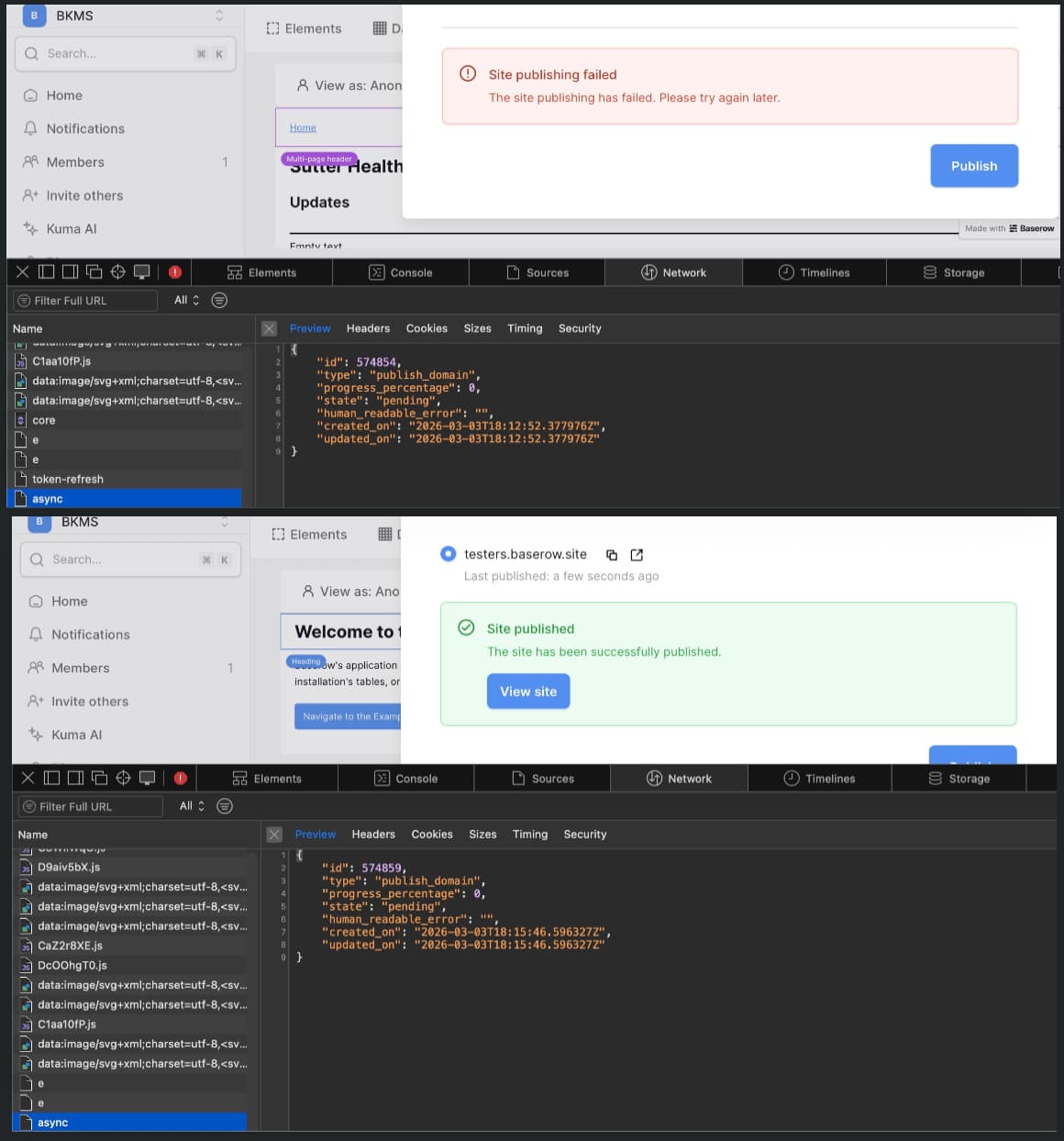
The last few times I’ve attempted to publish my web app it gives the error “Site Publishing has failed. Please try again later.” This has been happening over several weeks, there are no fields showing an error on any of my pages, I have a page with the path /, I cleared my browser cache, I’ve made several changes, and I can’t figure out what is causing the issue.
I’m attempting to publish to a Baserow sub-domain using a Baserow database on the free plan. From what I can tell, I’m not using any features limited to a paid plan from when I was on a free trial. I don’t have anything personalized (no self-hosted, no coding, etc), and am at a loss. What else would be causing this issue?
hi @Mesmar I’m sorry to hear that you’re having trouble publishing your Baserow application. I just tested it myself on baserow.io with a baserow.site subdomain, and it works fine for me.
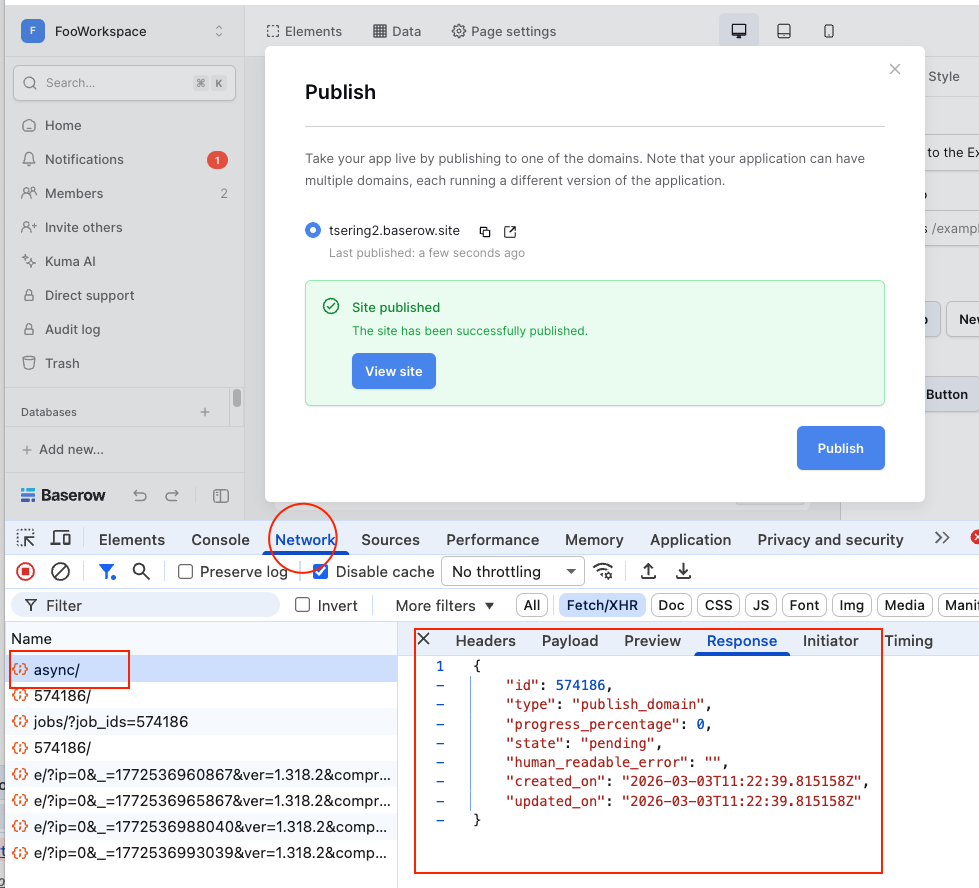
Could you please try again, but this time check your network tab. If you’re using Chrome, press F12 to open the dev console, go to the Network tab, then click the Publish button to publish your app. The network tab might give us more insight as to the underlying error:
hi @Mesmar Thanks for providing your workspace export. I found the bug that was causing the publishing error you saw. I’m working on a fix right now, but there is a workaround so that you can publish your app in the meantime.
In your Training page, there is a Table element which has a link column. That link column has a stale reference to a deleted page. To clear it:
Click the Table element and find the Link column
Change the navigation from “Custom URL” to any existing page
Switch it back to “Custom URL” then refresh your browser page (ctrl + shift + r)