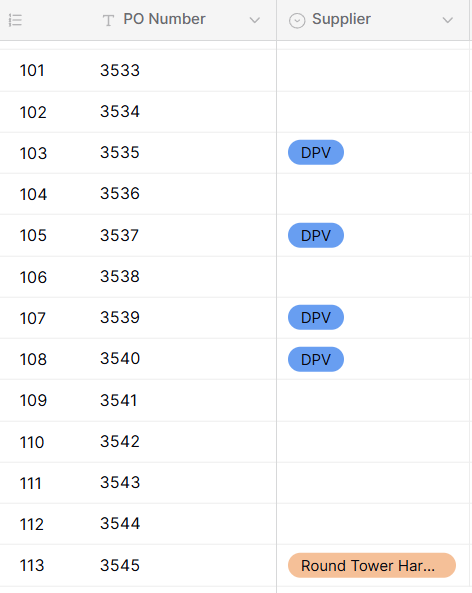
When you try convert a field/column from a Single Line text field to Single Select field, fields go missing

Are you using our SaaS platform (Baserow.io) or self-hosting Baserow?

SaaS

What are the exact steps to reproduce this issue?

  1. Import an excel sheet to use as a new table in Baserow
  2. Select header of a column and click ‘Edit Field’. It is currently a Single line text type field.
  3. From the field type dropdown, change your selection from ‘Single line text’ [current selection] to ‘Single select’
  4. Click Save
  5. The column updates but a number of random cells (that were previously filled with text) throughout the column go blank/empty

Attach screenshots, videos, or logs that demonstrate the issue.

Hey @markusername, just to confirm, were the values that disappeared just short text values?

Yes all short text values

And after the import, all the values were there, right? So they disappeared only after you changed the field type?

Yes all the values were there after import & yes they then disappeared after I changed the field type

I just tried to reproduce the flow, but it’s working for me. Does that file contain many rows?

112 rows in the excel sheet i uploaded

I suspect that more than 100 of them are unique values, and we have a limitation when converting a text field into a single select field, where the frontend only retrieves unique values with limit=100, limiting the number of options to 100.

Could that be the reason? Or do you have fewer than 100 unique values in that field?

No there’s probably only 30-40 unique values in the field

Hey @markusername, that’s strange. Could you please try again?