Are you using our SaaS platform (Baserow.io) or self-hosting Baserow?
SaaS
What are the exact steps to reproduce this issue?
I use n8n for different automations. It works since weeks and I’m really happy with it. We moved from one n8n instance to another and so I need to set up “new” n8n-credentials in the new n8n instance.
After trying this my database token doesn’t work anymore. n8n shows API answer from Baserow:
401 { “error”: “ERROR_INVALID_CREDENTIALS”, “detail”: “No active account found with the given credentials.” }
I tried to generate a new token (within the old set up at Baserow) and also tried to create a complete new token. Both doesn’t work.
I tried it in both n8n instances, the old and the new - error is the same.
I checked “user name” in n8n and it is my email as it should be.
A token from another member of our workspace still works. Seems to be connected to my account?
Can anyone help?
Hi @be_Berlin,
Do you have two-factor authentication enabled on baserow.io? You might be encountering this problem.
Cheers,
Peter Evans
No, 2FA is not enabled.
Is there anything else I can check?
Hi @be_Berlin,
That error message can appear for a variety of reasons. For security reasons, we can’t be too precise with what went wrong.
- Are you sending the exact token? Adding a leading and/or trailing space, for example, can cause issues.
- Have you tried using the token in our API to do something else, such as listing rows? It’d be worth trying it in a REST client such as Postman to verify that it’s working, outside of n8n.
- Does the token actually belong to your account? If your account became inactive, the token would be too.
Cheers,
Peter Evans
Thanks for answering and offer your help.
- yes I paid attention to copy the exact token, no spaces
- the token belongs to my account. And as I’m quite active in Baserow I can’t believe my account maybe inactive
So I tried Postman. And yes, it works there.
I understand that this looks like a n8n problem. But how could I fix that?
Is there a chance to find out if anyone else is facing problems with n8n?
I tried to set up another n8n workflow. With new credentials in n8n. With a different database token from another Baserow database that belongs to another user / account.
Same problem. (works in Postman but not in n8n)
Is there a chance that you test it? I’m using a self-hosted n8n Version 2.3.6
Morning @be_Berlin!
Please accept my apologies in advance if these questions are obvious, but we feel a little stumped about the cause of this problem! Could you please check for me:
- Are you definitely using a database token, and not accidentally passing a JSON web token (JWT)?
- Are you prefixing, on n8n’s side, your database token with
Token?
- Sorry again if this is obvious, but have you pasted your database token on n8n’s side in the “password” field?
Is there a chance that you test it? I’m using a self-hosted n8n Version 2.3.6
My colleague @frederikdc tested your version, and the only way he encountered an issue is with one or more of the bulletpoints above.
Cheers,
Peter Evans
Thank you very much for keeping up your efforts to help me.
Answering your questions:
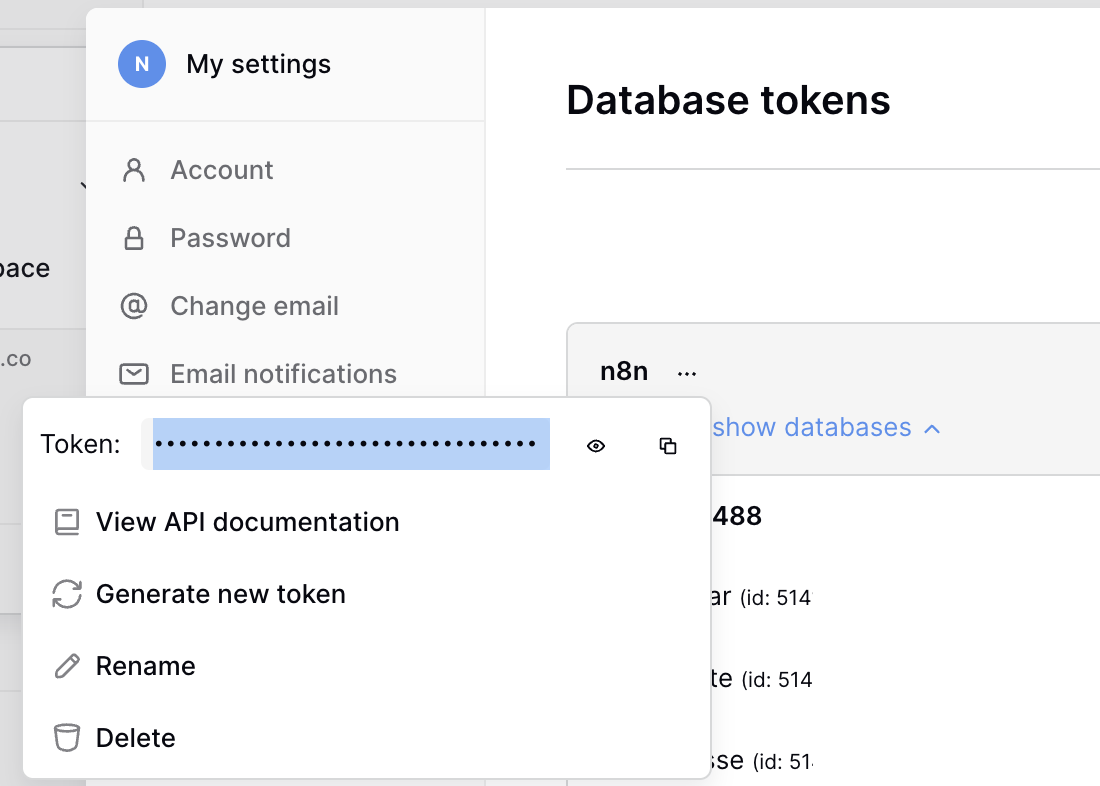
- I use the token that I get from here (see screenshot)
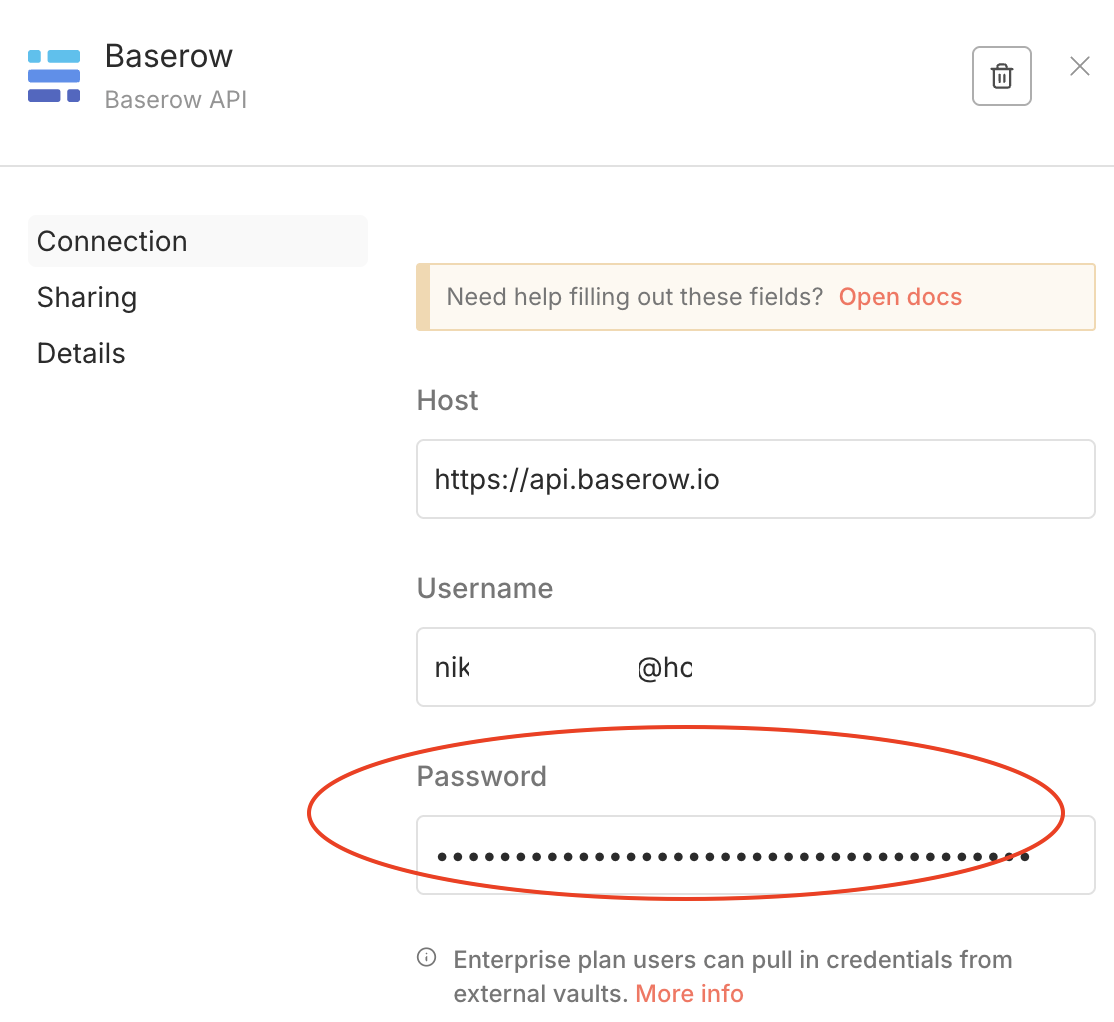
- Yes, in n8n I pass it to the password field, see screenshot.
Before answering question 2 I would like to mention that in n8n I use the prepared explicit “Baserow”-nodes and in n8n I use the option to save credentials globally (see screenshot 2 above). So I don’t use a general http-Request-node.
This way I use n8n since a long time and it always worked. Is this also the way you tested?
Coming back to question 2:
No, I didn’t prefixed with Token in n8n (as I did it in Postman). I never prefixed in n8n credentials and it worked before. (I guess that n8n prefixed in the background….?)
However I just tried it. Prefixing the token manually with Token and Token (with a space at the end). Unfortunately it doesn’t work. 
Hi,
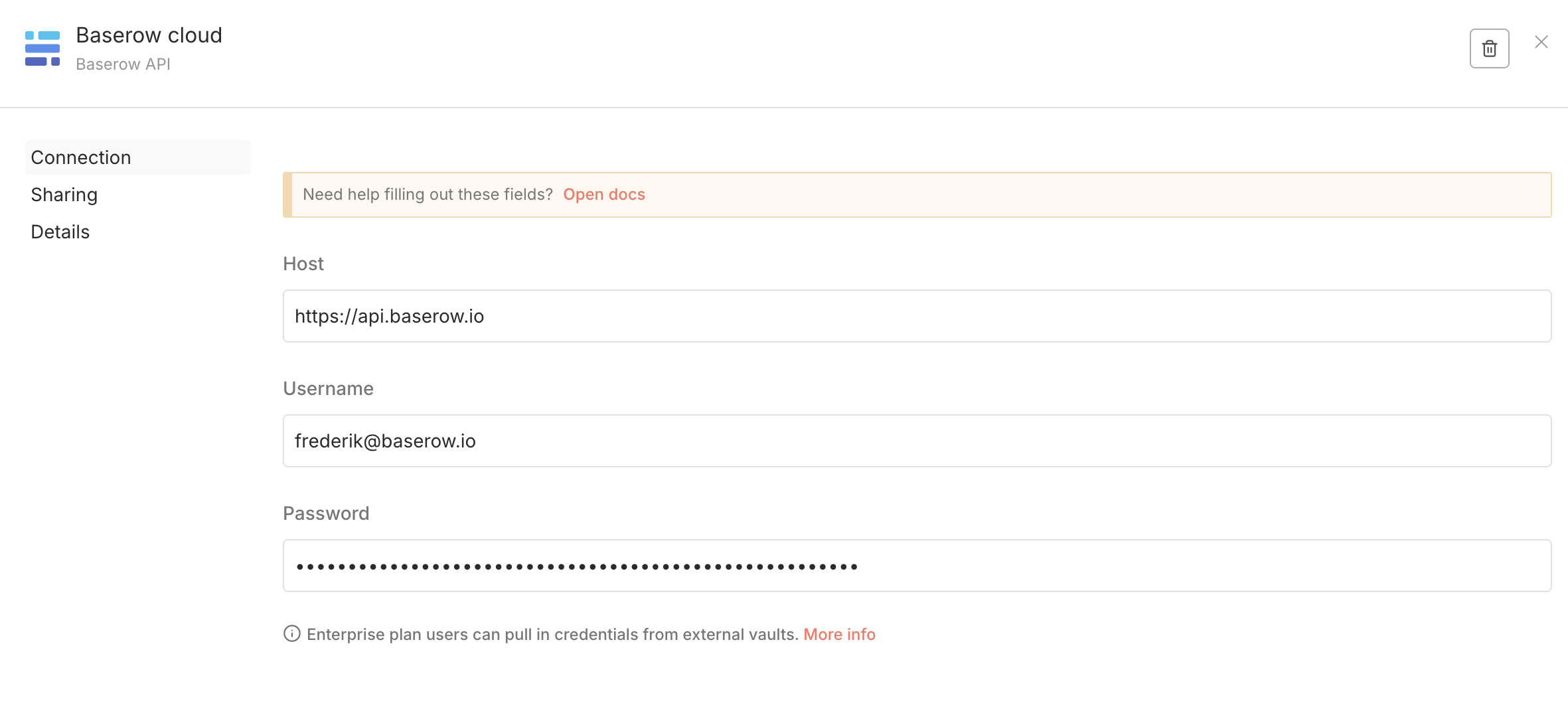
If you use the Baserow nodes, n8n creates the token for you based on your Baserow credentials.
So, the host will indeed be https://api.baserow.io. The Username is the email address you use to sign in into Baserow and the password is your actual Baserow password and not the token.
Hi @frederikdc and @picklepete ,
I’m sorry - I mixed things up with my password and the token. You’re right and now it works.
Thank you for your support to fix an error - that sits in front of the keyboard