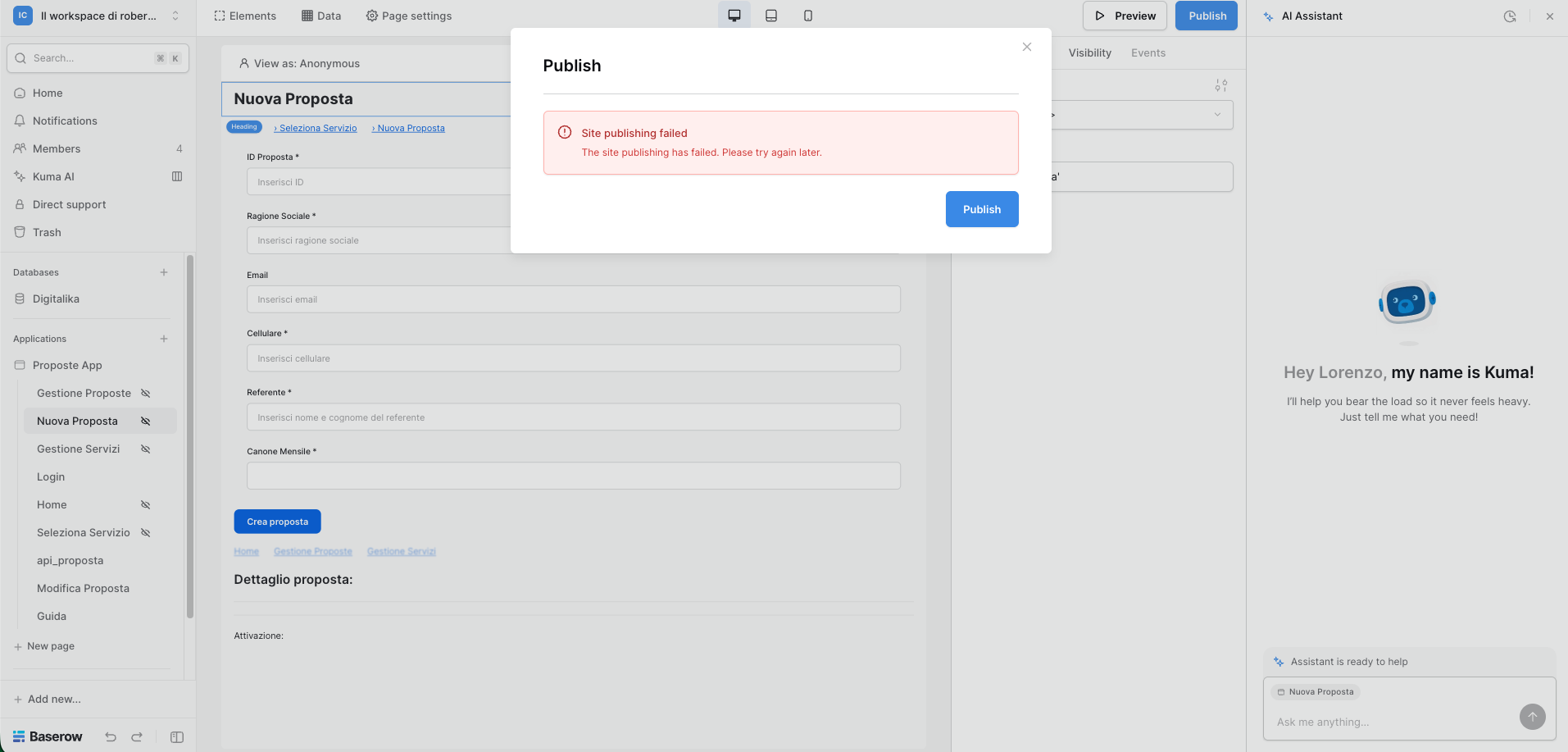
Are you using our SaaS platform (Baserow.io) or self-hosting Baserow?
SaaS
What are the exact steps to reproduce this issue?
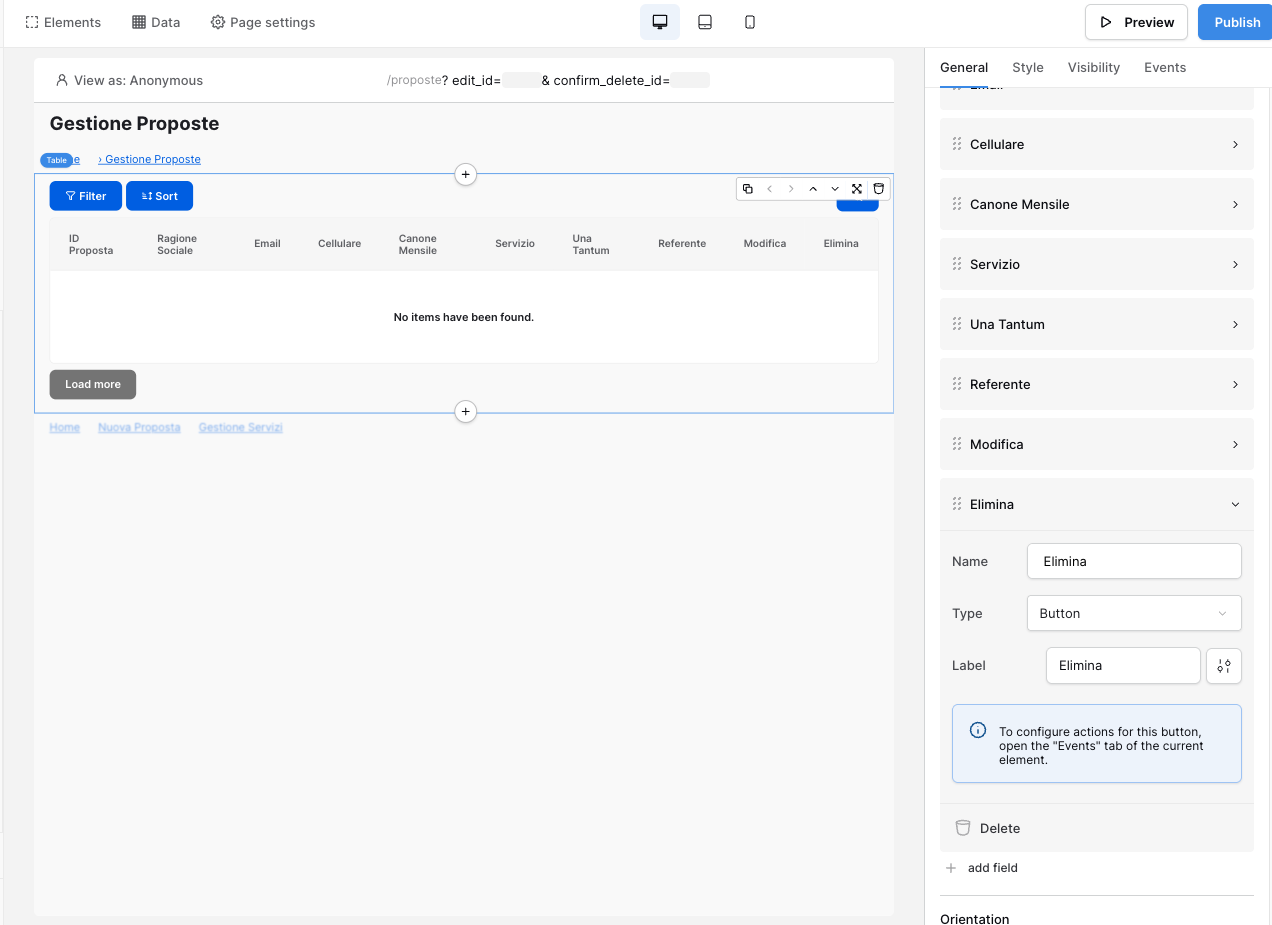
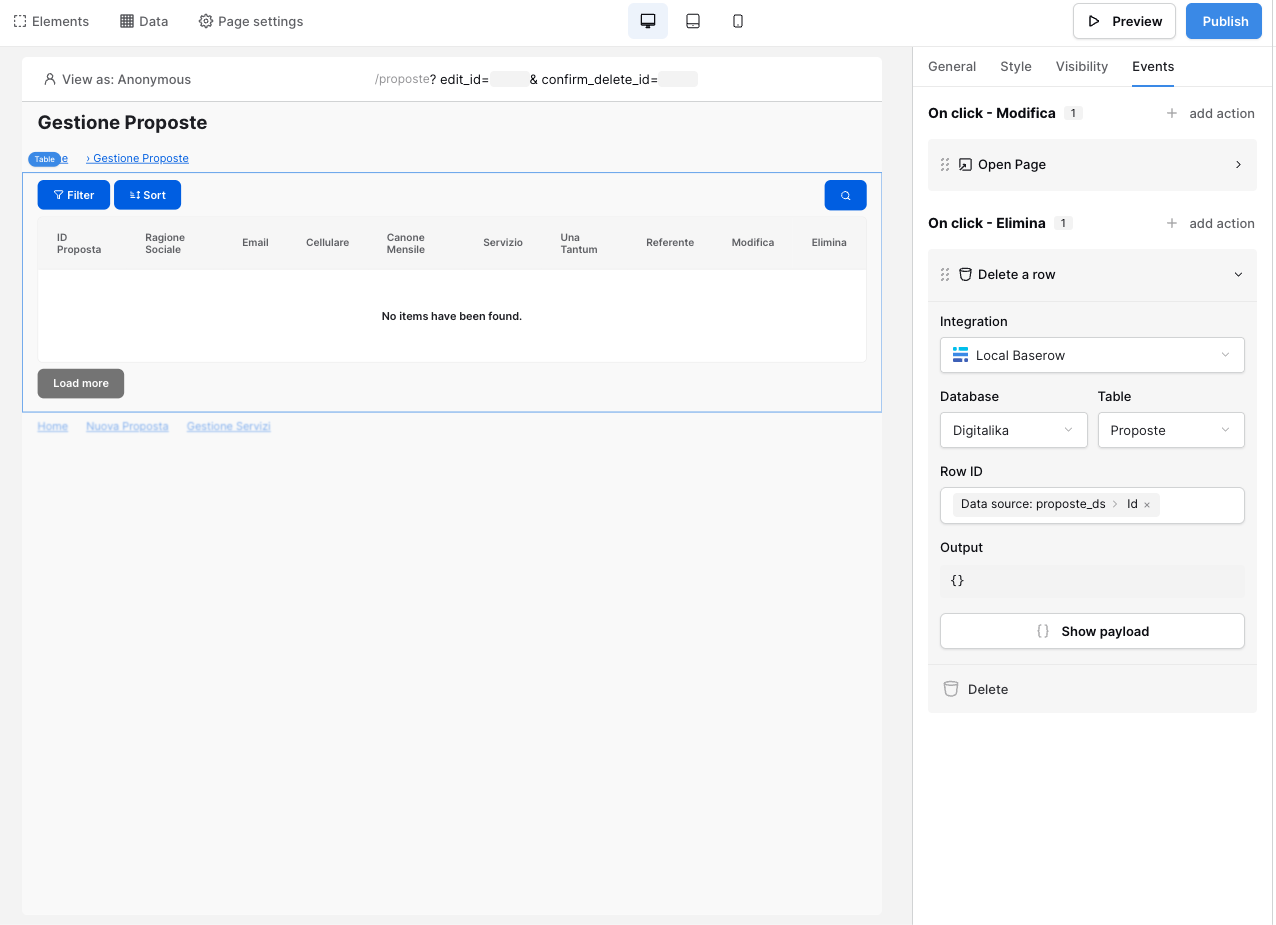
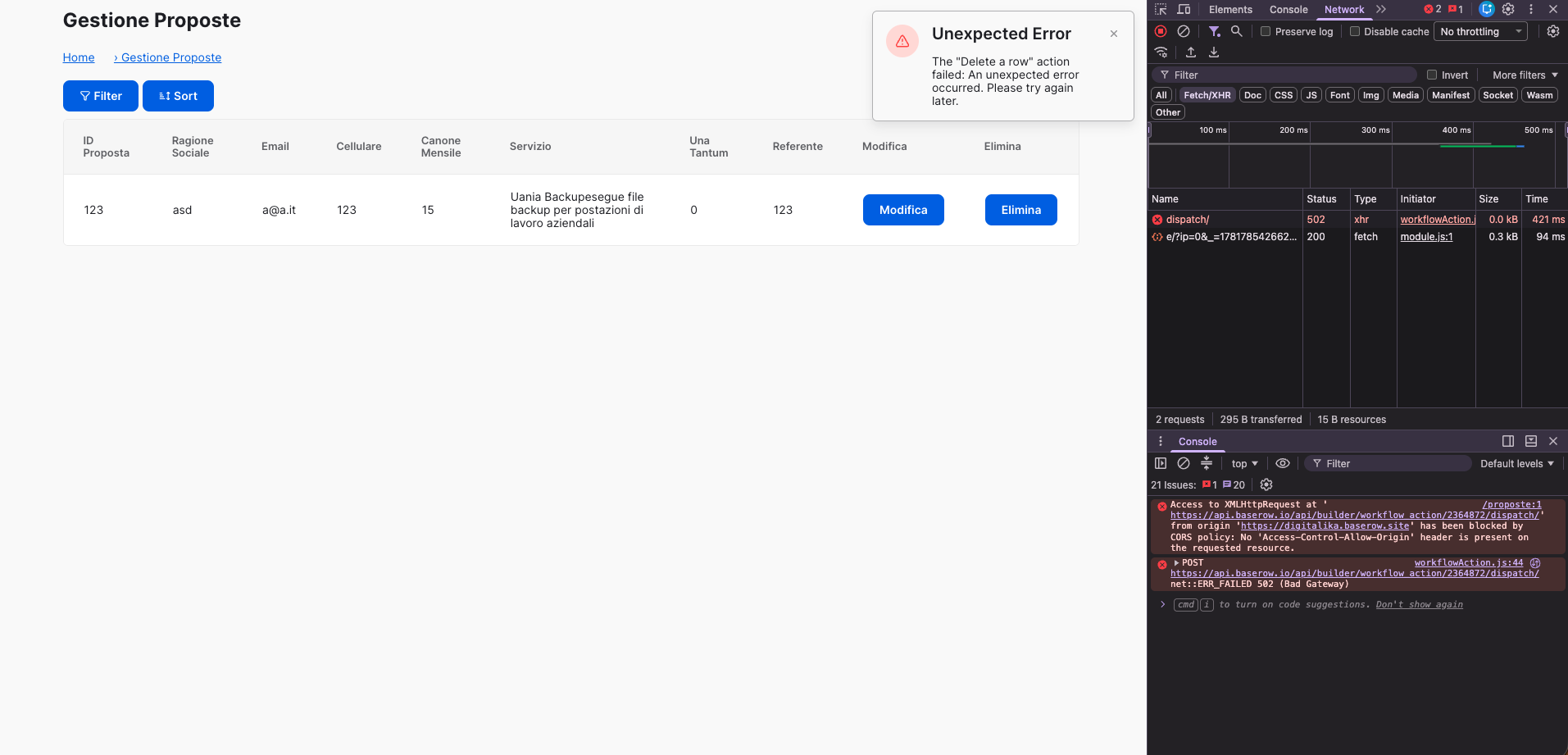
I configured a delete as column of the grid and the event to me looks correct. what is wrong here?
i can not understand it honestly. both claude opus 4.8 and kuma (gpt-4) are not helpful.
the 502 error does not look to be my fault (?)
Attach screenshots, videos, or logs that demonstrate the issue.
i forgot to mention that the record is actually deleted despite the operation request returning 502. bc of the error the grid is not reloaded (f5 will ask for the login again). the only thing that works is changing page (or view as you call it here)
Some good news: I can confirm that the row deletion is a bug, but it’s isolated to just the application builder, it still works in automations. The action does still delete the row, but an error pop-up is shown, which is inaccurate.
The bad news: a fix today is unlikely, we will need to investigate this deeper early next week.
Please accept my apologies for the inconvenience, we’ll hopefully have it resolved very soon.
It’s fixed and awaiting deployment, which should hopefully happen tomorrow. Thanks again for your patience, I hope it hasn’t caused too much inconvenience!
That’s a strange one! A fix for the delete row action was deployed yesterday.
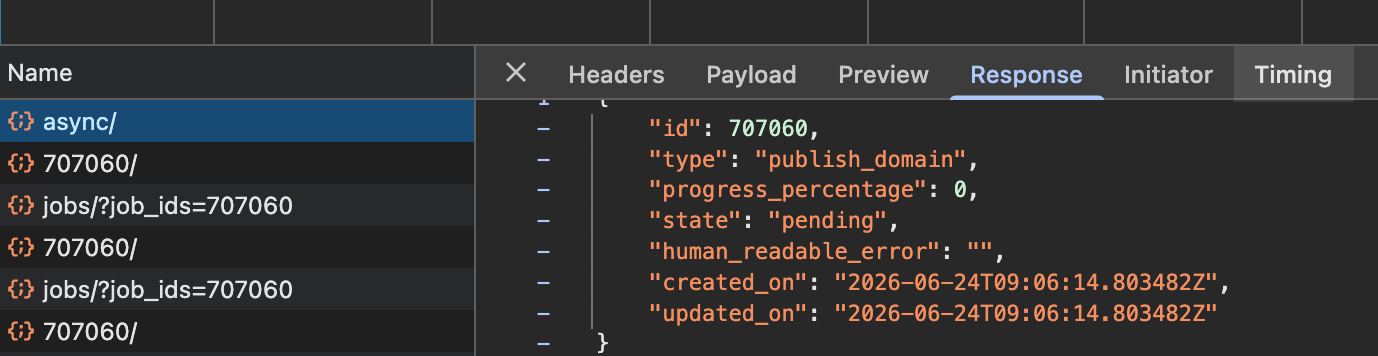
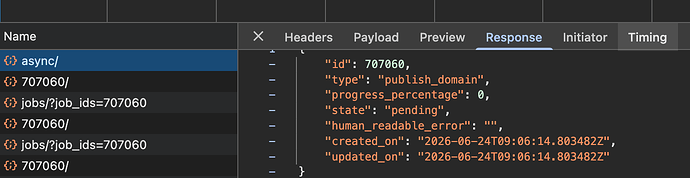
Would you mind opening your developer tools console (e.g. in Chrome: View → Developer → Developer Tools) and screenshotting the request which failed? Like this:
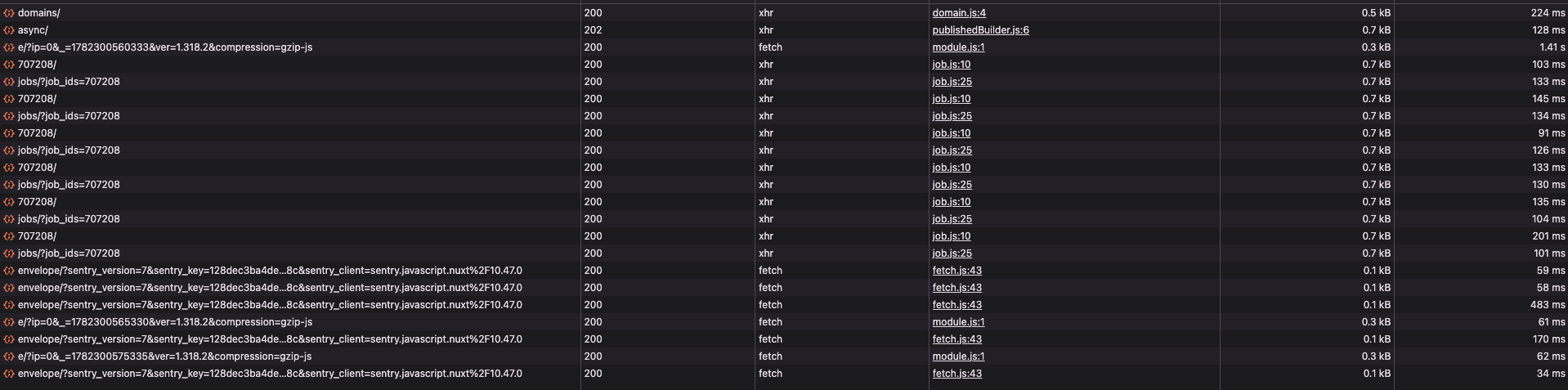
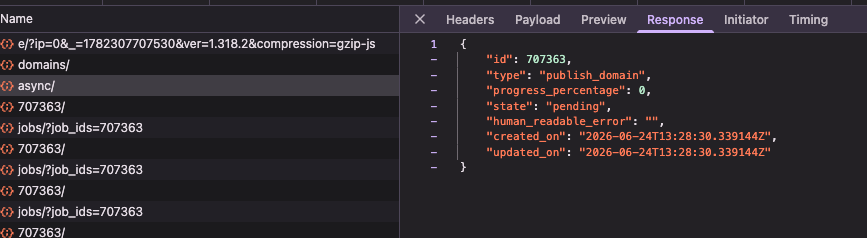
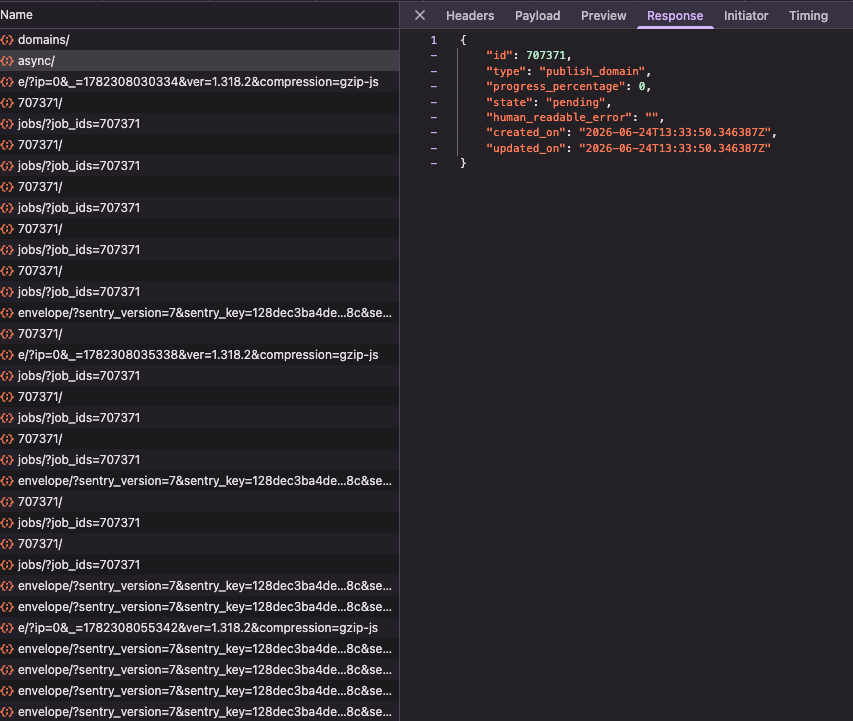
these are all the network requests from the opening of the publish popup to the end of the publish. as you can see no errors here but in the console i have, per try, this error:
Uncaught (in promise) TypeError: this.$el.querySelector is not a function
    at Proxy.focusOnError (error.js:67:30)
    at Proxy.<anonymous> (error.js:57:33)
i hope this can help, might it be a case of: fixed a bug → created a bug?
Judging by that screenshot, it looks like the publish (the async one, second from the top) was successful. Can you confirm by looking at the published application if it looks right?
If it has been published correctly, this is a frontend issue, unrelated to the delete-row issue, which we can also investigate.
sorry for not having mentioned it, but the deploy actually fails. the modifications applied to the project are not being reflected in the published version.
this is the response of the last https://api.baserow.io/api/jobs/?job_ids=707371
```json
{
“jobs”: [
{
“id”: 707371,
“type”: “publish_domain”,
“progress_percentage”: 100,
“state”: “failed”,
“human_readable_error”: “Something went wrong during the publish_domain job execution.”,
“created_on”: “2026-06-24T13:33:50.346387Z”,
“updated_on”: “2026-06-24T13:34:02.337028Z”
}
]
}
```
all the other requests have the same data except for the “progress_percentage” value that increases and the “human_readable_error” that is populated only in the last request.
Thank you @Lorenzo! I can see, using 707371, that your issue is to do with a formula.
Have you recently editted formula where you’ve put a $ symbol into it? If you could share where that is, and what element it’s used by, that’d be great!
You have a formula somewhere that goes: $formula: [form data]. This is a bug introduced by Kuma when it assisted you at some point. If you manually remove the $formula: prefix, it’ll publish. We’ll work on addressing the Kuma part soon.
ok, thanks, i will check and try to locate the formula. do not know at the moment where it could be located at.
you surely have to address kuma, it hallucinates a lot and 7/10 times does not answer and asks for a new session, cool idea in theory, unfortunate result.
it would be really helpful if it worked better. Can i also suggest an MCP?
ps: i know the main driver for gpt 4 models is cost, are you trying internally run AI?
have a wonderful day
Lorenzo
EDIT:
I can not find where the modification was made: kuma touched only 1 page and only 1 input in it. i verified it and it looks good to me, i tried also to reassign the value to the field. no success.
EDIT 2:
would you be open for a google meet call to try resolving this issue? if not it’s fine and thanks for all the work you’re doing for me
 ) started the fixing session?